Testing Your Connection
To make sure the Docupresentment Client can connect to the Docupresentment Server, click the Test Connection button. 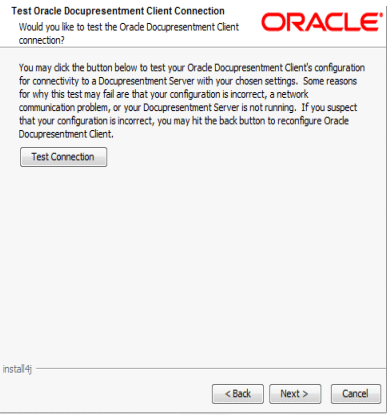
Note:
Docupresentment Server and the queuing system you chose have to be running to test the Docupresentment Client.If the test is successful, the below message appears “connection to Docupresentment Server Successful”.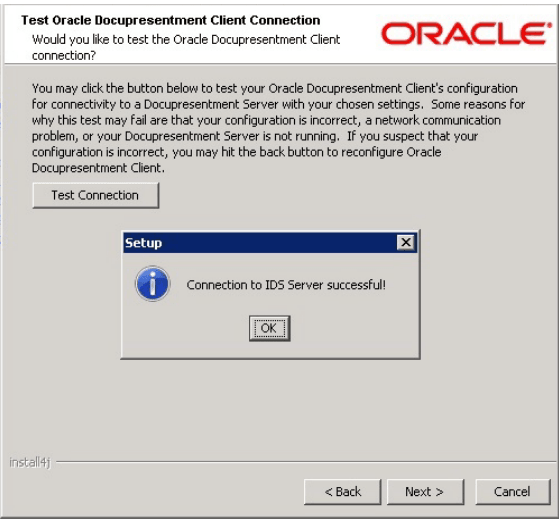
This window indicates that the Docupresentment Client is configured correctly and is successfully communicating with the Docupresentment Server. Click Ok, then click Next.
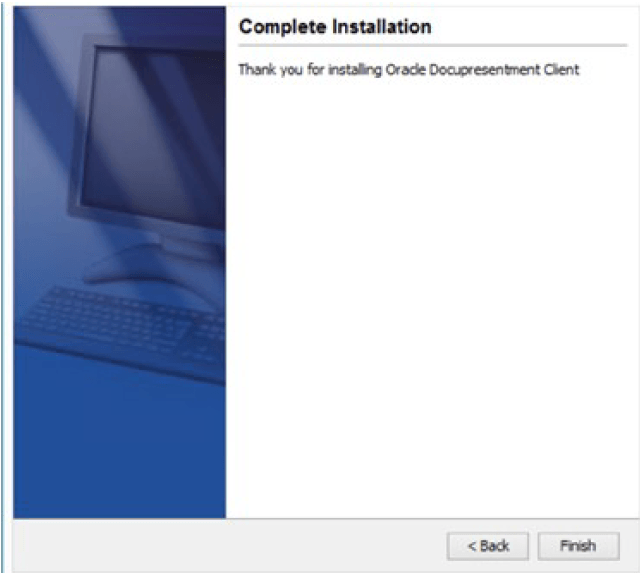
The Complete Installation window appears. Click Finish to complete the installation. Congratulations, you have installed the Docupresentment Server, Shared Objects, and Docupresentment Client Now proceed to the next topic, Testing Your Installation