3.3.1.1 Collector Activity
This topic provides information on collector activity. It explains how collector tasks are tracked, managed, and displayed within the application.
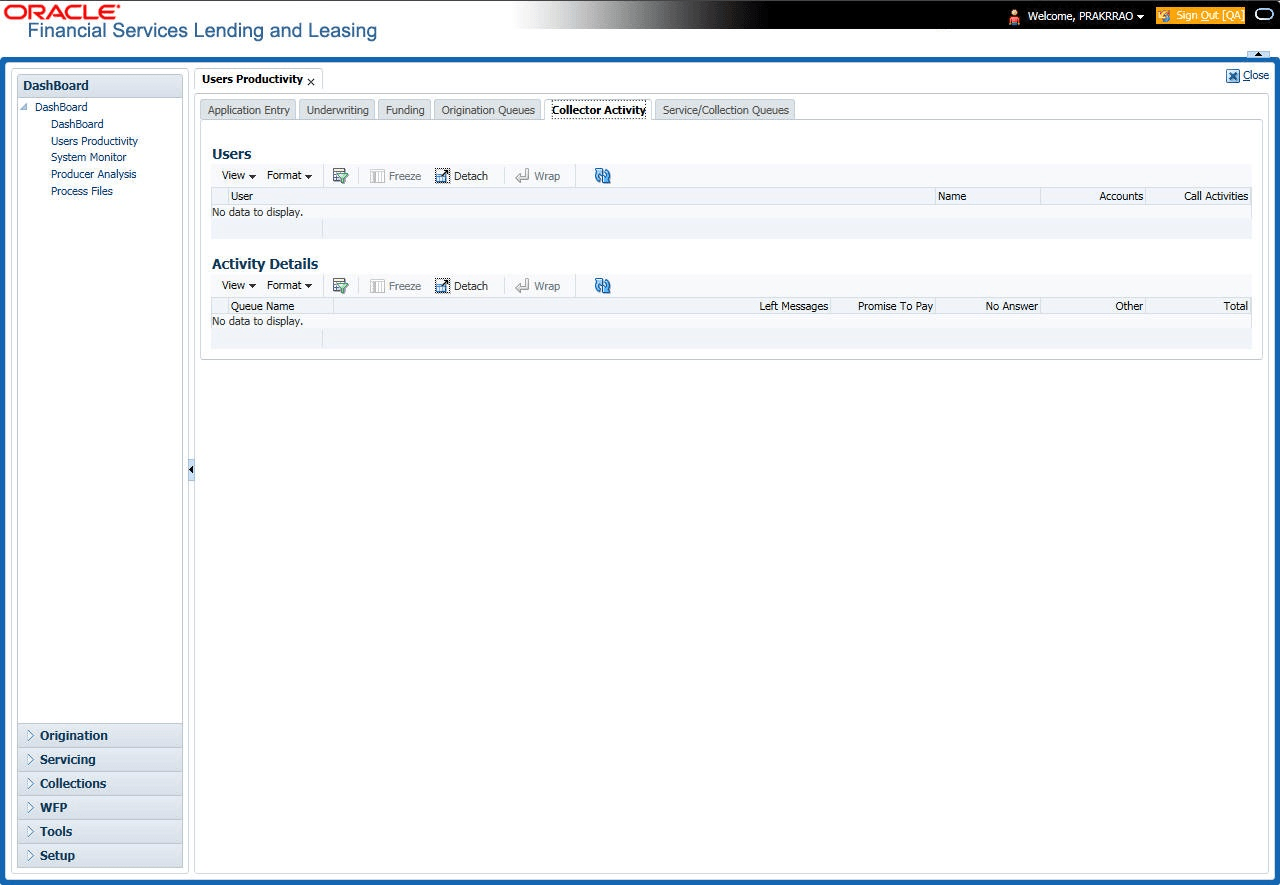
The Collector Activity screen displays the number of accounts worked and call activities by collector for the day. It also displays details regarding calls and total number of calls per queue.
To use the Collector Activity
- On the Dashboard click
Dashboard, under Dashboard click
User Productivity, under User
Productivity click Collector Activity.
The User Productivity screen displays.
In the Users section, user can view the information. For more information on fields, refer to the field description table.
Table 3-1 User Section
Field Description User Displays the user code. Name Displays the user name. Accounts Displays the number of accounts worked. Call Activities Displays the number of call activities. - In the Activity Details section, user can view information for the
selected user. A brief description of the fields is given below:
Table 3-2 Activity Details Section
Field Description Queue Name Displays the queue name. Left Messages Displays the left message activity count. Promise To Pay Displays the promise to pay activity count. No Answer Displays the no answer activity count. Other Displays the other activity count. Total Displays the total activity count.
Parent topic: Viewing the Customer Service/Collection Tasks