5.3 Applicants Tab
This topic provides information on applicants. It covers capturing applicant details, including identification, demographics, employment, assets, liabilities, and income information.
Using the information supplied on application, complete Applicants tab details and the following sub tab details:
- Address
- Employments
- Telecoms
- Financials
- Liabilities
- Other Incomes
- Summary
- Credit Scores
- Duplicate Applicant
- Existing Accounts
The system uses information on Financial and Liabilities sub tabs to determine the applicant’s net worth. The system uses information on Employments tab and Other Incomes sub tab to calculate applicant’s debt-to-income ratio.
Note the following while completing frequency fields:
- Biweekly in the system means once every two weeks and not twice a week.
- Bimonthly in the system means once every two months and not twice a month.
For more information, refer appendix Payment Amount Conversion.
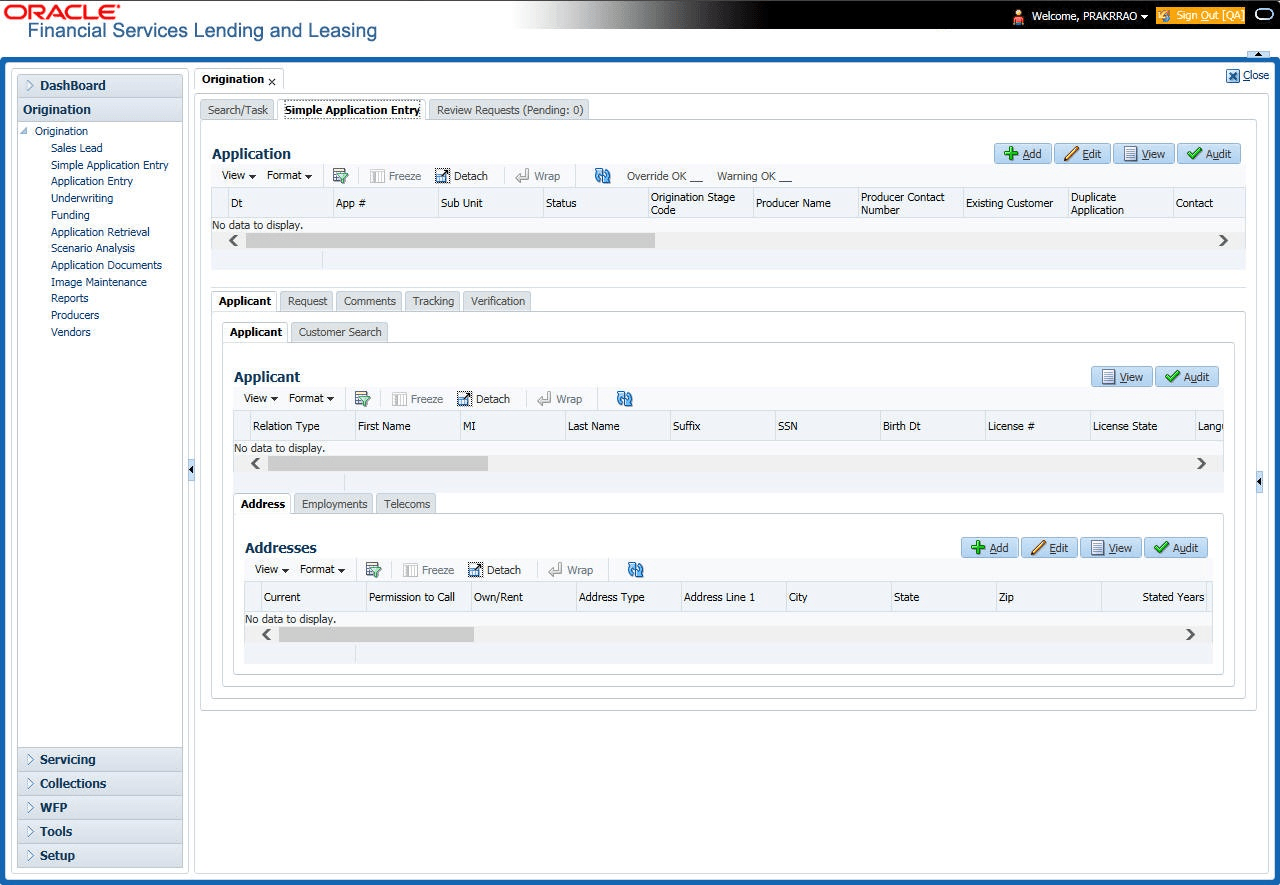
To complete the Applicants Details screen
- On the Origination, click
Origination. Under
Origination, click Simple Application
Entry. Under Simple Application Entry,
click Applicant. Under Applicant,
click
Applicant.
The Applicant screen displays.
For details on this screen refer Applicant Tab of the Underwriting chapter.
Parent topic: Simple Application Entry