6.6 Master Account Tab
This topic provides information on the Business Applicants tab. It enables users to view and manage application details submitted by business entities.
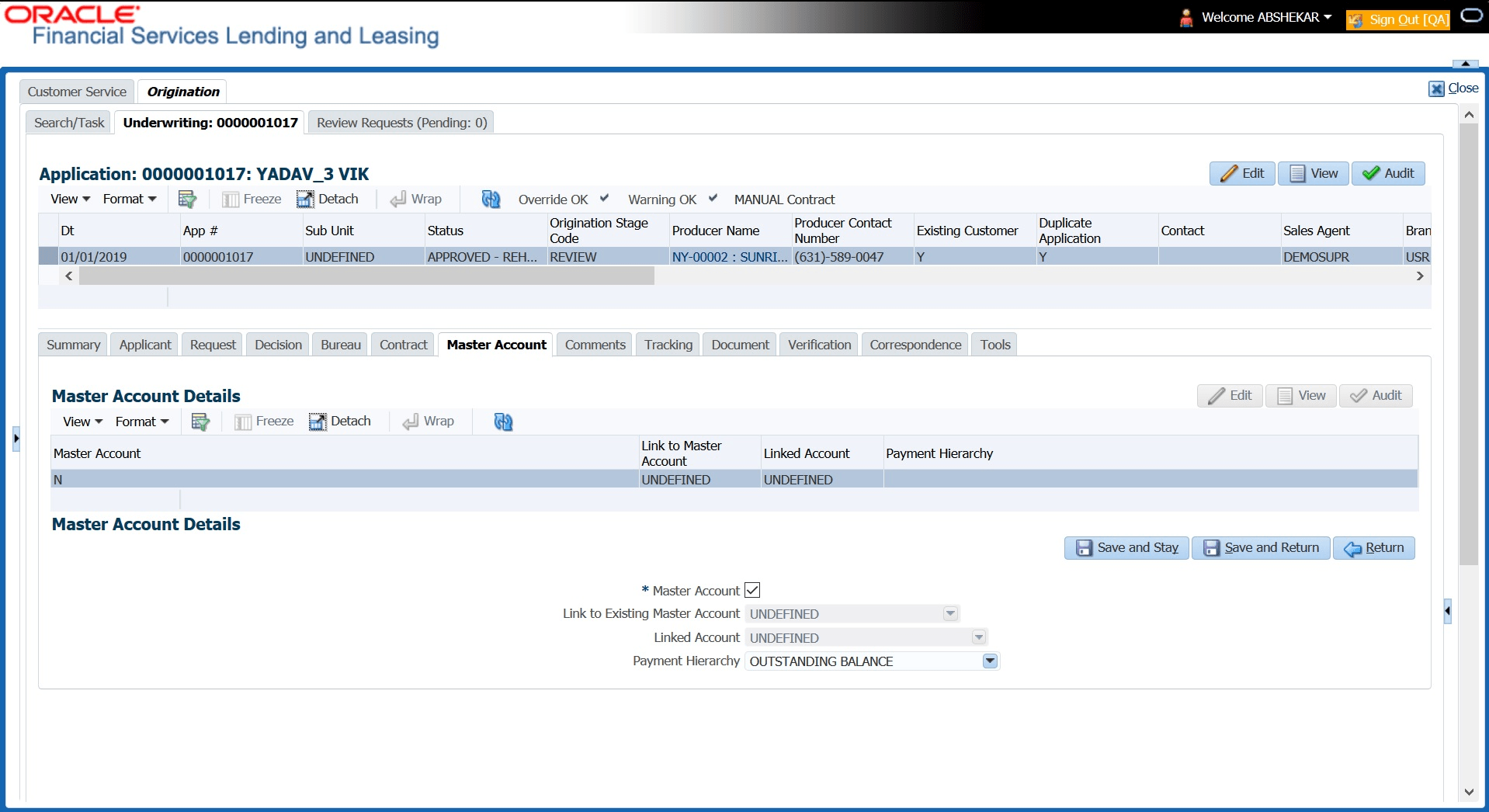
The Master Account tab in Origination screen facilitates to categorize the current application to be considered as Master Account after funding or link the current application to another existing master account in the system.
To define Master Account Details
- On the Origination, click Origination. Under Origination, click Application Entry.
- Under Application Entry, click
Underwriting. Under
Underwriting, click Master
Account.
The Master Account screen displays.
For details on this screen refer Master Account Tab section in Underwriting chapter.
Parent topic: Application Entry