6.7 Bureau Tab
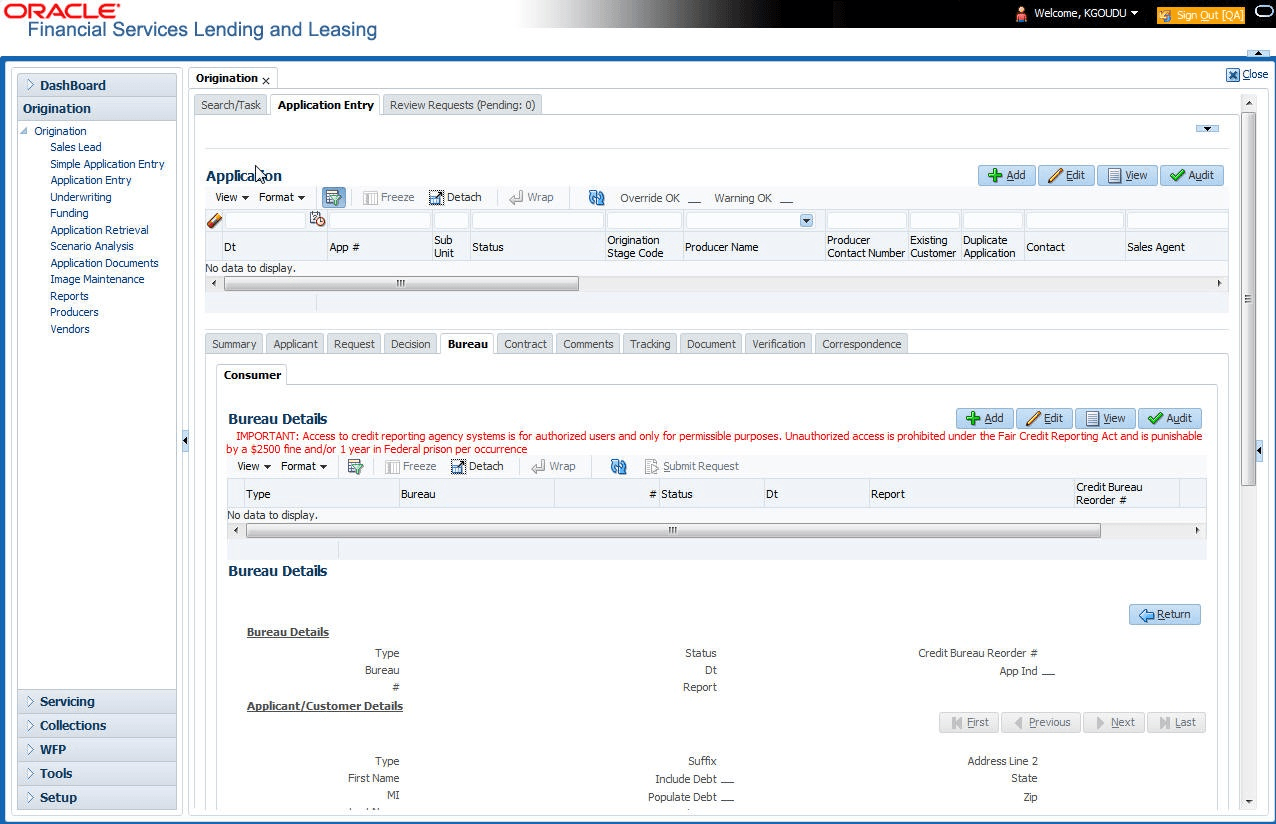
This topic provides information on the bureau tab. It enables users to access and review bureau reports linked to an application.
The Bureau tab displays credit report (if pulled) for an applicant. If there is a need for another pull for any applicant, it can be done here manually using the New Request section.
To verify the credit bureau data using the Bureau tab
- On the Origination, click
Origination. Under Origination,
click Application Entry. Under Application
Entry, click
Bureau.
The Bureau screen displays.
For details on this screen refer Bureau Tab section in Underwriting chapter.
Parent topic: Application Entry