6.8 Collateral Tab
This topic provides information on the collateral. It allows users to access collateral records and review asset information associated with the request.
Depending on the type of product or producer user select, the Collateral tab opens one of the three following collateral screen: a vehicle information screen, a home information screen or an other information screen. Complete the screen that is available on user Applications screen. After that, complete the Valuation and Tracking sub screen, which the Collateral link’s screens share. If user are entering an unsecured Loan, the Collateral link is present but inactive; in which case, skip this step.
To enter vehicle information from the Collateral tab
The Collateral screen displays.
If the collateral is a vehicle, the Collateral link displays information about the vehicle.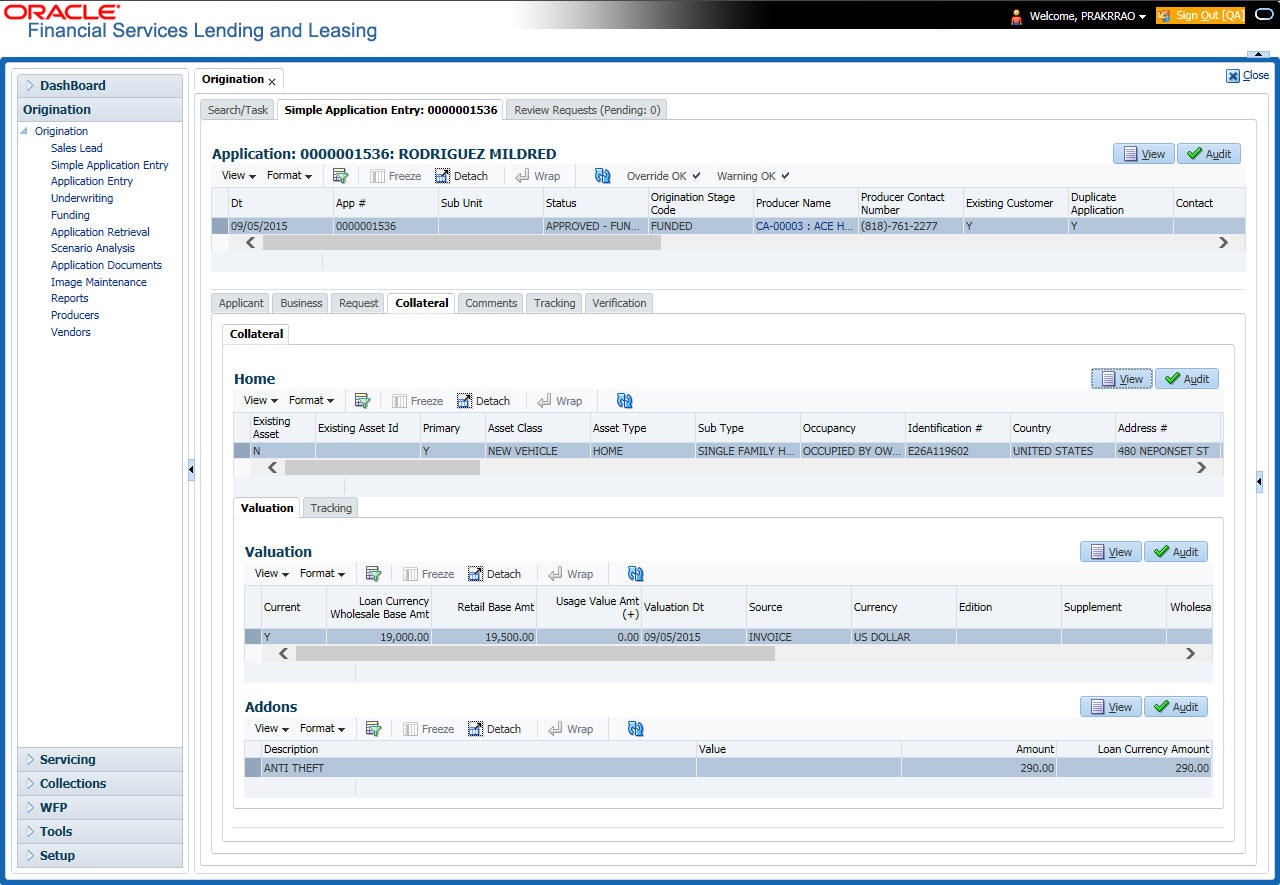
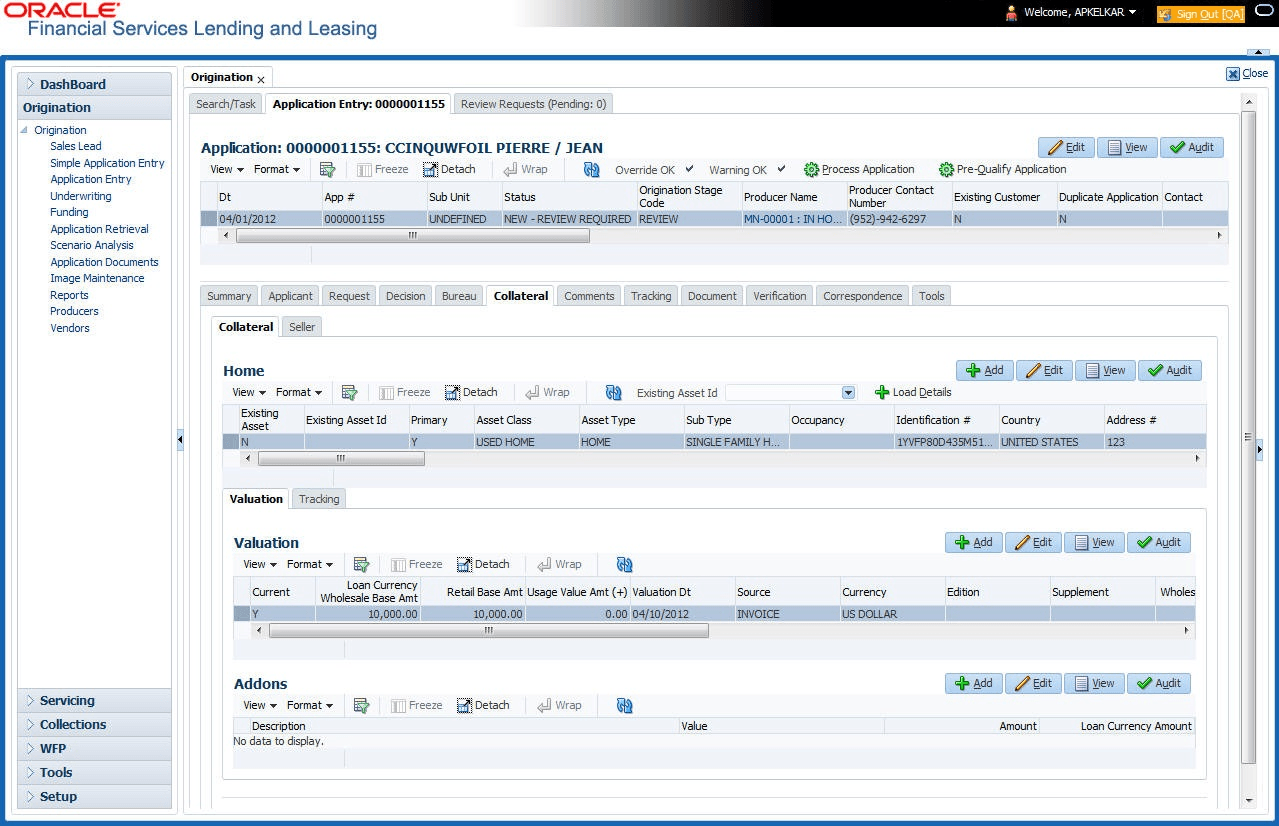
If the collateral is a home, the Collateral link displays information about the home.
If the collateral is any other, the Collateral link displays information about that collateral.
For details on this screen refer Collateral Tab section in Underwriting chapter.
Parent topic: Application Entry