6.9 Comments Tab
This topic provides information on Comments. It allows users to add, view, and manage remarks or notes within the application.
When using the Application Entry screen, user can add comments to an application at any time in the application entry process by clicking the Comments tab.
To complete the Comments screen
On the Origination, click Origination.
Under Origination, click Application
Entry. Under Application Entry, click
Comments.
The Comments screen displays.
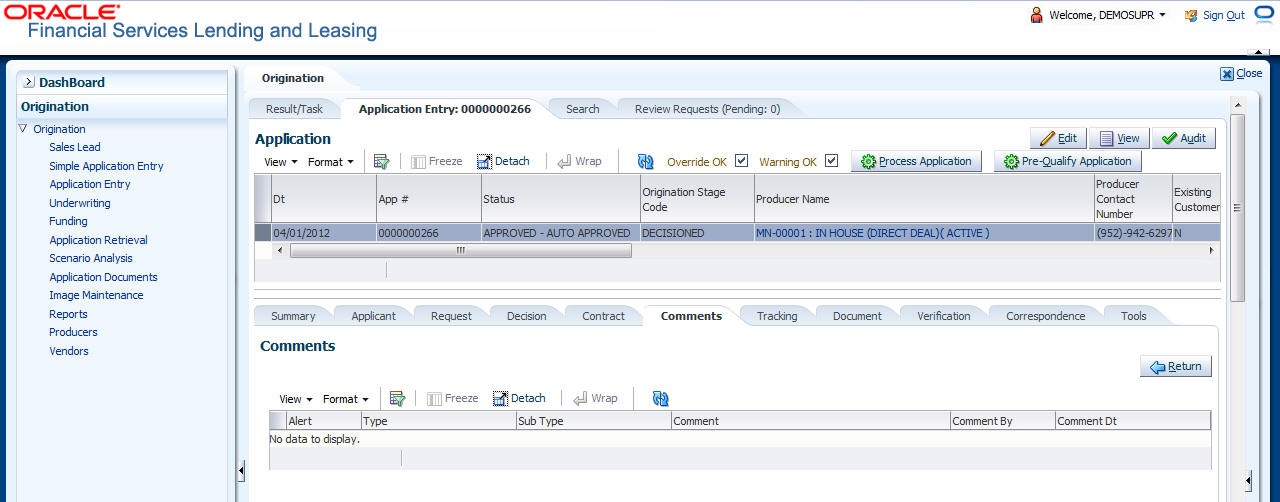
For details on this screen refer Comments Tab section in Underwriting chapter.
Parent topic: Application Entry