5.5 Request Tab
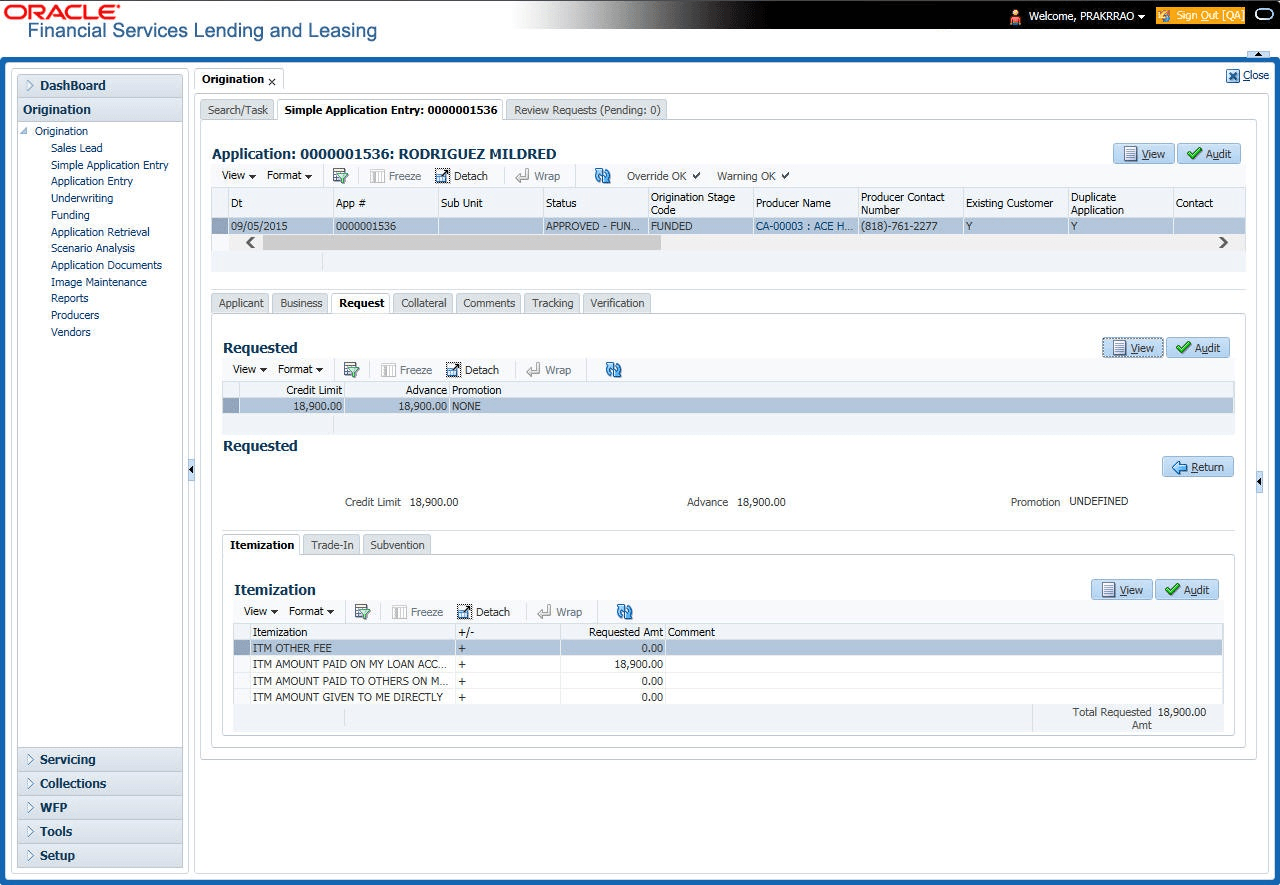
This topic provides information on the request tab. It enables users to create, submit, and track requests within the application.
Depending on the type of product user select, the following screen will be available from Requested tab.
To complete Request tab:
- On the Origination, click
Origination. Under Origination,
click Simple Application Entry. Under Simple
Application Entry, click
Request.
The Request screen displays.
For details on this screen refer Request Tab of the Underwriting chapter.
Parent topic: Simple Application Entry