1.1.3 Screens
This topic provides information about the screens and their functions within the application.
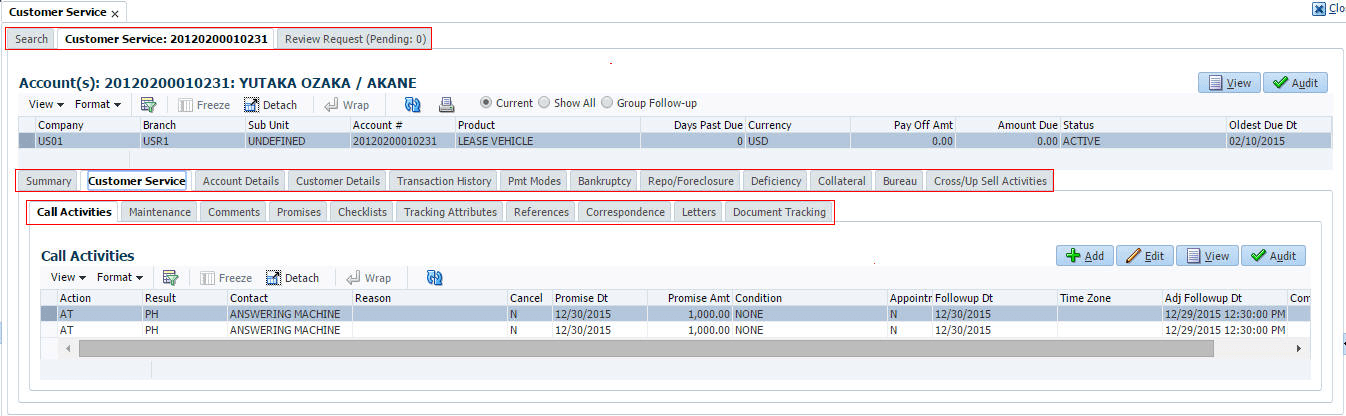
Details in few main screens are grouped into different sections. These sections are displayed as tabs, horizontally within the screen. In turn, details in few of these tabs are again grouped horizontally. The details are displayed when user click the tab under which they are grouped. As similar to the main screen tabs, user can identify the active tab with its white background.
For example, Customer Service main screen has four main tabs. When user click
on Customer Service tab, the corresponding tabs are
displayed.
User can click  to view the hidden tabs, if any.
Parent topic: Template and Navigation