2.2.1 Search/Task Tab
This topic provides information on searching for an application.
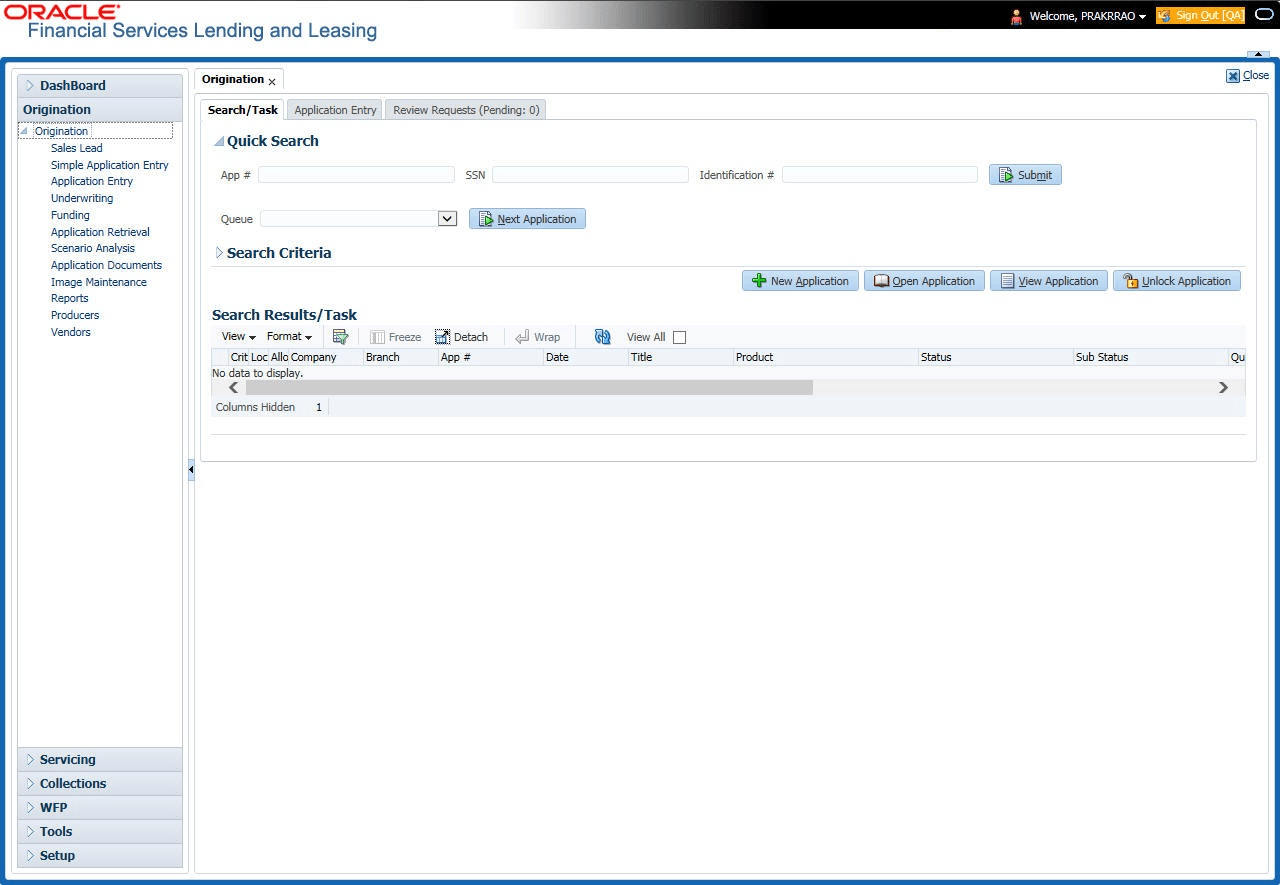
To view the Search/Task screen during Loan origination
- On the Origination, click
Origination. Under Origination, click
Search/Task.
The Search/Task screen displays.
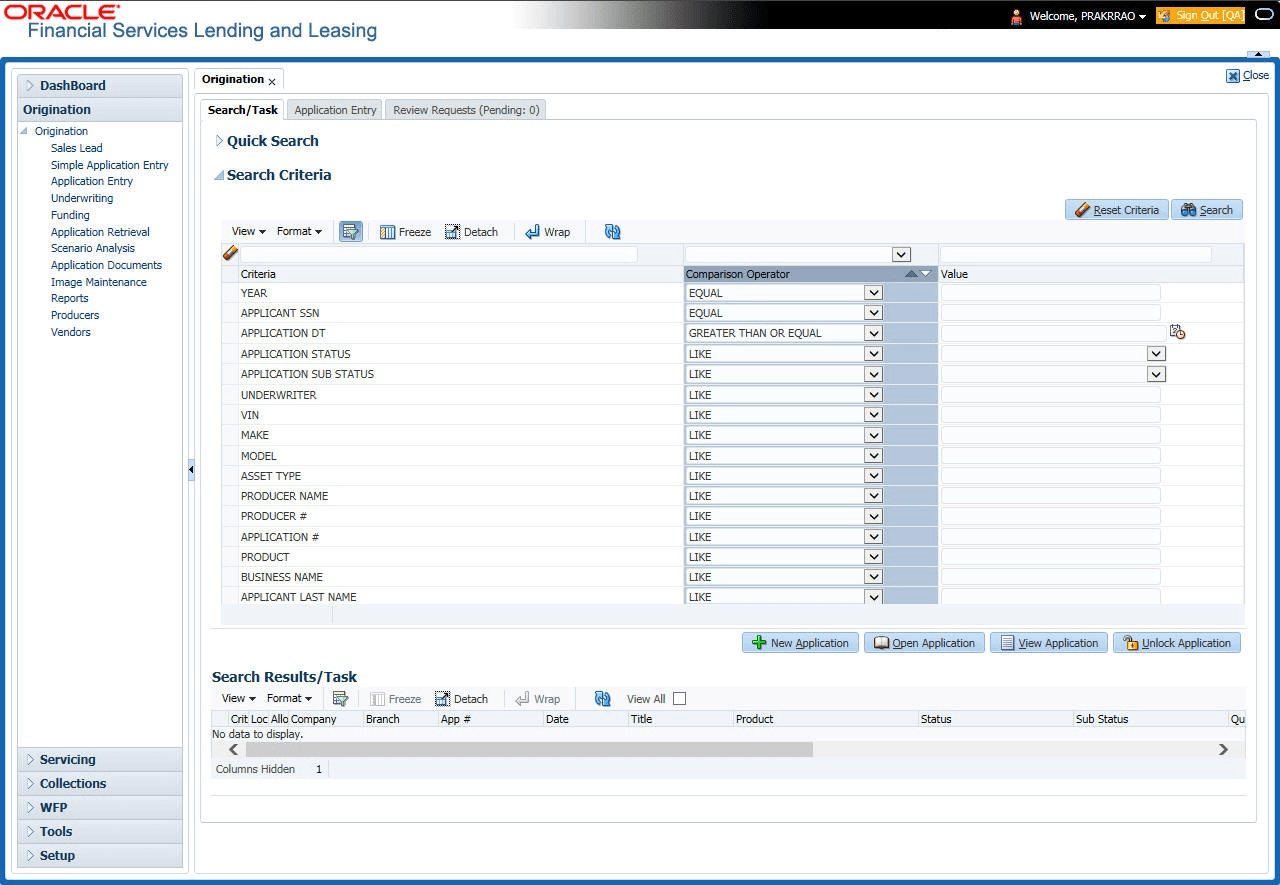
- Click the Search Criteria
tab.
The Search Criteria details are displays.
The search tab enables user to locate an application using a broad range of search criteria.- During Loan origination, the results are sorted according to the priority of application and application identification number. However user can sort the records using any criteria.
- If user try to open an application which is already opened by another user, system displays an alert message indicating “Application is locked by <User Name> Phone <phone number>”.
The Search Results/Task screen.
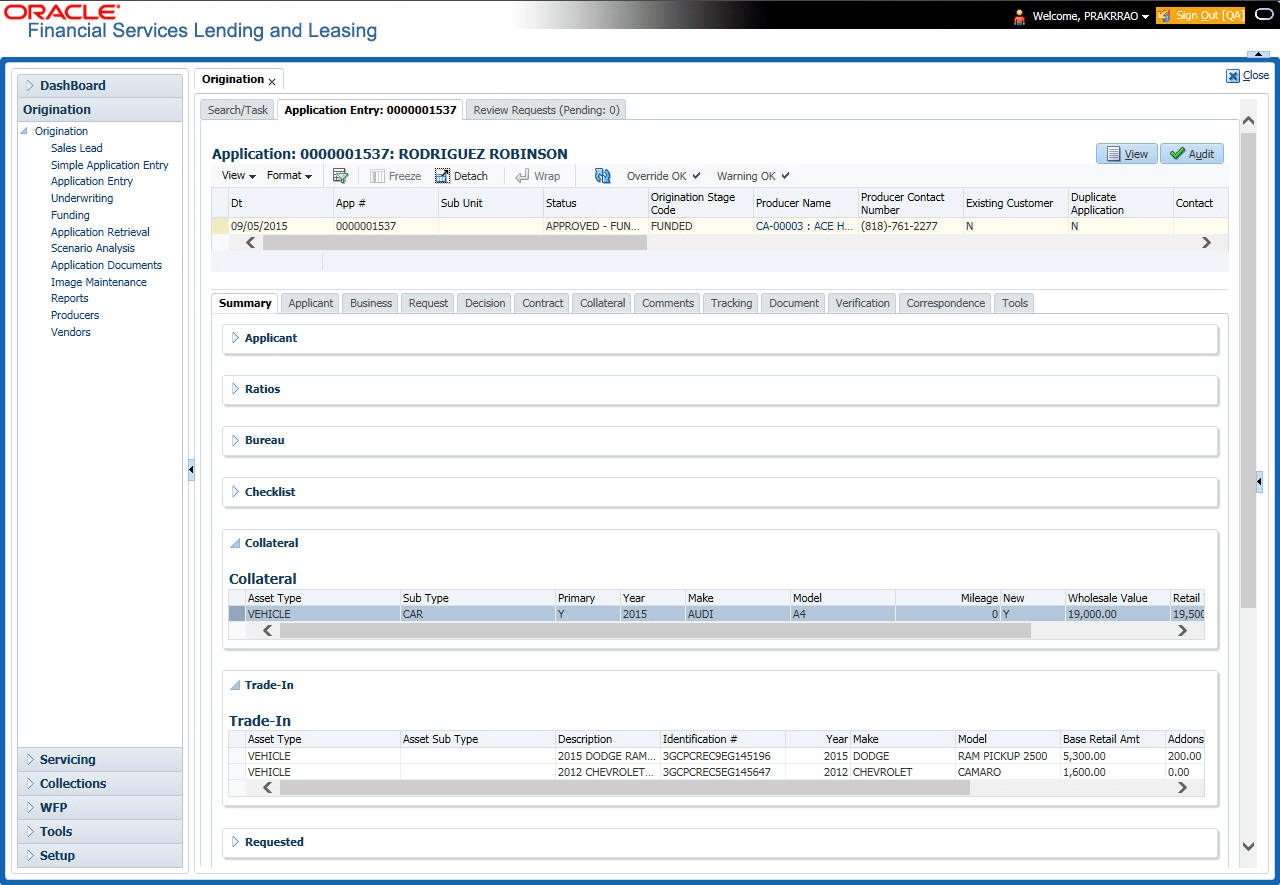
- On the Results screen, select the application user want to load and click
Open Application.
The system loads the application on the respective screen.
User are now ready to begin work on the application.
Parent topic: Searching for an Application