8.4 Summary Tab
This topic provides information on the summary tab, which displays an overview of funding records for easy reference and management.
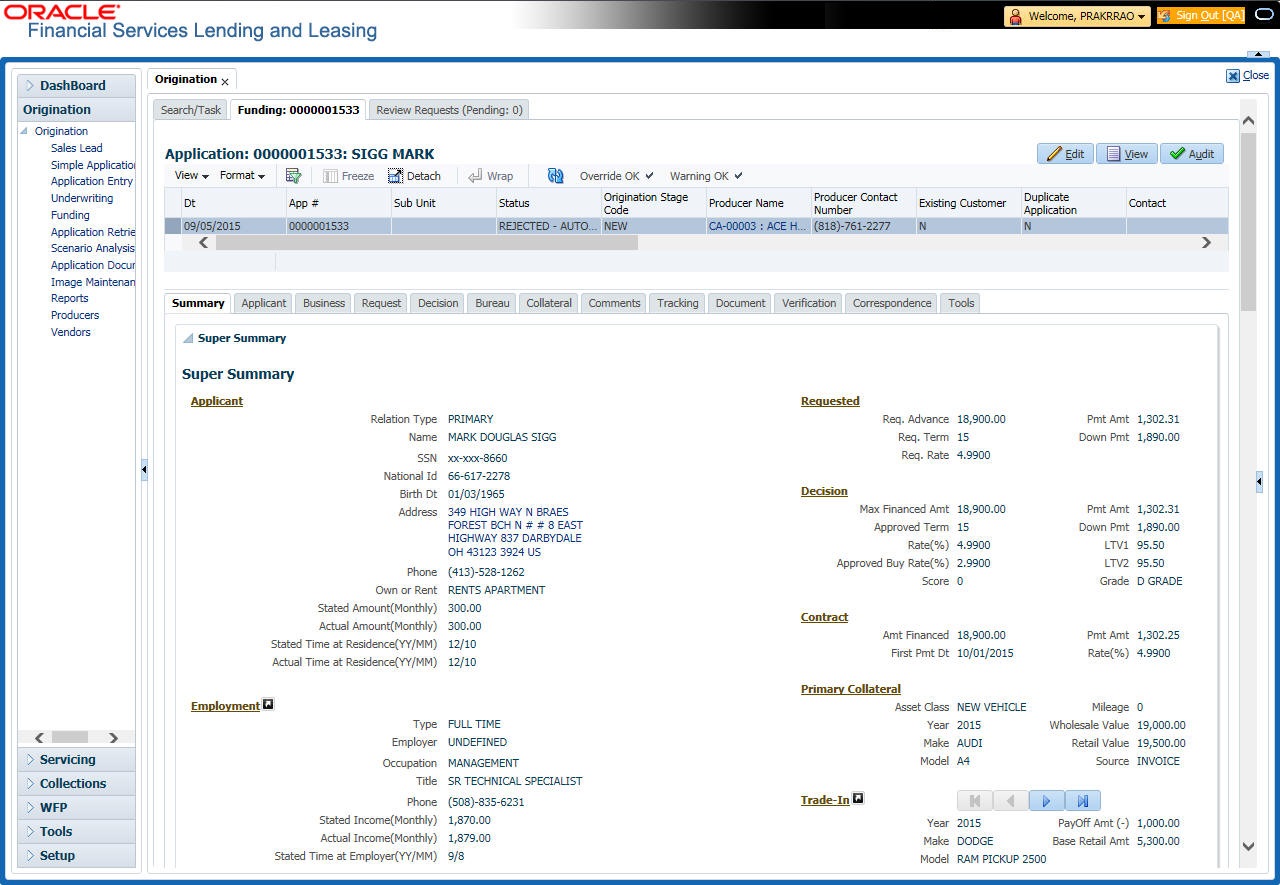
The summary screen provides a unified view of the application details without navigating to the respective screens/ sub-tabs.
Using this screen, the user can view the applicant details, asset details, ratios (only for Primary Applicant), trade-In, requested details, approved details, itemization, decision history, alerts, comments, and checklist details in the respective section.
To view the Summary
- On the Origination, click Origination. Under Origination, click Funding.
- Under Funding, click Funding tab.
Under Funding tab, click
Summary.
The Summary screen displays.
For details on this screen refer Summary Tab section in Underwriting chapter.
Parent topic: Funding