8.5 Applicants Tab
This topic provides information on the Applicants section, which records and manages applicant details, eligibility criteria, and submission status for funding requests.
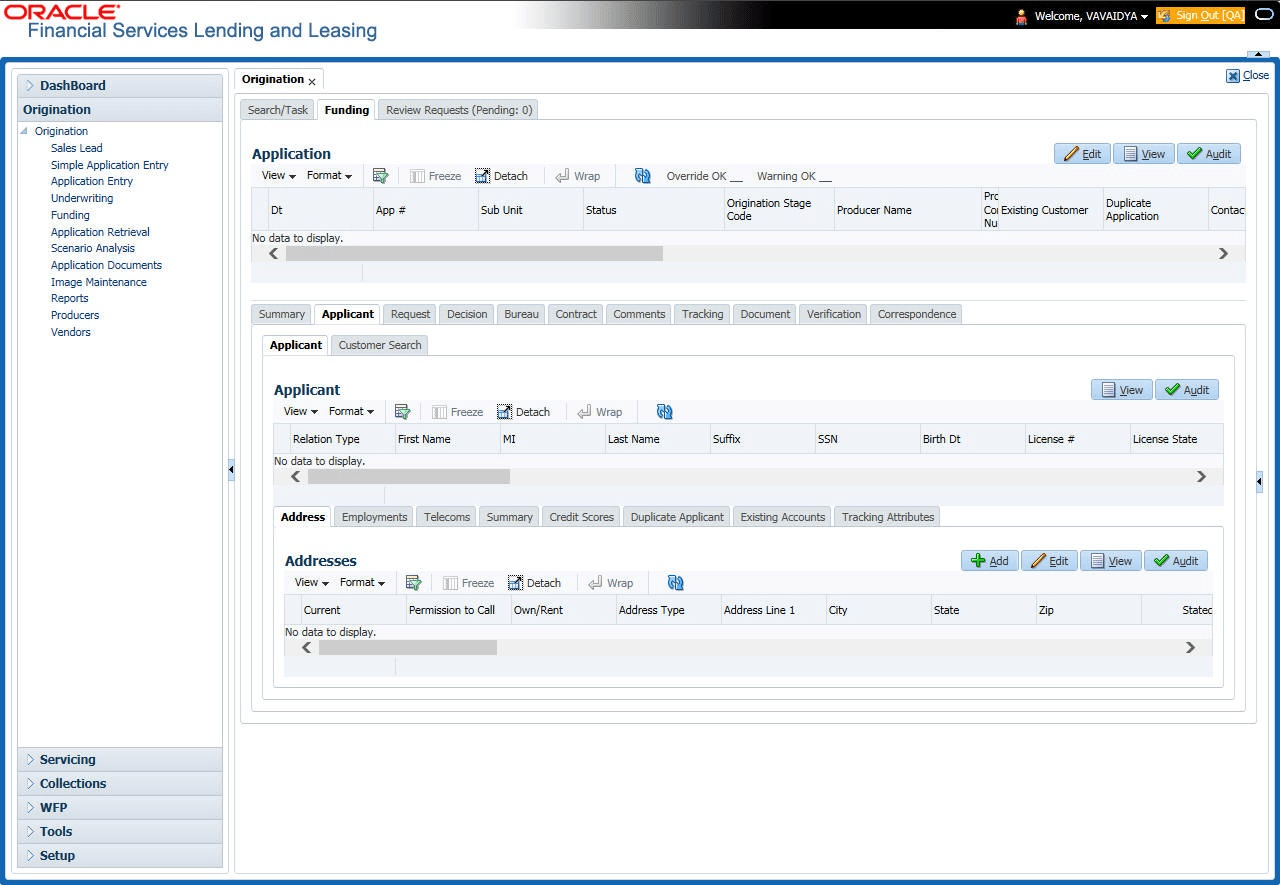
Having selected and loaded an application, user can use the Applicants link to view information about the applicant (s). This is information that was recorded on the Application Entry screen or gathered during the credit pull. User can edit the data from the Application Entry screen at anytime in the following steps. Remember to save your work with each change. Information from the credit bureau pull is available to view only.
- On the Origination, click Origination. Under Origination, click Funding.
- Under Funding, click Funding tab.
Under Funding tab, click
Applicants.
The Applicant screen displays.
- In the Applicants Details section, select the applicant user want to verify and
click Edit.
For details on this screen refer Applicant Tab section in Underwriting chapter.
Parent topic: Funding