2.2.2.3 Unlocking an Application
This topic provides information on the unlocking an application.
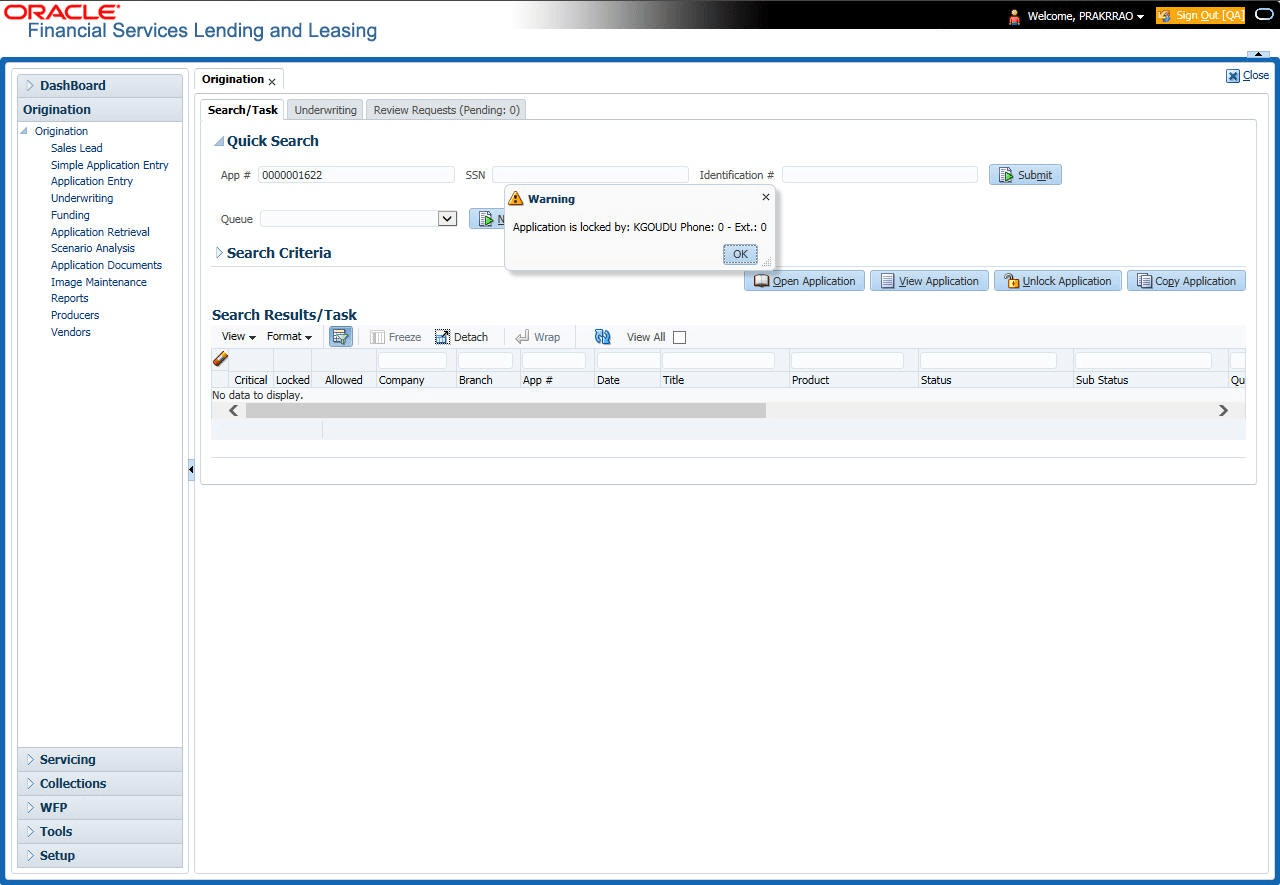
When an application is opened by a user, the same would be locked for other users. Using Results screen in the Applications screen user can unlock the application.
To unlock an application
- Open Applications Entry screen and use Quick Search screen to locate the application user want to work with.
- On Search Results/Task screen, select the application user want
to load and click Submit.
An Information message appears with the message: “An application is locked by another user.”
- Click Unlock Application.
- Click Open Application. The system loads application on the Underwriting screen.
Parent topic: Quick Search Section