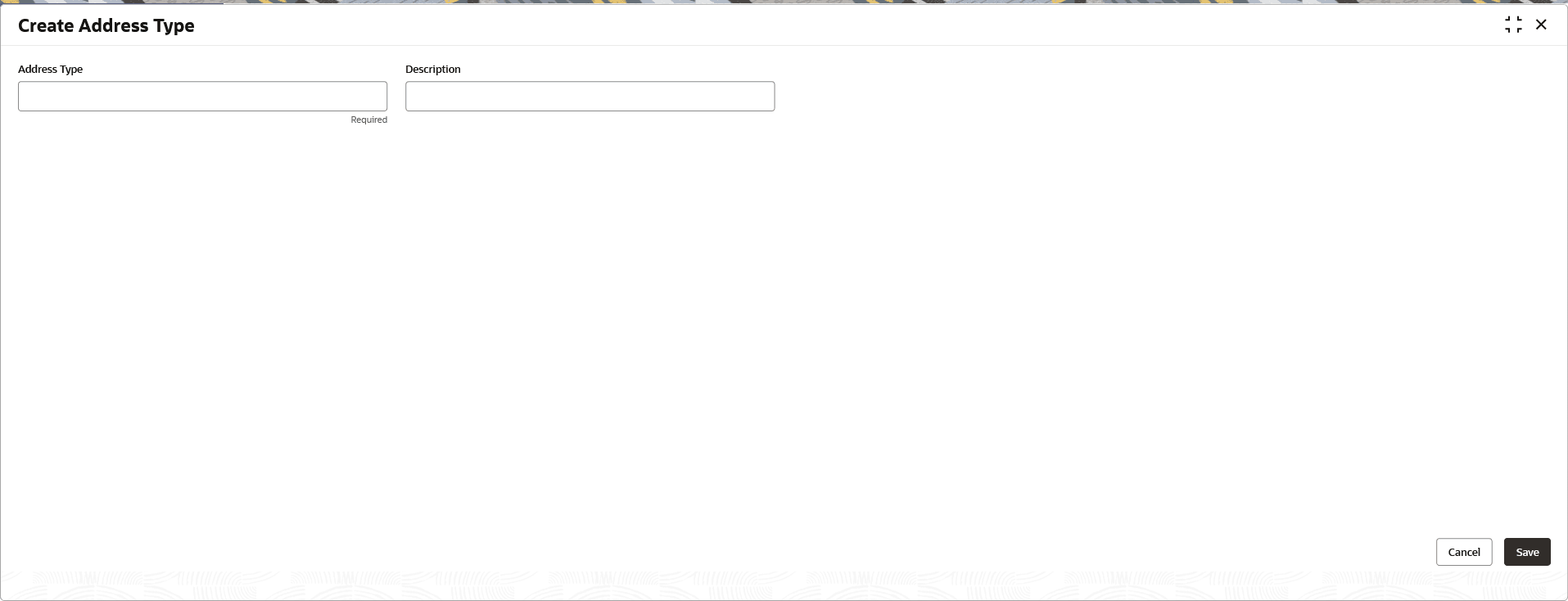
1.52.1 Create Address Type
This topic describes the systematic instructions to configure the address type.
- Specify the fields on the Create Address Type screen. For more information on fields, refer to the field description table.
Note:
The fields marked as Required are mandatory.Table 1-124 Create Address Type– Field Description
Field Description Address Type Specify the name of the type of address example Residential. Description Specify the description of the address type.
Parent topic: Address Type