Configure Branch EOD
This topic describes the systematic instructions to create / configure the EOD work-flow with a branch.
- From Home screen, click Core Maintenance. Under Core Maintenance, click Branch EOD.
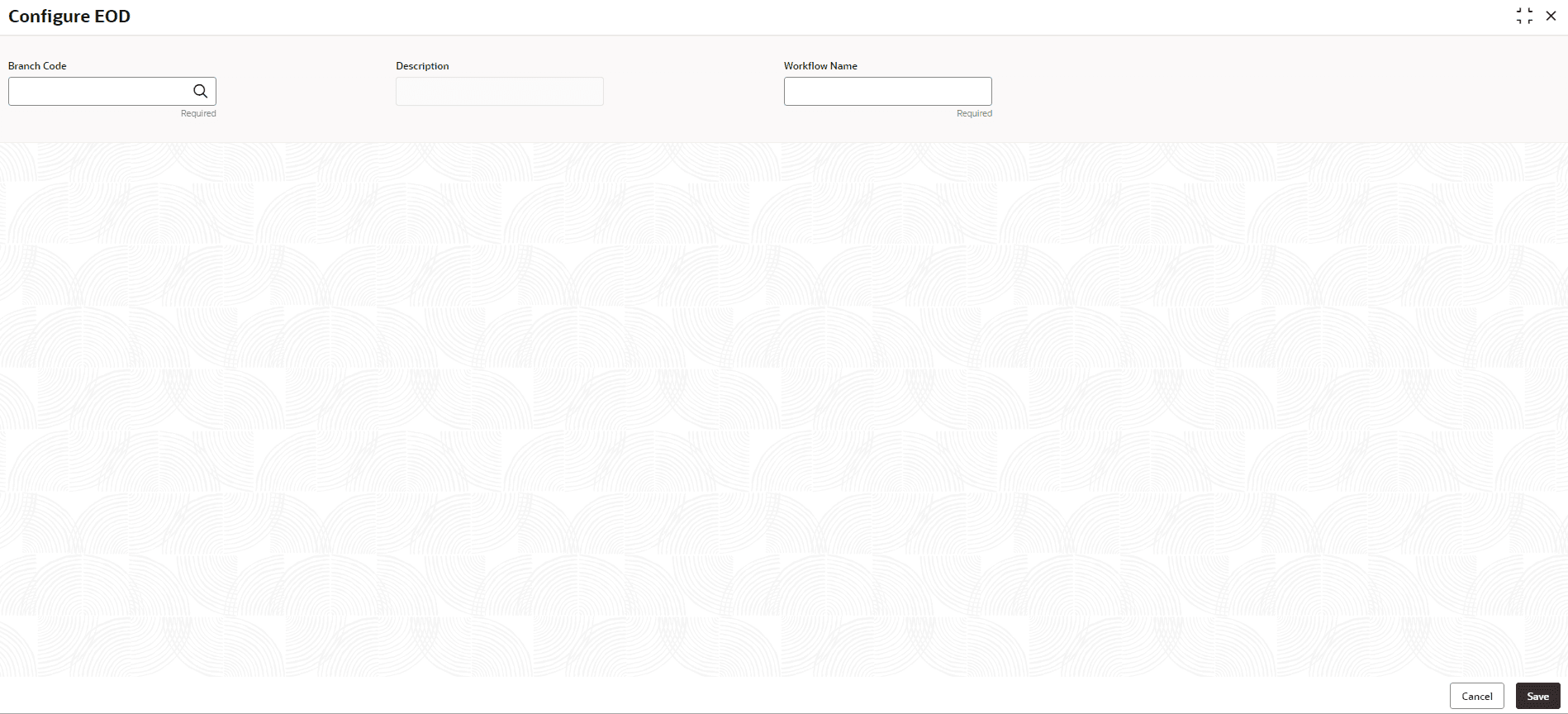
- Under Branch EOD, click Configure EOD.The Configure EOD screen is displayed.
- Specify the fields on the Configure EOD screen.For more information on fields, refer to the field description table.
Note:
The fields marked as Required are mandatory.Table 1-19 Configure EOD – Field Description
Field Description Branch Code Specify the branch code that is associated with the logged in user. Description Displays the description of the branch. Workflow Name Specify the work-flow name that is already created. Note:
For more information on EOD Workflow creation and related terminologies, refer to EOD Configuration User Guide of the respective products.
