View BIC to Customer Mapping
This topic describes the systematic instructions to view the list of BICs mapped to the customers.
The user can configure BIC to customer mapping using Create Amount Text Language screen.
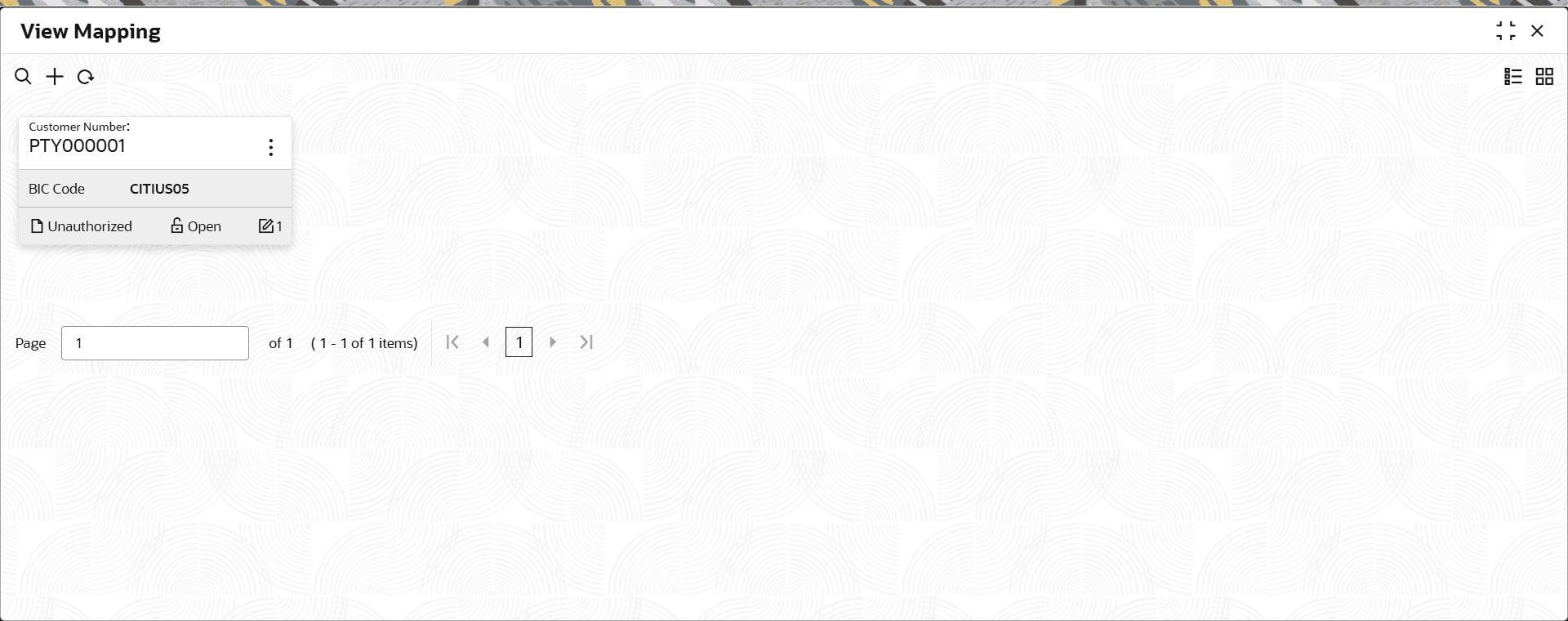
- Under BIC to Customer Mapping, click View BIC to Customer Mapping.The View BIC to Customer Mapping screen is displayed.
For more information on fields, refer to the field description table.
Table 1-18 View BIC to Customer Mapping – Field Description
Field Description Customer Number Displays the customer number associated with the mapping. BIC Code Displays the Business Identifier Code (BIC) mapped to the customer. Authorization Status Displays the authorization status of the record. The options are:- Authorized
- Rejected
- Unauthorized
Record Status Displays the status of the record. The options are:- Open
- Closed
Modification Number Displays the number of modification performed on the record.