4.2.2 Planning by Product Hierarchy
From the default Planning by Planning Center & Product interface, you can select Planning by Product Hierarchy from the drop-down list box in the upper right-hand corner of the form.
Figure 4-11 Planning by Product Hierarchy
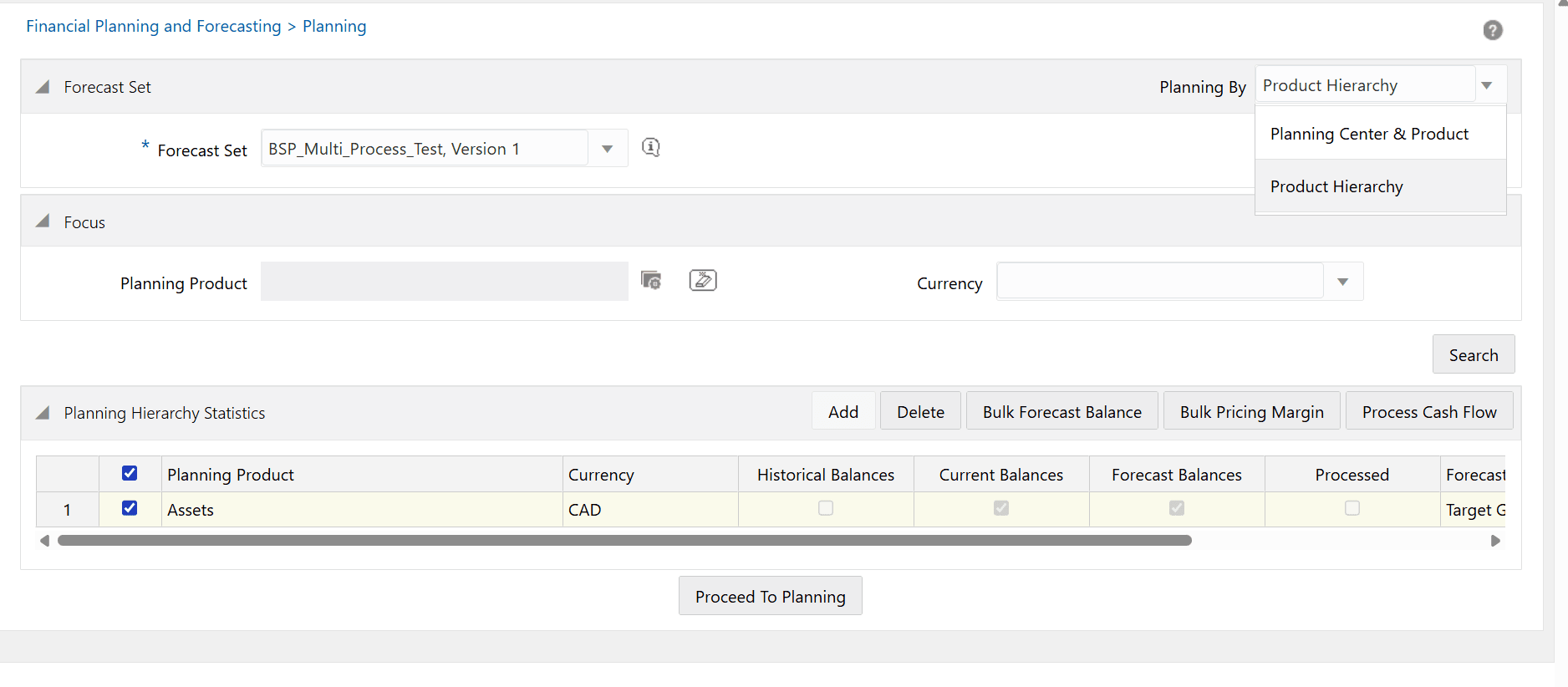
When you initially navigate to the Planning Product Hierarchy form, as with the default planning form you must select a Forecast Set that you want to work with. If you had already selected a Forecast Set in the default planning interface, it will be retained when you navigate to the Planning by Product Hierarchy interface.
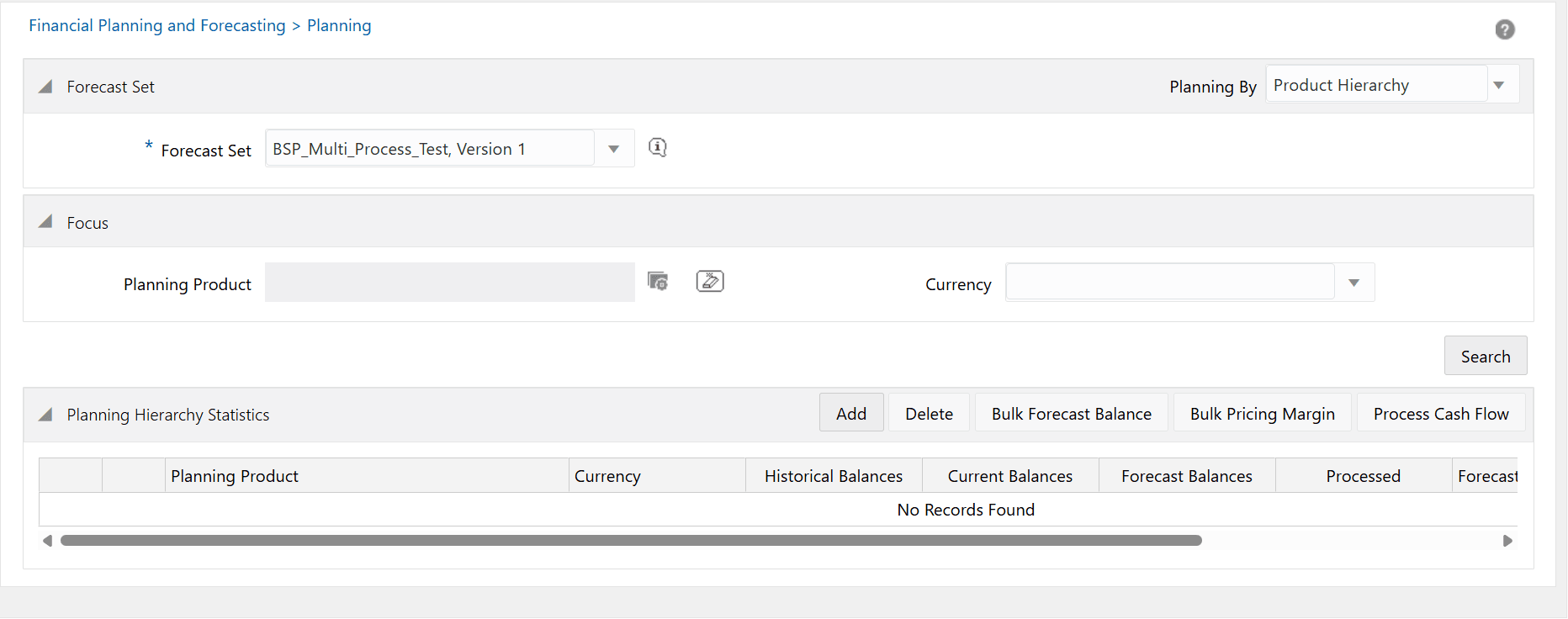
Unlike the Planning by Planning Center & Product interface which automatically displays all the Planning Centers for which you can build and process your plans, the Planning by Product Hierarchy initially will display no planning Products.
Figure 4-12 Planning by Product Hierarchy
Note:
Planning by Product is limited to BSP Planning Administrators and BSP System Administrators.