5.2.1 Accessing DOEP E-File List
The DOEP E-File List page is available for users who have the role of a DOEP E-File Analyst or a Supervisor.
To access the DOEP E-File List, follow these steps:
- On the Currency Transaction Reporting LHS menu. Click E-File. The E-File list is displayed.
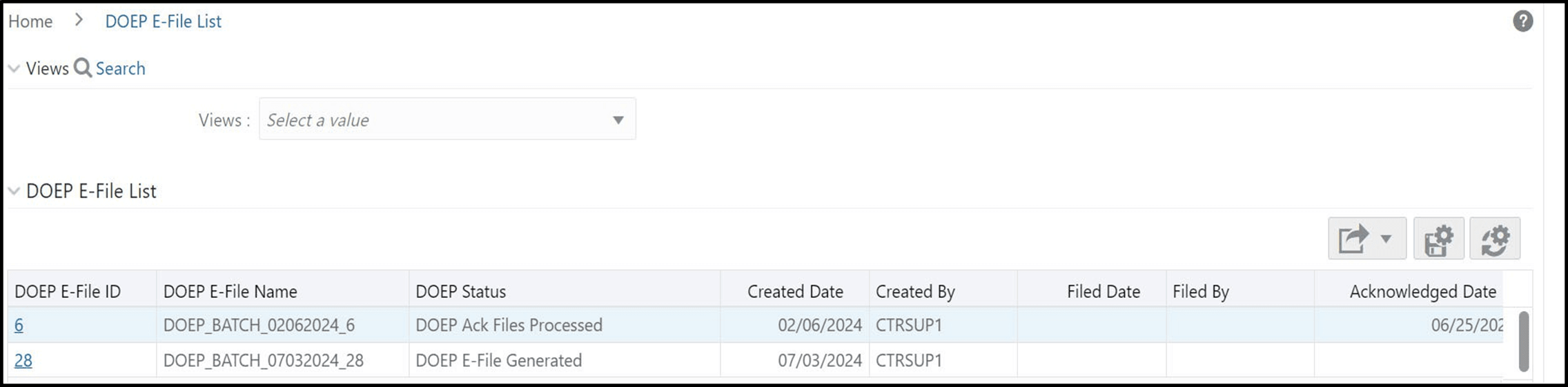
- ClickDOEPE-File List. The DOEP E-File List page displays.
Figure 5-2 DOEP E-File List