2.5.4 Sending an Email
To send an E-mail, follow these steps:
- Select one or more CTRs from the Search and List page and click
E-mail to send an E-mail. Or, click a CTRID from the Search and List page to view its details, and click E-mail from the CTR Details page.
Figure 2-10 E-Mail Window
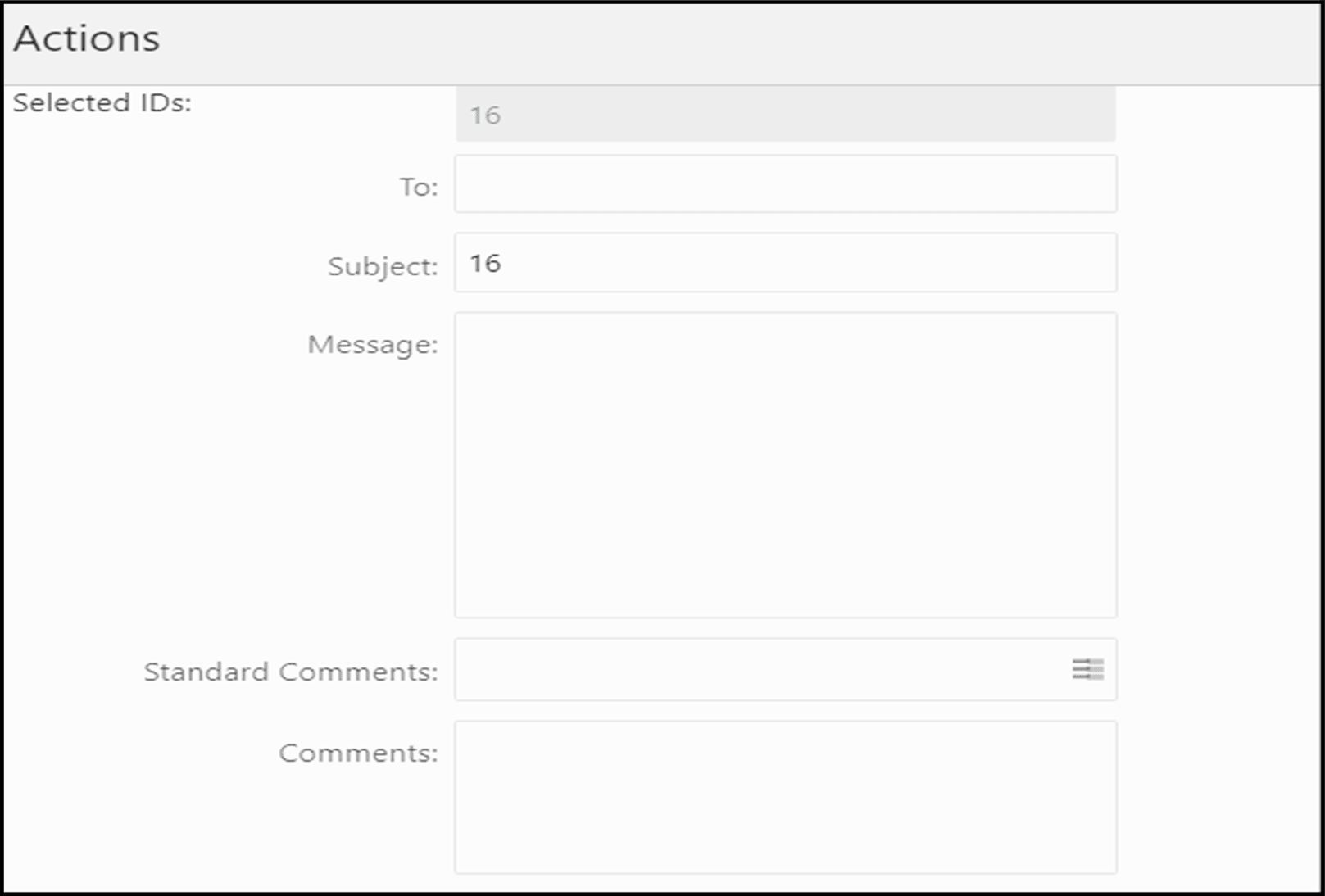
- Enter the required fields as explained in the following table:
Table 2-2 E-File E-Mail Window Field Descriptions
Field Description Selected IDs This field pre-populates the CTR IDs that were selected for sending e- mails. This field is a non-editable list of comma-separated CTR IDs. To Enter semi-colon separated E-mail IDs of multiple recipients. Subject Editable list of comma-separated CTR IDs. The maximum length is 150 characters. Message Enter a message for the email recipients. Standard Comments Select one or more standard comments from the drop-down list. Comments Enter the comments in this field. - Click Send. An e-mail is sent to the specified recipients with the entered details.