4.1 Configuring Administrator Key for Data File Encryption
The platform uses an encryption key to secure files during data processing. This key is
set up and managed only by Admin users and is used for both encrypting outgoing files
and decrypting incoming files. Encryption options are available only if an Admin has
configured a valid key.
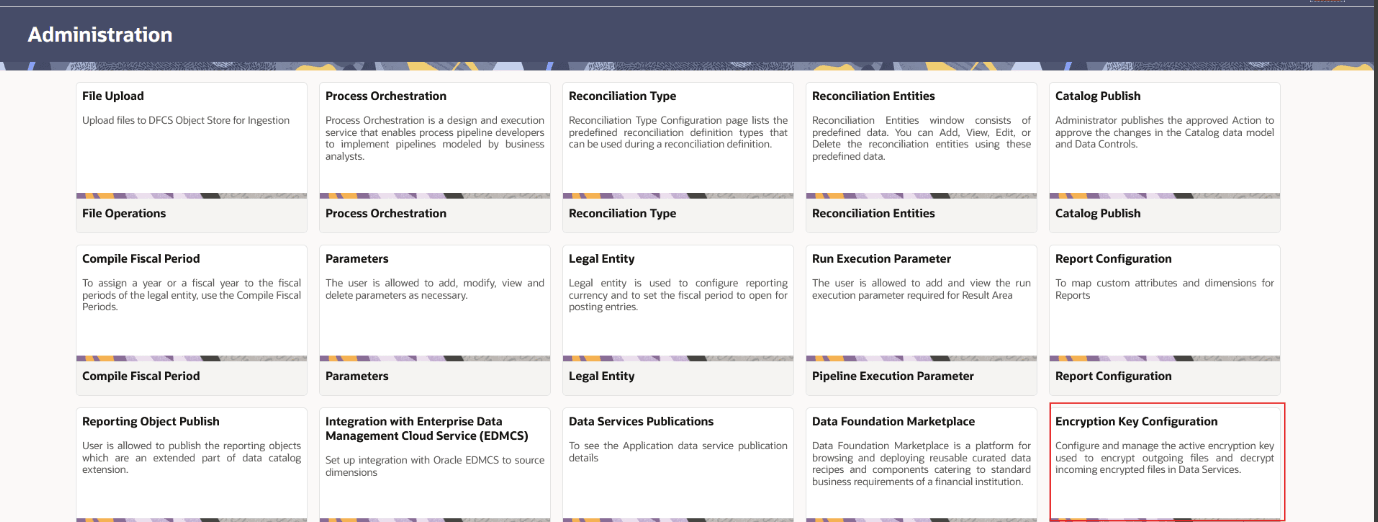
- Navigate to the DFCS Home Page > User Menu > Administration
> Encryption Key Configuration.
The Encryption Key Configuration screen is displayed.
Figure 4-1 Encrypt Admin Key
- In the Encryption Key dialog box, enter a custom key.
Note:
- The key must be in Base64-encoded
KEY:IVformat with a maximum character limit of 256. - When a new key is configured, previously encrypted files cannot be decrypted using the old key.
- The key must be in Base64-encoded
- Click Save. A key is generated to encrypt files in EDD and Data Extraction.