4.2 Contractual Cash Flow Process Selection
This section is applicable only when both OFS LRS and OFS ALM are installed in the same information domain (infodom).
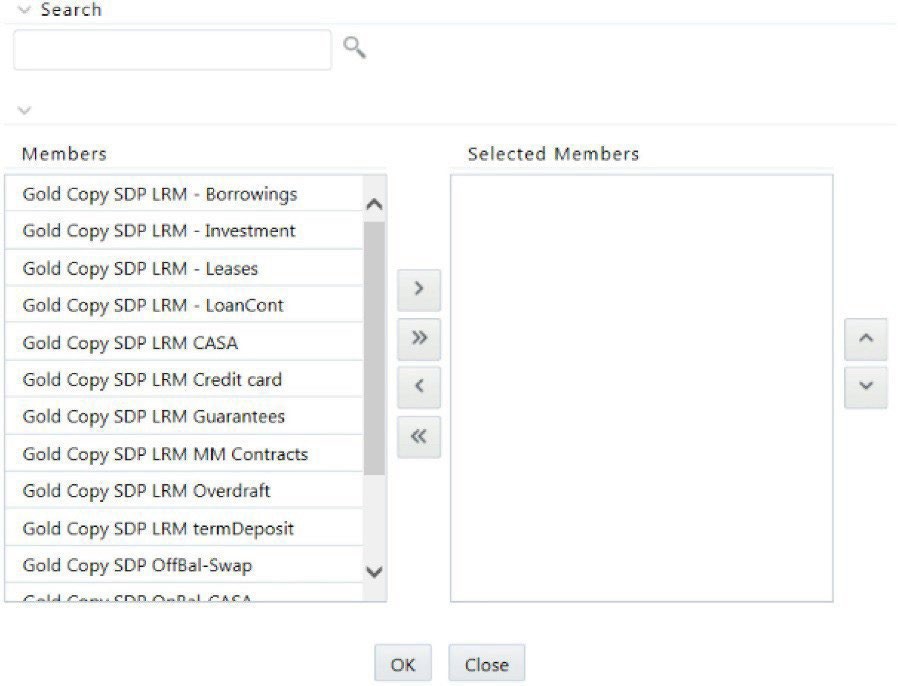
Contractual Cash Flow Process Selection displays a list of ALM processes which are executed for cash flow generation. The cash flow engine in ALM can be executed in one or multiple processes; these can be Contractual, or Scenario-based. Each generates cash flows for various asset and liability products. LRM processes these cash flows and this list displays the available ALM cash flow processes.
To select the process for the Contractual Cash Flow Process, follow these steps.
- In the Application Preferences window, under Contractual Cash Flow Process Selection, click the Select Dimension icon to select the process. The browser is displayed.
Figure 4-2 Contractual Cash Flow Process Selection