7.9 Editing a Business Assumption
The process of editing a business assumption is as follows:
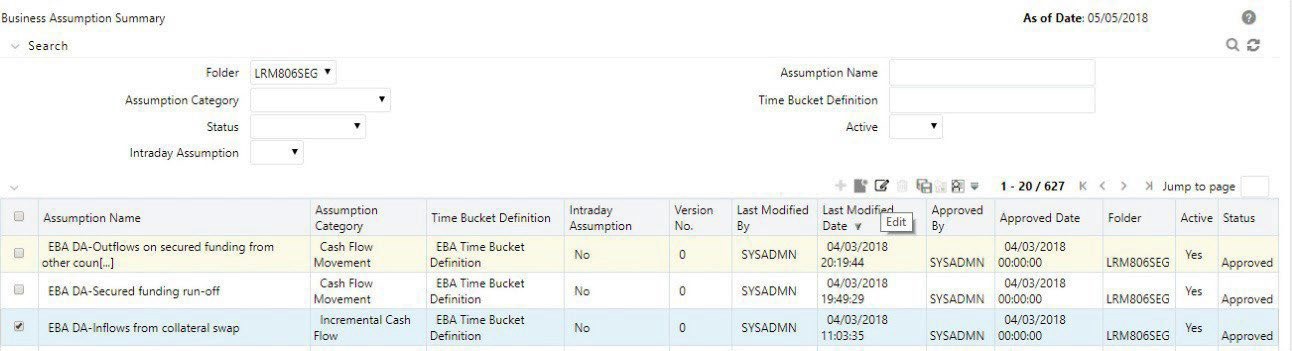
- To edit a definition, click Select icon to select a definition from the list of business assumptions and then click the Edit icon.
Figure 7-85 Business Assumptions – Editing a Business Assumption
- You can edit a definition which is in Draft , Open and In Review status. An LRM Analyst has the privileges to edit.
- When the definition is in Draft status, all the parameters can be edited in the Business Assumption Definition window.
- When the definition is in Open status and In Review status, all the parameters except the Assumption Name can be edited in the Business Assumption Definition window.
- When you edit a definition which is Draft status, it remains in version 0.
- When you edit a definition that is in Open status, the version number does notchange.
Note:
In Draft and Open status, the changes made are overwritten and the version number does not change.