View a Model Catalog

To view a Model Catalog:
  1. Navigate to the Model Catalog Summary page.
  2. Click Action and select View.
    OR
    Click the desired model.
    The following page is displayed.

    Figure 11-49 View Model Page
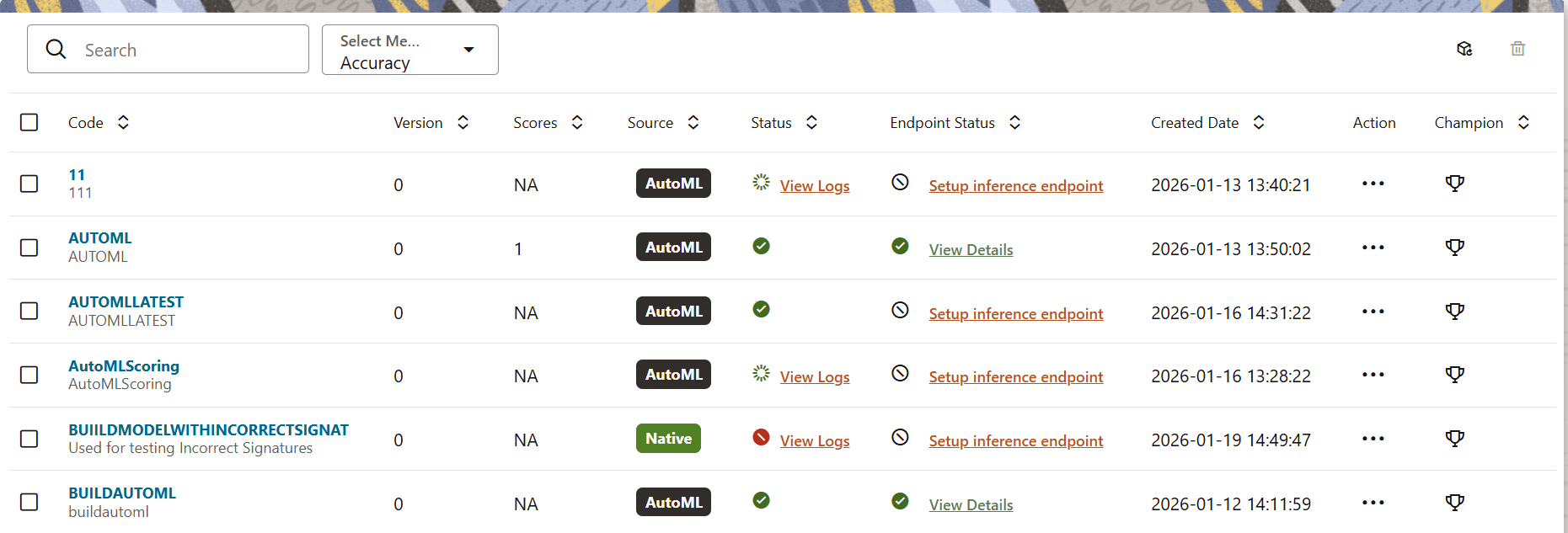

    View Model Page

    Click a model to view it's details.

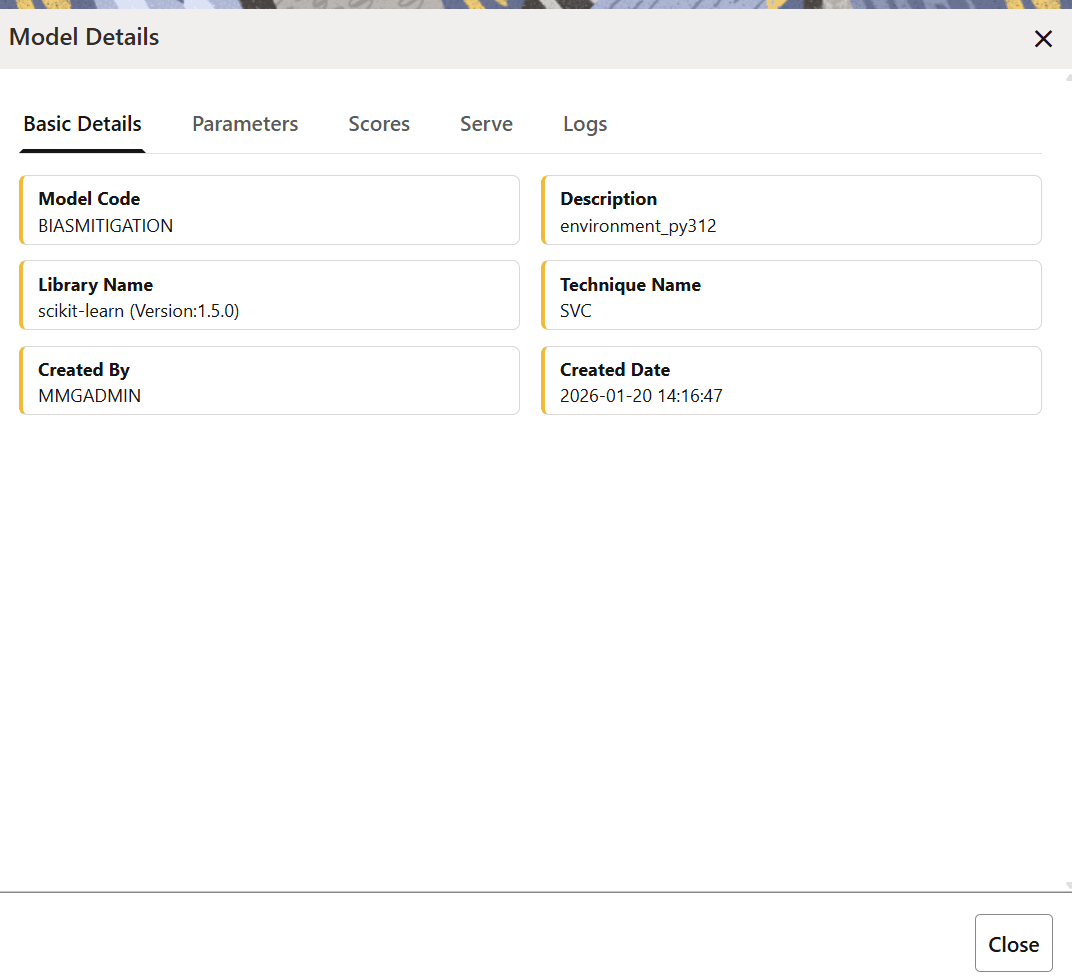
    Figure 11-50 Model Details Drawer


    Model Details Drawer

  3. If a model has failed, the View Log link appears in the Status column of the Model Catalog Summary page. When you click this link, the Model Details window appears. Navigate to the Logs tab to view the reason for the failure and the path to the file that failed.