Usage Metering
To access the Usage Metering page, select Analytics from the LHS Menu, and then select Usage Metering.
Use the Usage Metering page to monitor application usage trends over time. The page consists of filter fields, a usage trend chart, and chart action menus.
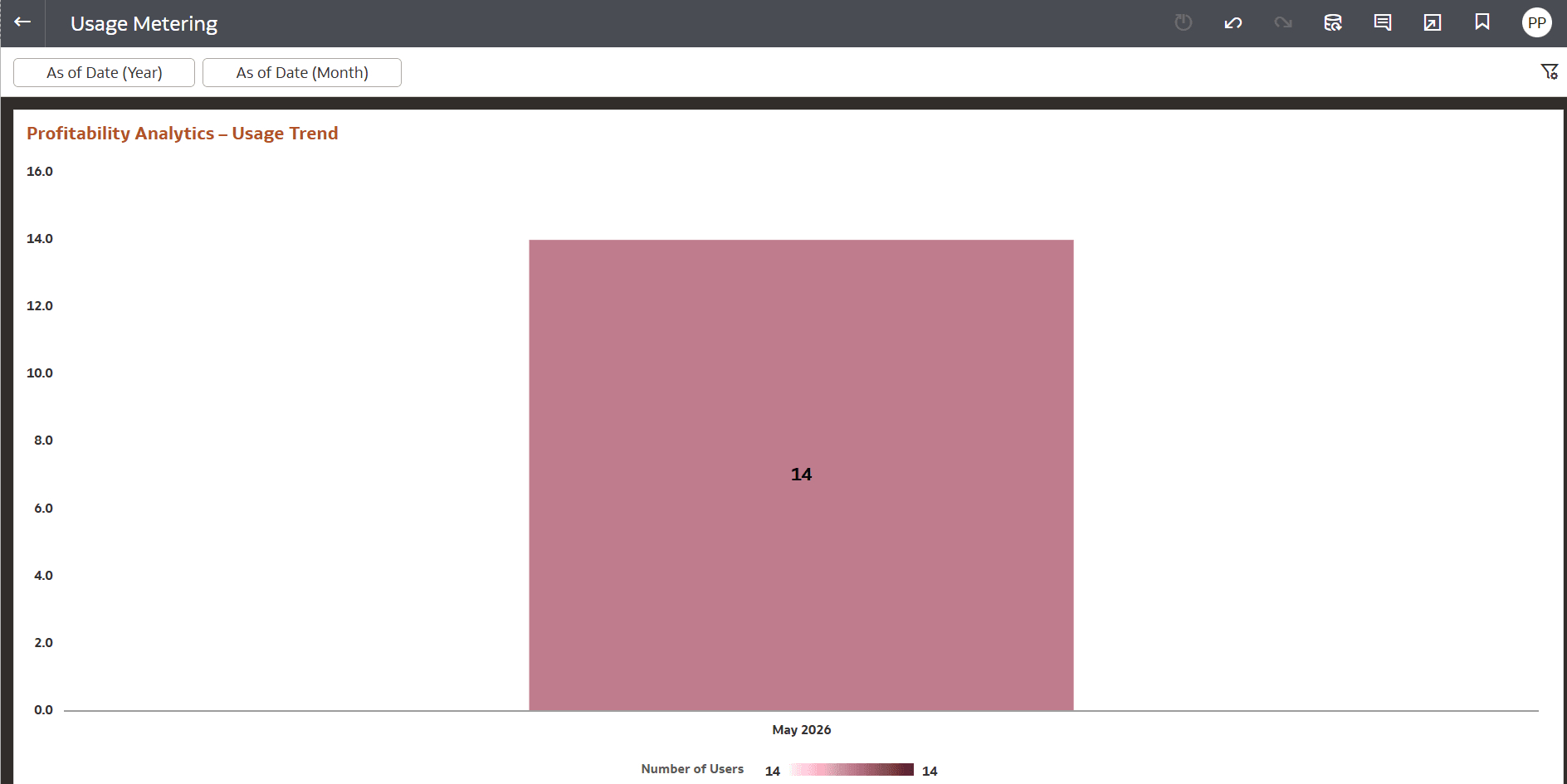
Figure 10-40 Usage Metering
Filters
Use the filter fields at the top of the page to refine the displayed usage data.
- As of Date (Year)
- As of Date (Month)
Profitability Analytics – Usage Trend
The Profitability Analytics – Usage Trend chart represents the Number of Users for a selected month and year. The horizontal axis represents the reporting period. The vertical axis represents the usage count. Data values are displayed directly within the chart.
Actions Menu
Use the chart options menu to manage chart presentation and export settings. Action Menu items include:
- Sort By: Sort chart data using one or more fields, including such as:
- Number of Users
- As of Date (Month)
- Clear Sorts
- Custom
- Zoom Chart: Expand the chart for better view.
- Edit: Select Copy to copy the chart details to clipboard.
- Export :Export the chart in supported output formats.