6.6.1 Creating a Metric
Define a custom profitability metric using financial elements or instrument attributes and mathematical operators.
Create a metric to define a calculation for Management Ledger or Instrument data. For a Management Ledger metric, build the calculation using financial elements. For an Instrument metric, build the calculation using attributes from the applicable instrument data.
The metric definition includes a name and an evaluation expression that specifies the calculation.
- On the Metrics screen, select the appropriate tab:
Table 6-4 Creating an Instrument Metric
Tab Metric Definition Ledger Create a metric using financial elements from Management Ledger data. Instrument Create a metric using instrument attributes. - Click Add.
The metric definition screen for the selected metric type is displayed.
Figure 6-25 Metrics - Add
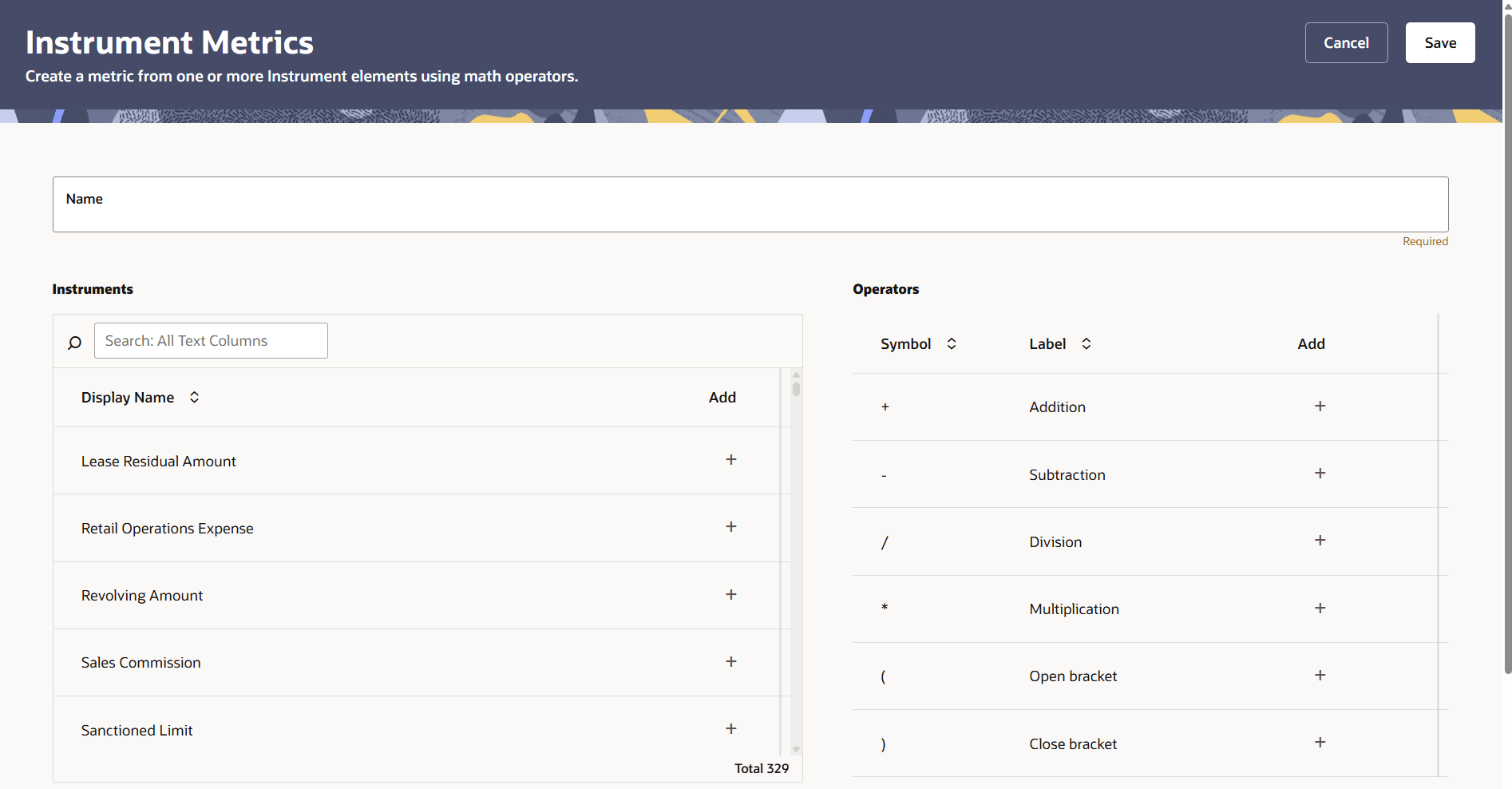
- In Name, enter the name of the custom metric as it should appear in reports.
- Build the calculation in the evaluation expression area:
- For a Ledger metric, add the required financial elements.
- For an Instrument metric, add the required instrument attributes.
- Add mathematical operators to define the calculation. Use parentheses where required to group parts of the expression.
Click the Add + icon beside an element or operator to include it in the expression.
- Review the evaluation expression to confirm that it represents the required calculation.
- Click Save.
The financial-element and instrument-based calculation guidance follows the existing creation procedures in the released guide, with the entry point and visible field labels updated for the new screen.
Parent topic: Metrics