Removing the Workstation from the Adjustable Stand
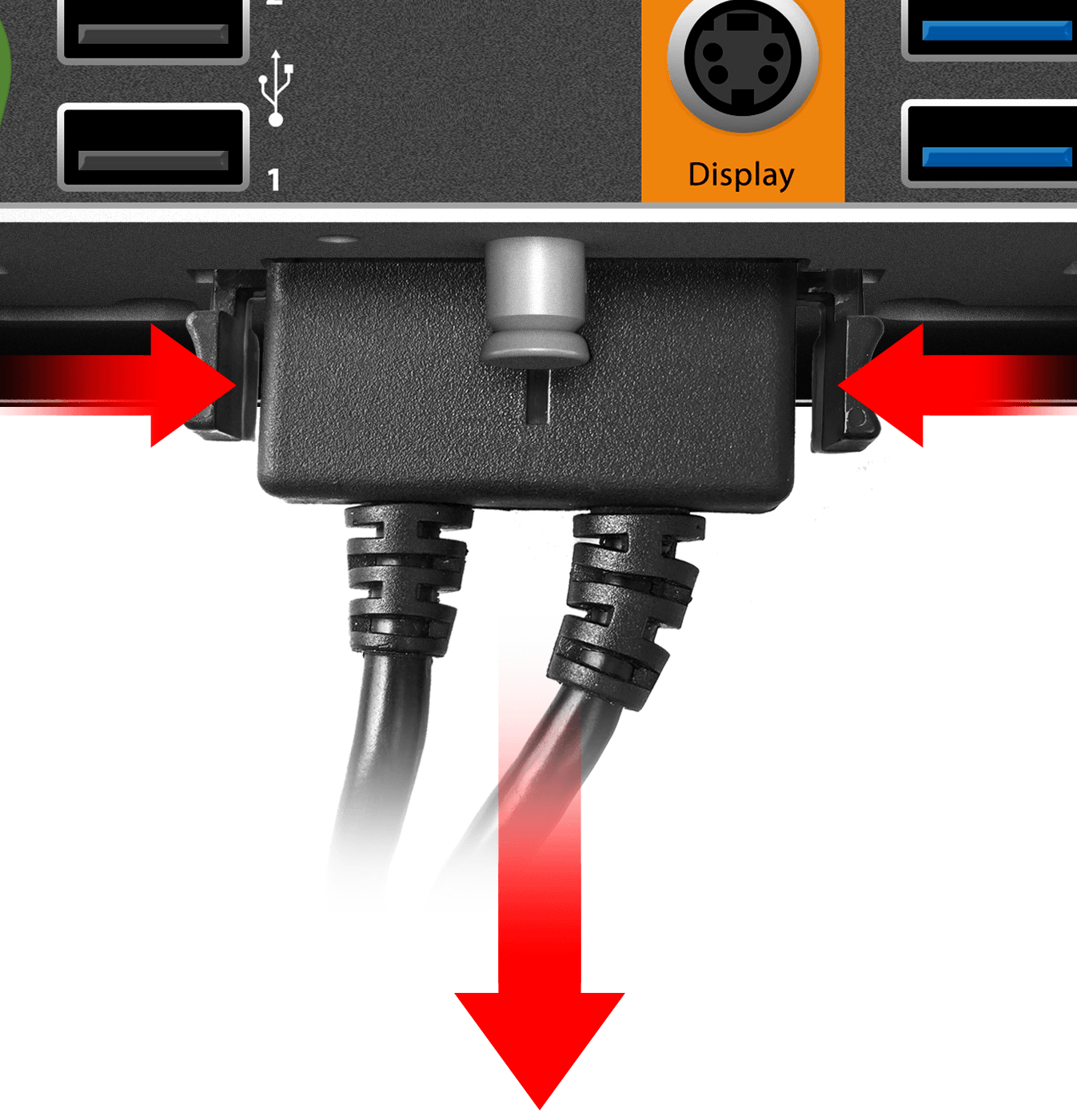
- Squeeze the tabs on each side of the DC power cable, and
then pull the connector out of the workstation power port.
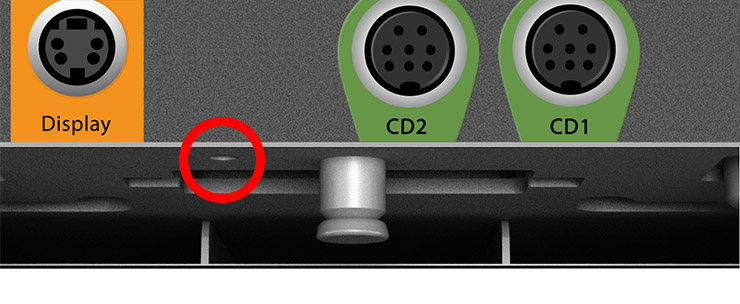
- If you secured the workstation to the Adjustable Stand
using a security screw, remove the security screw.
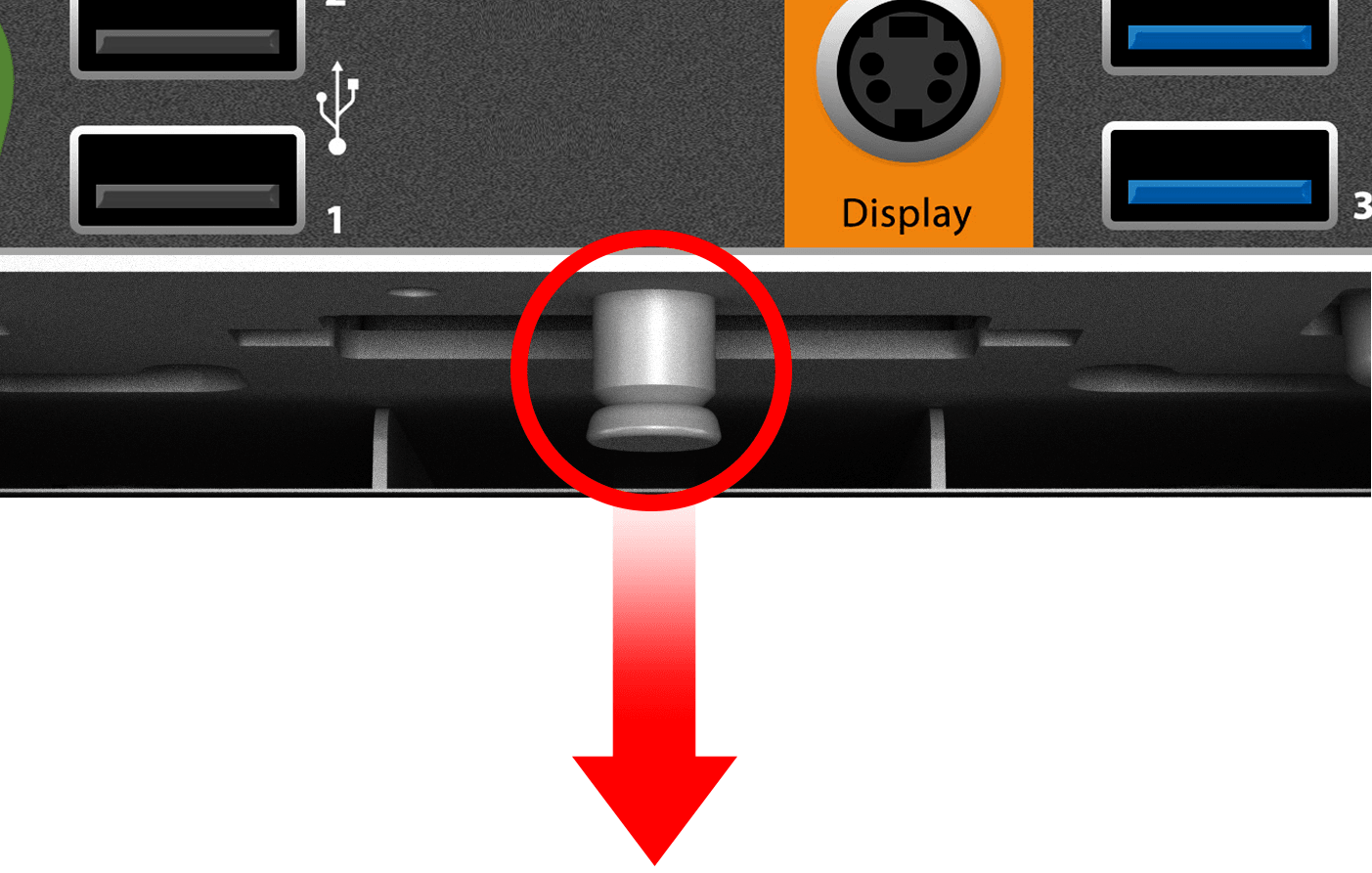
- Pull down the quick release pin, and then gently push the
workstation.