Configuring RVC Parameters
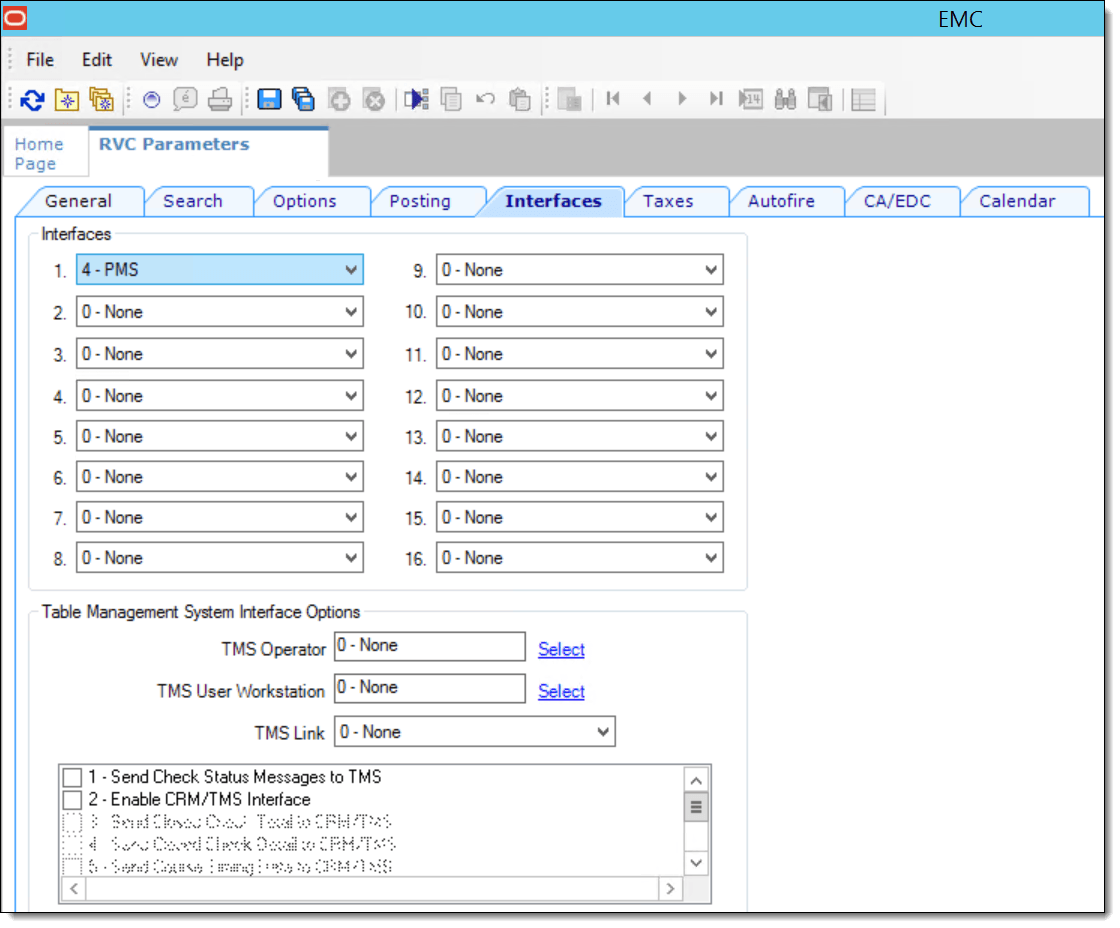
You must enable the OPERA PMS interface for each revenue center that uses OPERA.
- Select the PMS interface to enable
the OPERA PMS interface for the revenue center.
Figure 44-10 Revenue Center Parameters Interfaces Tab
Parent topic: Configuring the OPERA PMS Enhanced Interface