Disable Cards
The Disable Cards functionality allows you to deactivate all active cards linked to a selected profile. Once disabled, these cards cannot be used within the system or for stateroom access, if applicable.
To disable profile’s cards:
-
Click the profile’s Disable Card button.
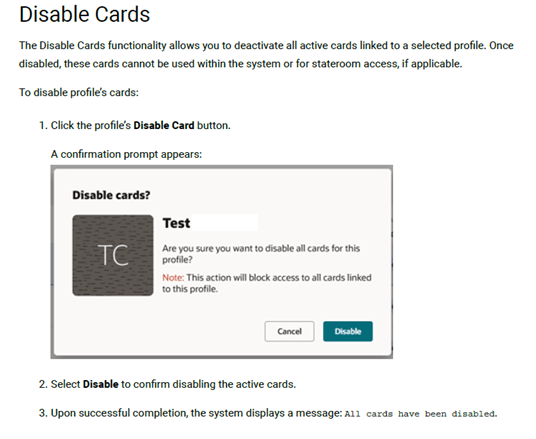
A confirmation prompt appears:
-
Select Disable to confirm disabling the active cards.
-
Upon successful completion, the system displays a message: All cards have been disabled.