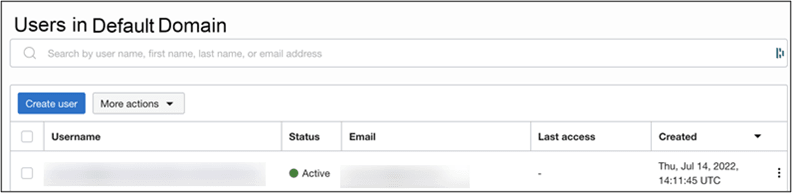
5. Assign Users and Groups to the Microsoft Entra ID Application
Assign the users you want to provision to OCI IAM.
- In Microsoft Entra ID, in the left menu, under Manage, click Enterprise applications.
- Click the application you created earlier.
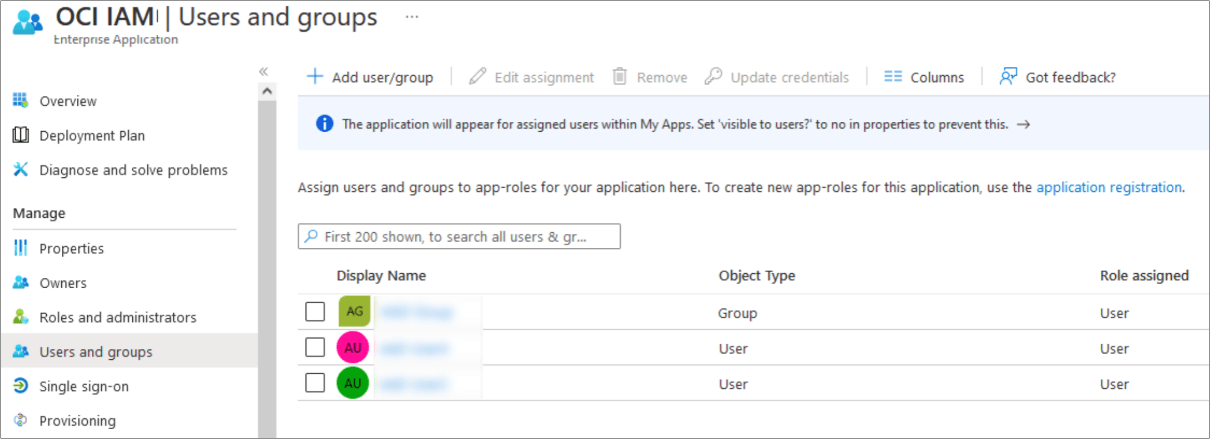
- In the left menu under Manage, click Users and groups.
- In the Users and groups page, click Add user/group.
- On the Add Assignment page, under Users and groups, click None Selected. The Users and groups page opens.
- Select one or more users or groups from the list by clicking them. The ones you select are
listed under Selected items.
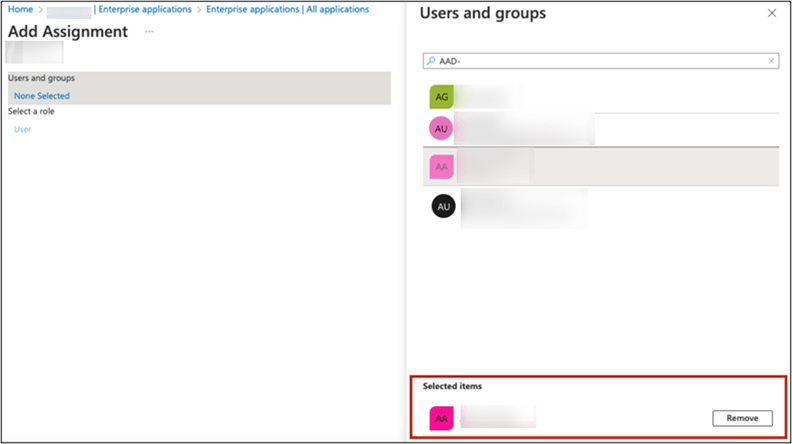
- Click Select. The number of users and groups selected are shown on the
Add Assignment page.
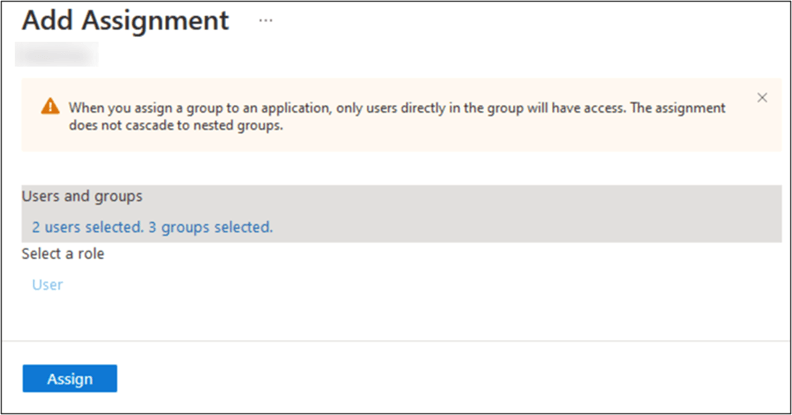
- On the Add Assignment page, click Assign.
The Users and groups page now shows the users and groups you have chosen.
- Click Provisioning in the left menu to provision the groups and users.
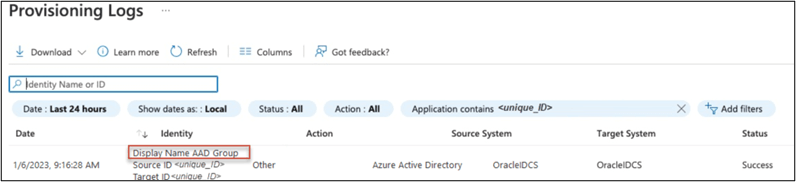
The provisioning log shows the status.
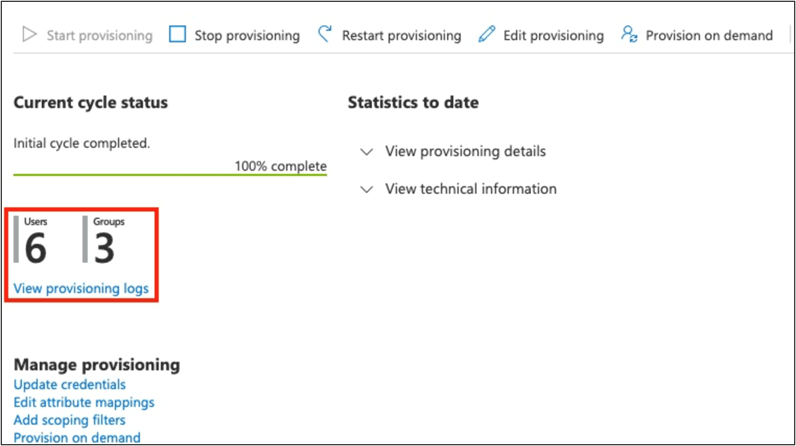
- When provisioning is successful, the Current cycle status indicates
that the incremental cycle has completed, and the number of users provisioned to OCI IAM appears.
 In OCI IAM, you can now see the users and groups provisioned from Entra ID.