Bypass Card Type validation with custom Card Type in Non-Vaulted Properties
OPI Cloud card validation is not performed for custom card types configured in OPERA Cloud for a property that is not integrated with a PSP and is using OPI Cloud generated internal tokens. In this case, OPI Cloud returns a token without any card validation errors.
OPERA Cloud users with the CCTRANS role can send the card type for any custom card type configured in OPERA Cloud to OPI Cloud, allowing OPI Cloud to bypass card type validation and return an internal token without error.
Note:
The bypass card type validation applies to reservations with Arrival, Departure, or InHouse status.-
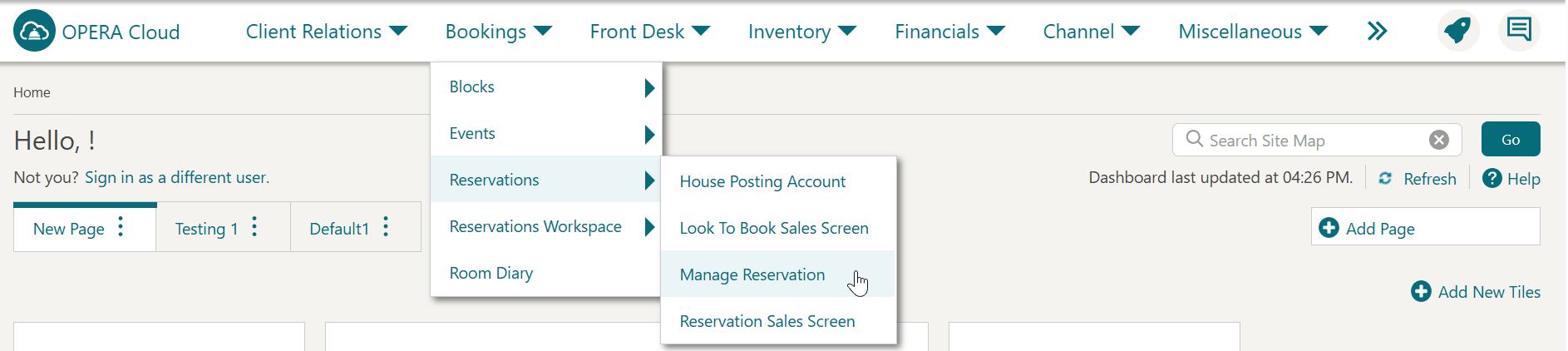
From the OPERA Cloud menu, select Bookings, select Reservations, and then click Manage Reservation.
-
Search for and open the reservation.
-
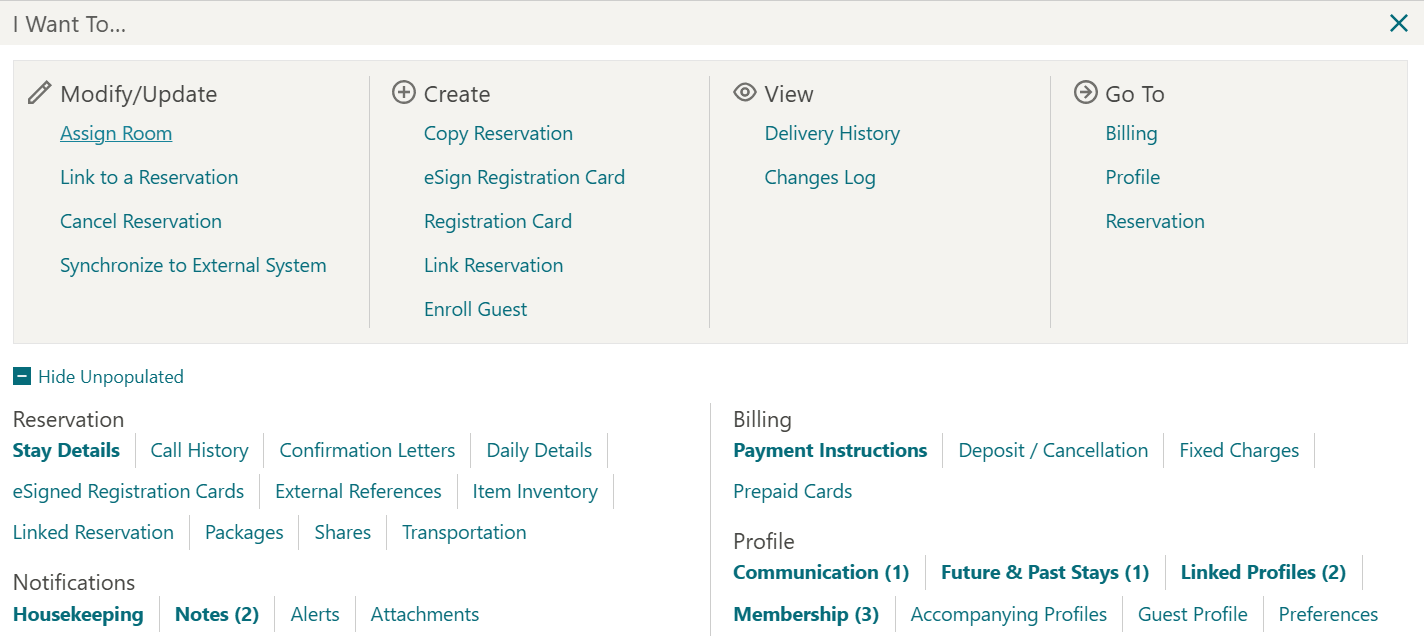
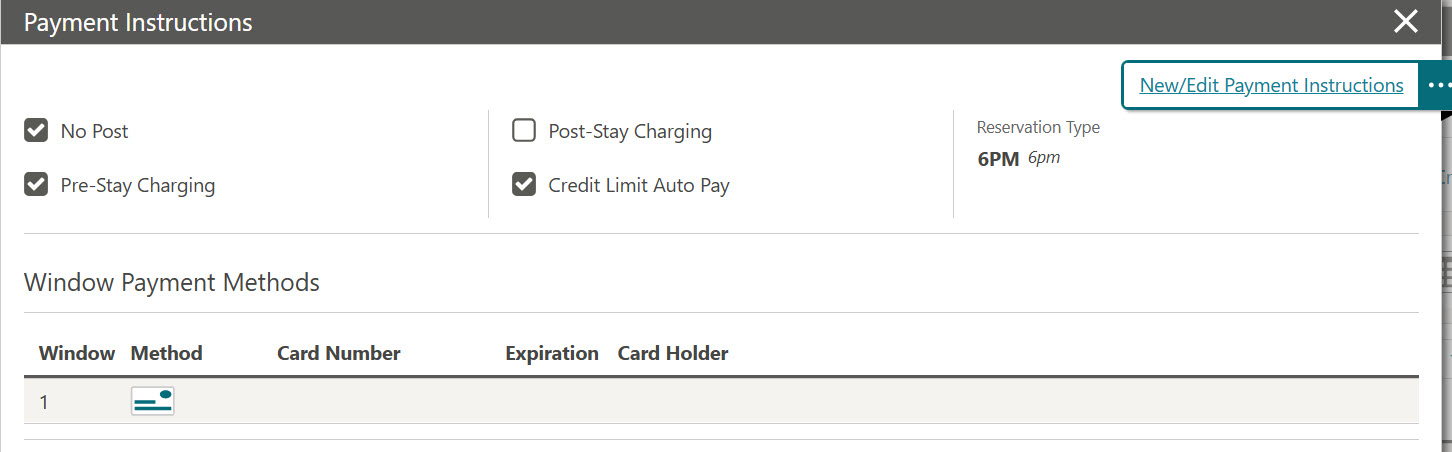
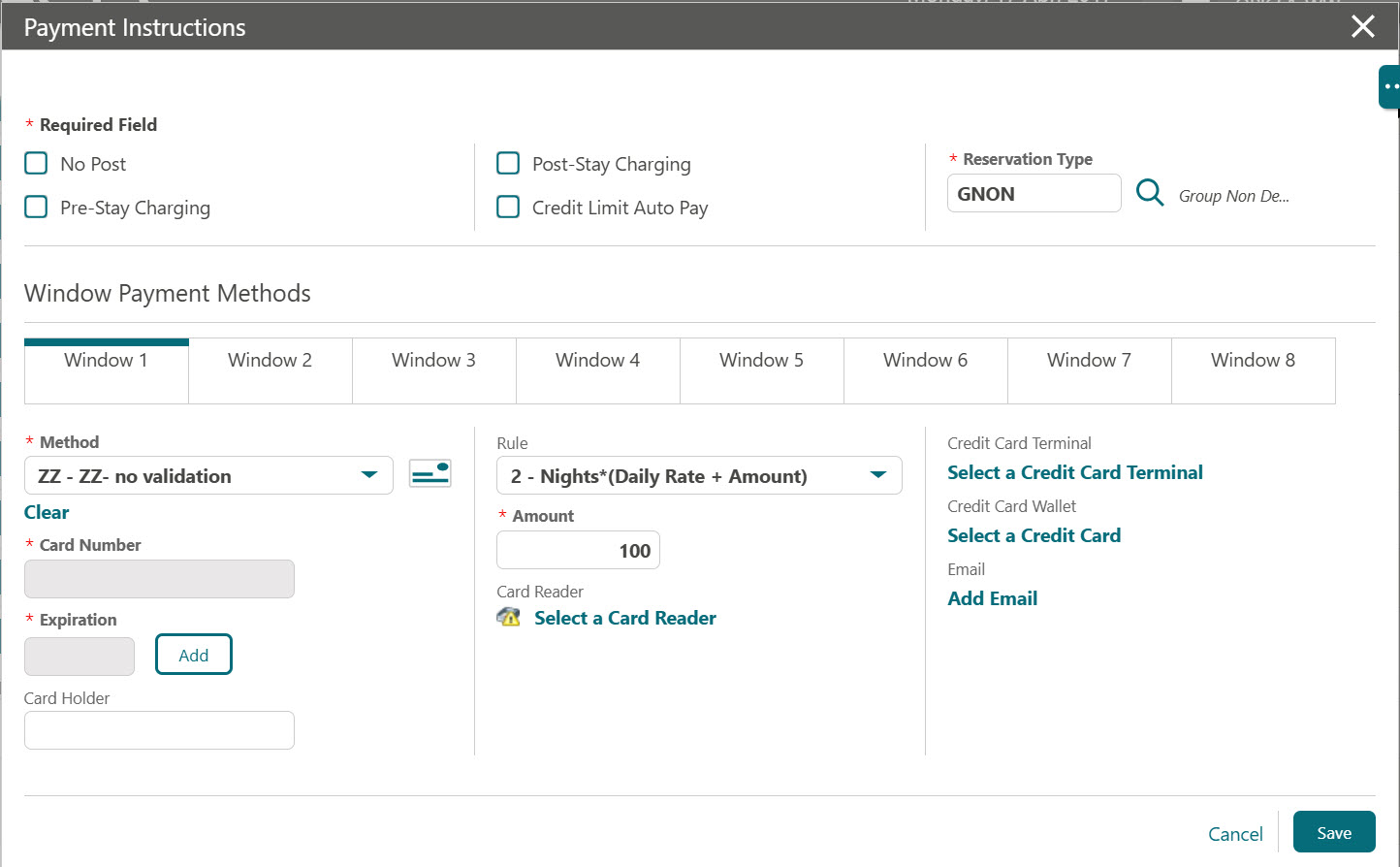
Click New/Edit Payment Instructions.
Note:
You cannot edit the Card Number and Expiration fields as they are disabled. -
Select the Method that uses the custom card type XY or ZZ for a non-vaulted property.
-
Click Add to manually add the credit card and expiry details.
The OPI Cloud Service pop-up window appears.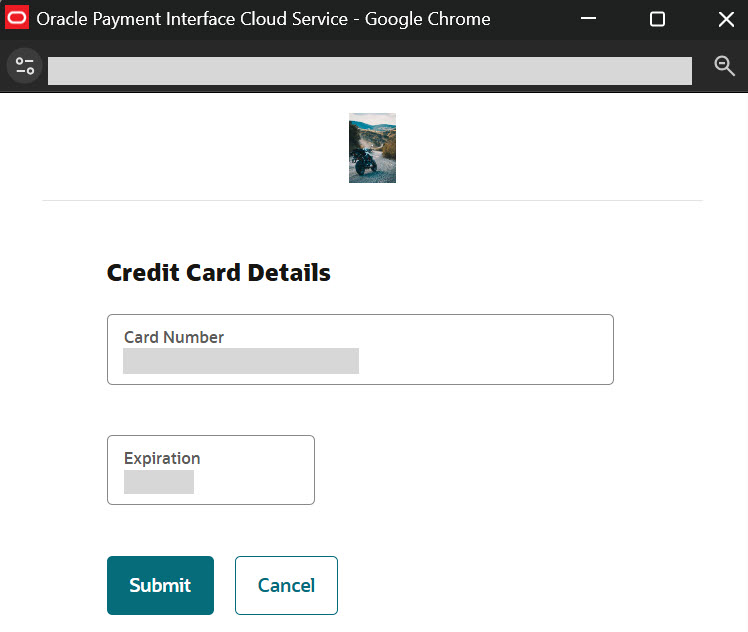
-
Enter the Credit Card Number.
-
Enter the Expiration date.
-
Click Submit. This transaction saves the card details to the Payment Instructions screen.
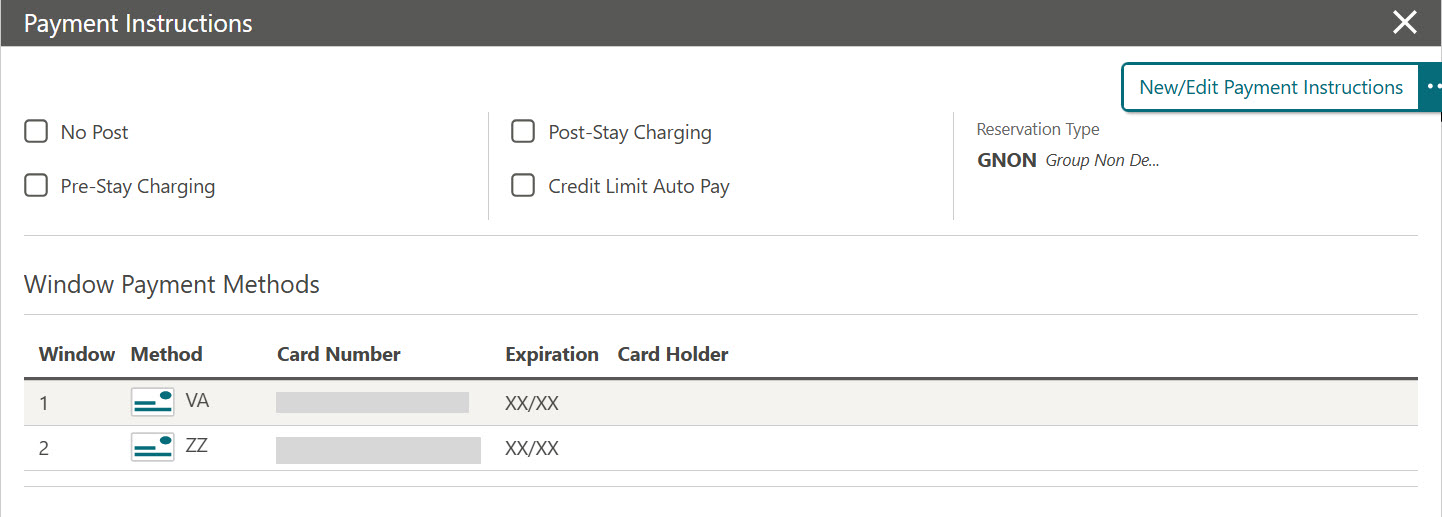
The Payment Instructions screen appears with the Card Number and Expiration fields masked. The same card type is returned without performing any validation on the card number.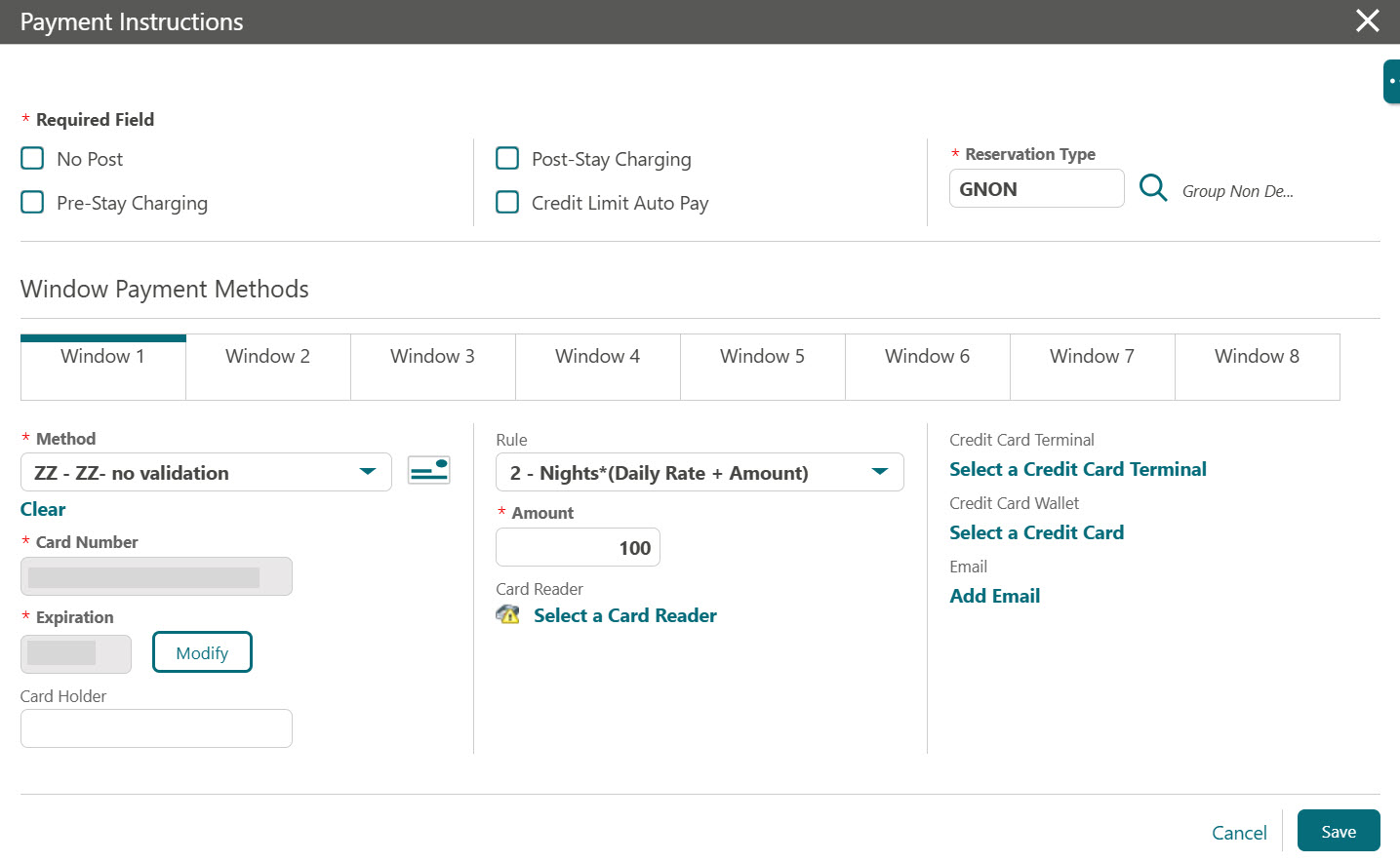 If required, you can update the payment method to Visa or Master Card. Click Add to enter the card details. It returns the same card type without performing any validation on the card number.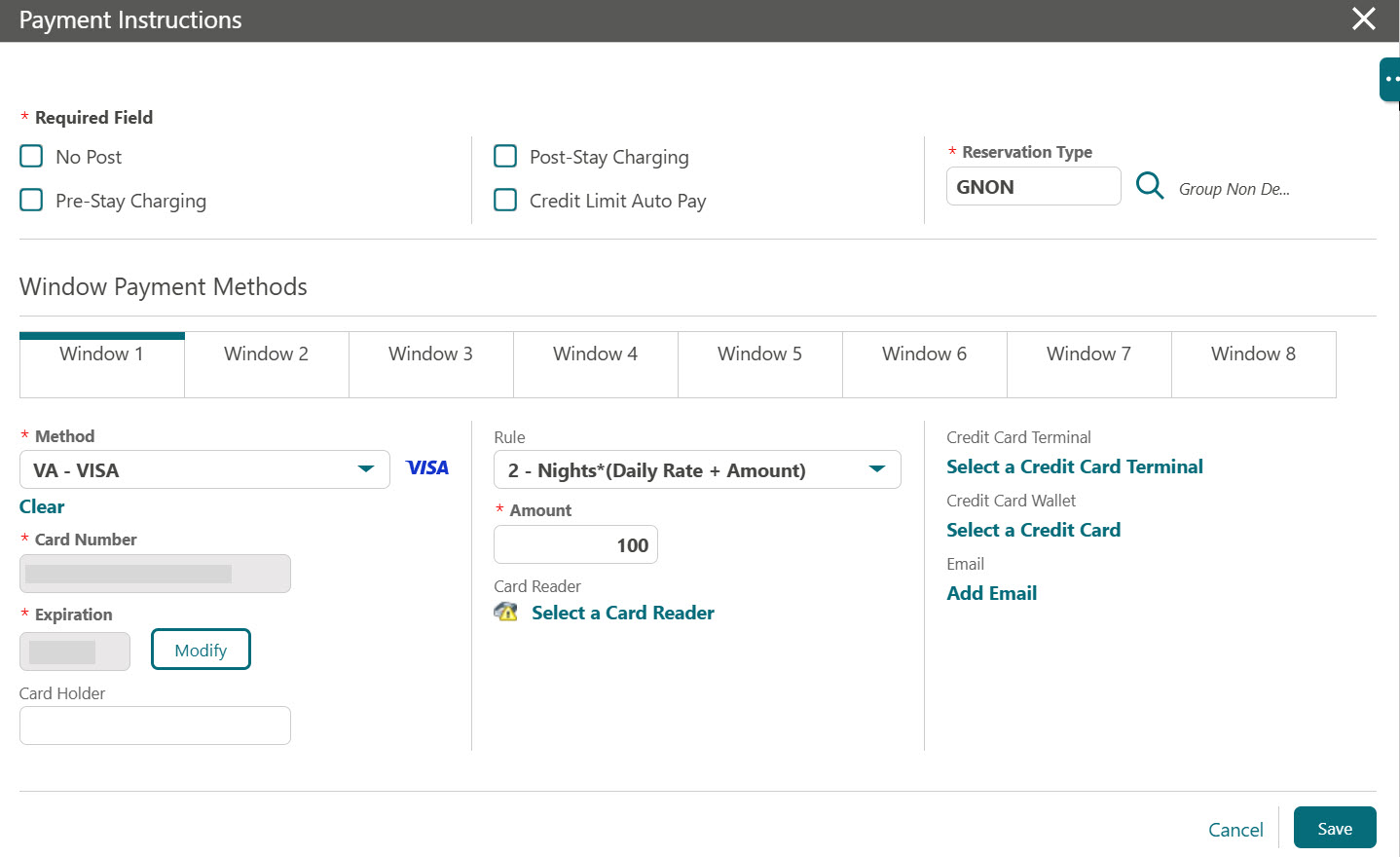
-
Click Save.