Compare two trial plans
You can compare the details in two of the AI-generated trial plans at a time to help you identify which objective is the best option for your trial (cost efficient, fastest, or balanced). You can compare different combinations of the trial plans as often as you like.
To compare two trial plans:
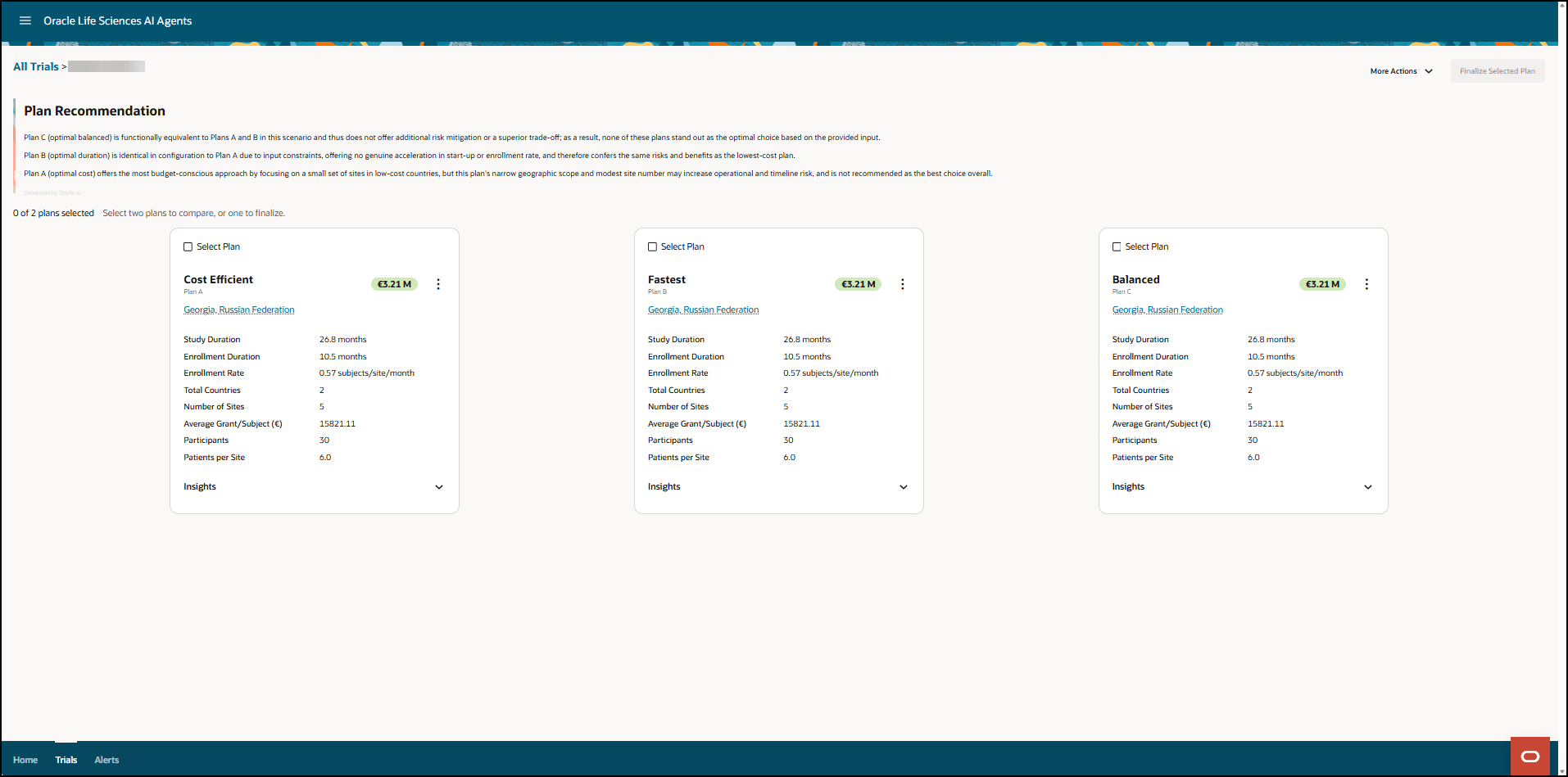
- Open the AI-generated trial plans to open the Plan Recommendation page. For example:
- In the Plan Recommendation page, select Select Plan in the tiles for the plans you want to compare. The tiles you select are highlighted in blue and the comparison chart appears below the tiles. For example:
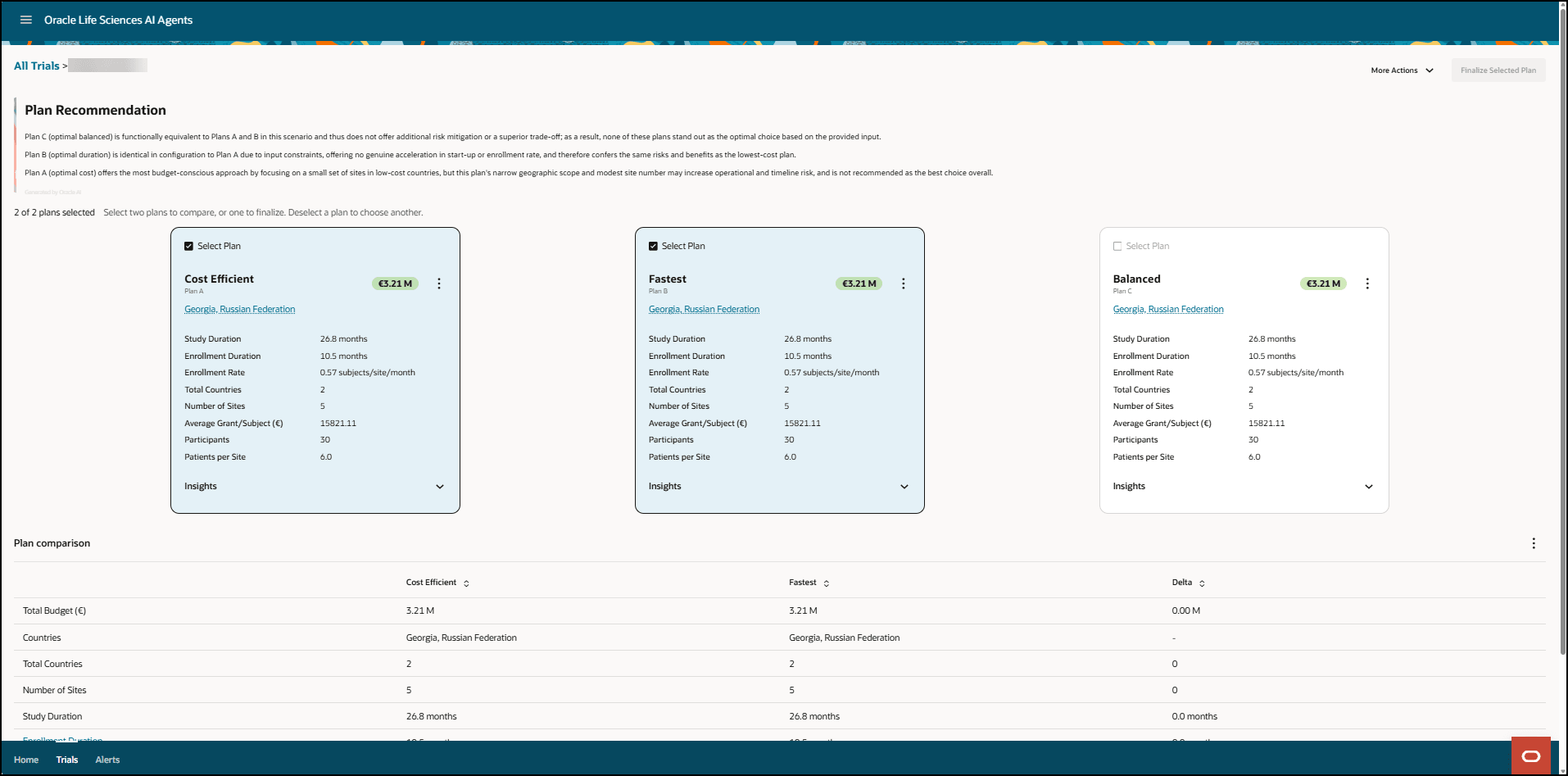
- The columns in the comparison chart appear in the order you select the tiles. To deselect a tile, select it again (the blue highlight is removed) and its data is removed from the comparison chart. You can select and deselect the trial plan tiles as often as you like.
- The comparison chart includes a column with the delta for each parameter in the list.
- To download the comparison chart, select Download CSV from the vertical ellipsis menu (
 ) menu a the top right of the comparison chart as highlighted in the following example: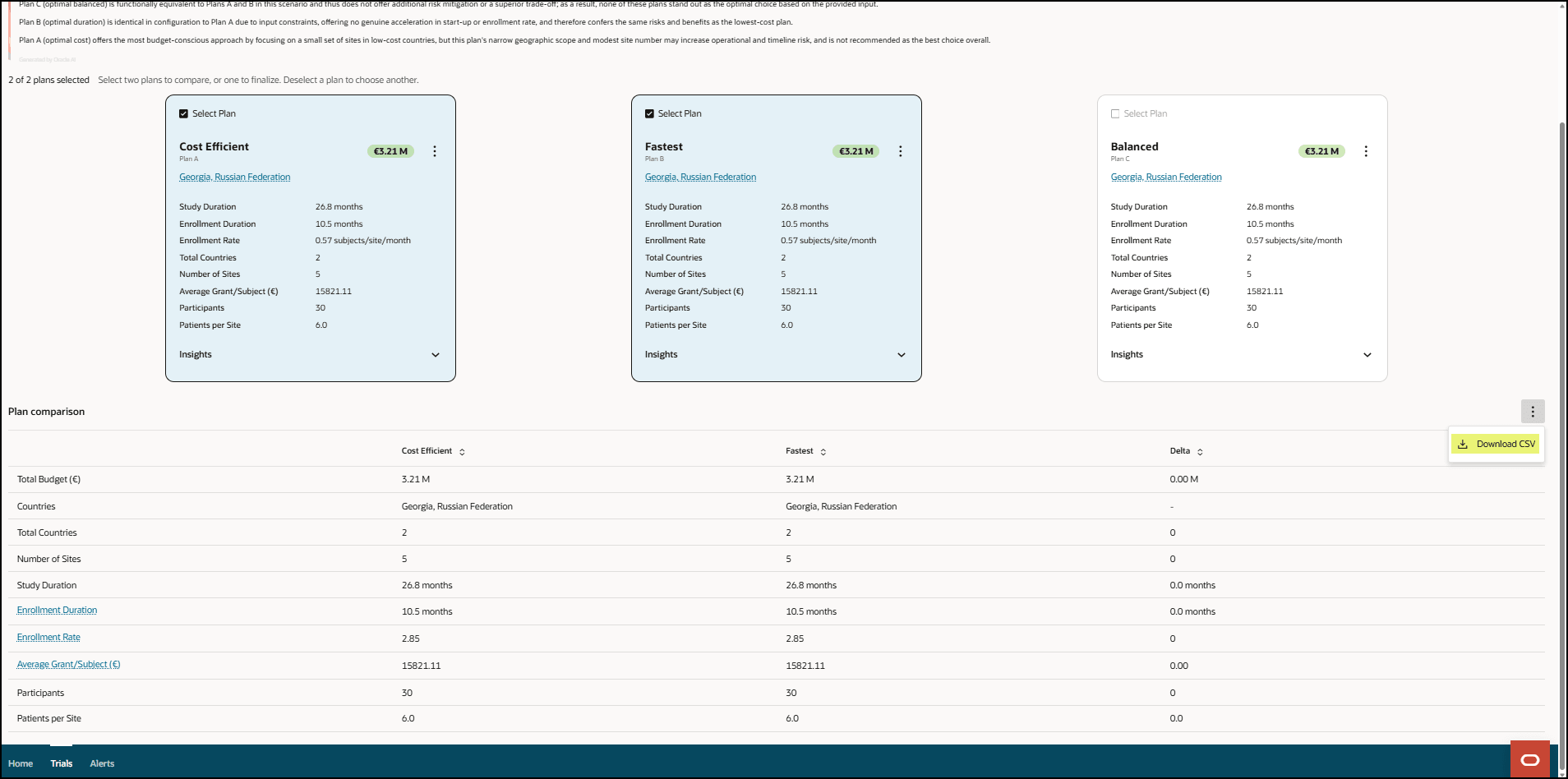
The comparison chart is downloaded to your Downloads folder as plans_comparison.csv.
Parent topic: Compare and download trial plans