View Status

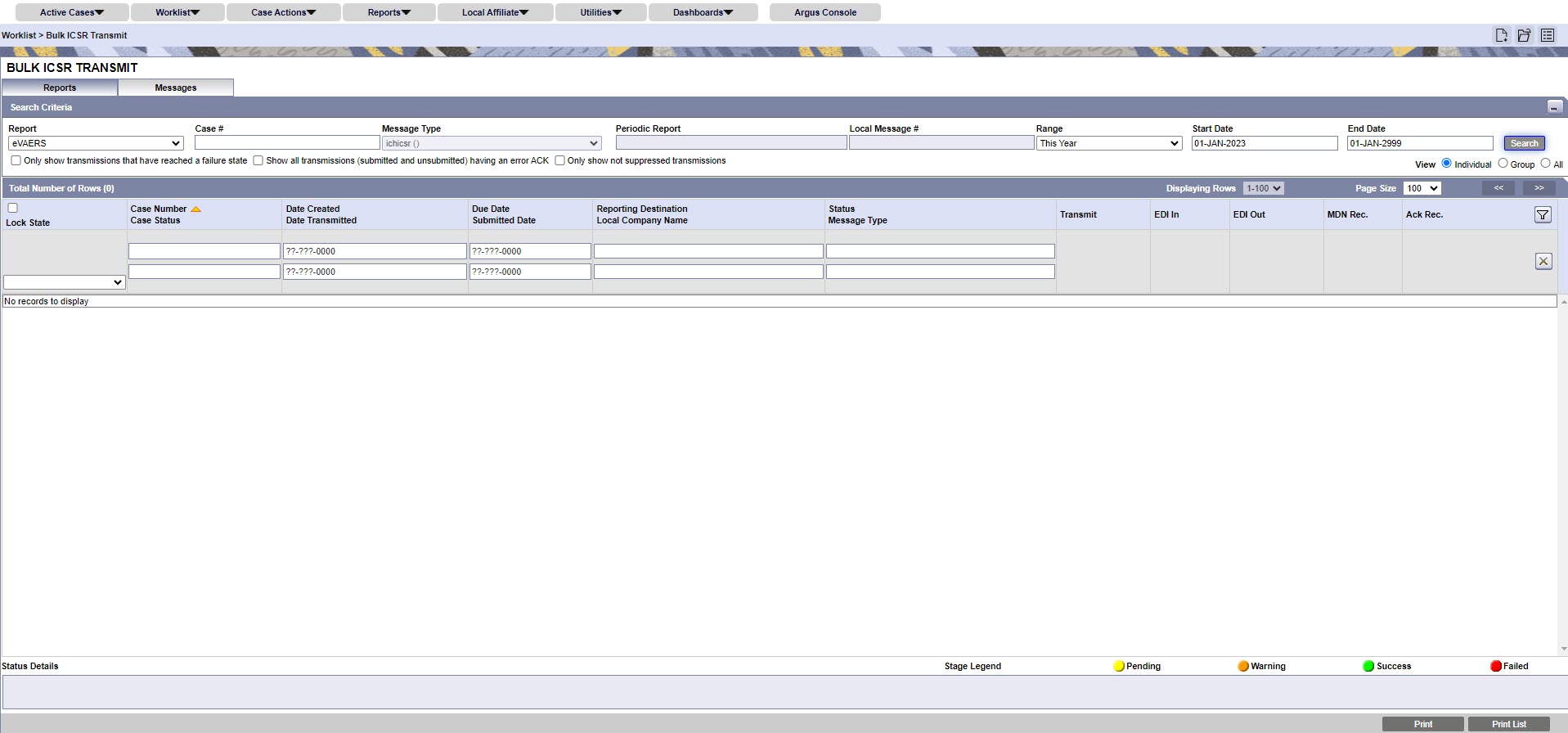
Oracle Argus provides features you can use to monitor the transmission status of E2B, eMDR and eVAERS reports. Use the following procedure to check the status of these reports.

  1. Select Worklist > Bulk ICSR Transmit.
    Bulk ICSR Transmit screen
  2. Select a report from the Report drop-down list. The available options are:
    • E2B
    • eVAERS
    • eMDR
    • PMDA Device
  3. Click the Reports tab to view the transmission status of E2B reports.
  4. Click the Message tab to view the transmission status of individual E2B messages.