Study library
Study Library enhancements automate discontinuation for items shared to inactive sites and improve document selection lists so you can view more options and page content at once.
Discontinue share to inactive sites
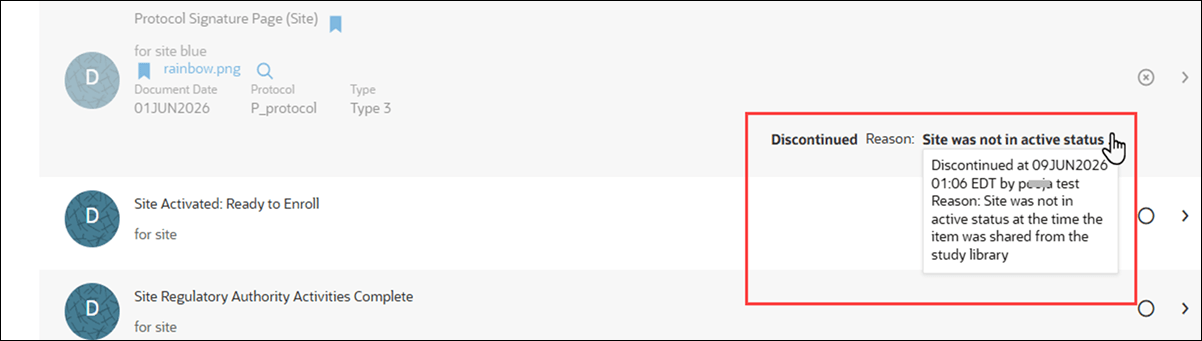
In this release, we added a new account-level setting, "Enable automatically discontinuing shared study library items for inactive sites." When enabled for the account, Oracle Site Activate automatically discontinues items shared to sites in a Dropped, Closed, or On hold status. The Discontinue Reason value is: "Site was not in active status..." Where displayed, hover over the reason to view the full text in the user interface.
If the site later becomes active, you can choose which items are relevant and reinstate them. When the setting is disabled, Study library items continue to be shared without automatic discontinuation.
Epic: CHK-51233
Add a document lists have reduced spacing
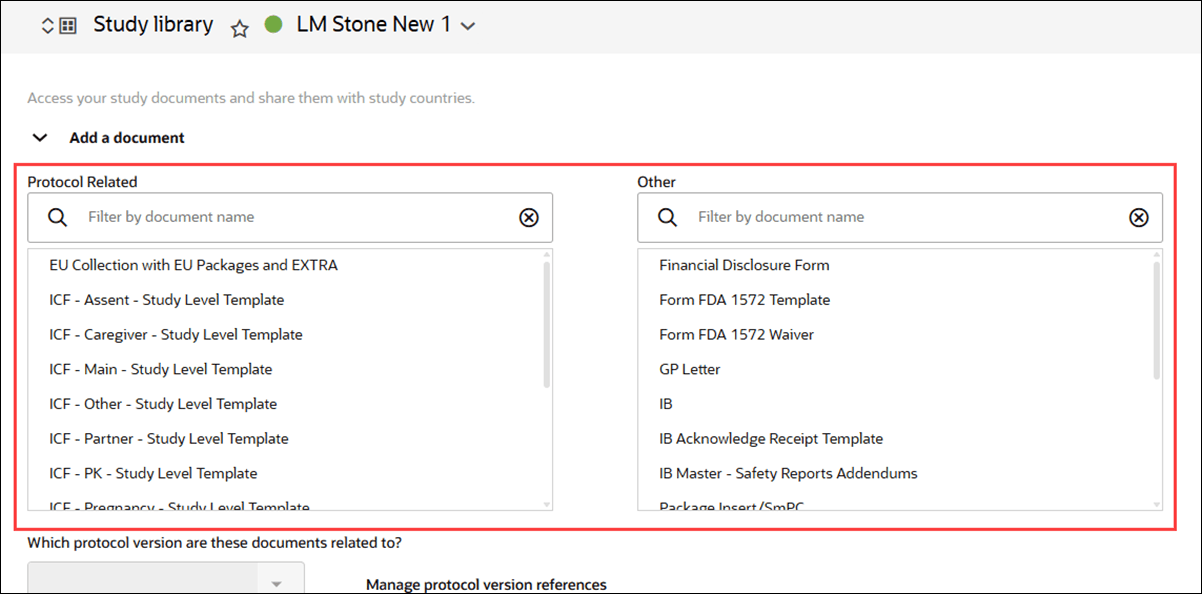
Previously, the Protocol Related and Other document selection lists in the Add a document section used extra vertical space, so you had to scroll to view more options. Reduced spacing between items and shorter selection boxes now let you see more options and page content at once.
Epic: CHK-51233
Add Group button
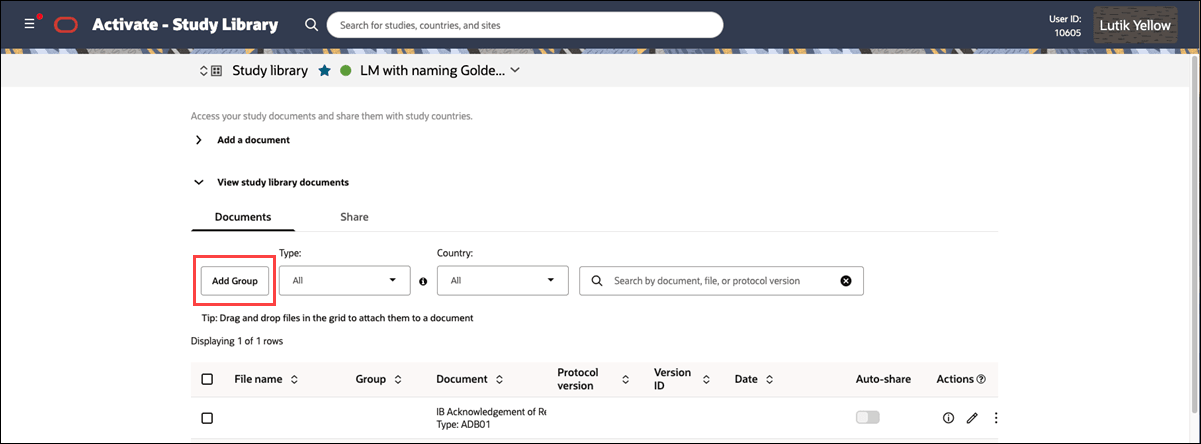
To make groups easier to manage in Study Library, the Add Group button is again available on the Documents tab when Groups are enabled for your organization’s account, Other is configured, and no account- or study-level groups exist.
The Add Group button appears to the left of the Type filter, giving you a more direct way to create a group while viewing the document list. You can also add groups from a document’s action menu or through Manage documents after selecting items in bulk, if preferred.
We also made a minor labeling change in this release for the Groups filter. The section previously labeled Configured Groups is now renamed to Account Groups, and the Other Groups section is now Study Groups.