Remove Location access
You must be a Payment Administrator to remove access to a location.
- Go to User Management click the home icon
 in the bottom right.
 - Click edit
 next to the user you want to assign to a location or sub-location.
 - A panel opens with three tabs:
- Locations
- Groups
- Business Access
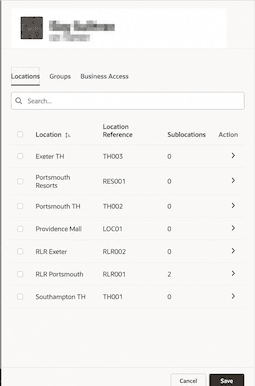
- You will see a list of all locations.
- Deselect the checkbox next to the locations the users needs access to and Save.
Parent topic: Assign Location Access