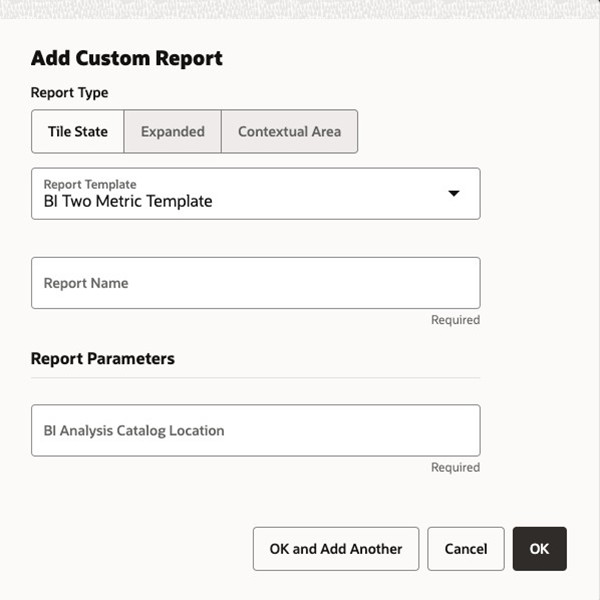
Configuring BI Templates
Tile state reports created from BI templates render the tile state layout with data coming from one or more Retail Insights (RI) analyses.
Note:
Retail Home must be installed with RI Integration enabled for this functionality to work properly.See Appendix: Report Data Requirements for details about required analyses for each of the supported BI templates.
Note:
Users must have permission to use RI to view RI report data in Retail Home. Reports using these templates will fail to load for users without the necessary permissions. Refer to the Oracle Retail Identity Management for OCI IAM Startup Guide for details on RI roles.The following tile state uses the BI Two Metric Template tile state layout:
Figure 6-5 Tile State Example
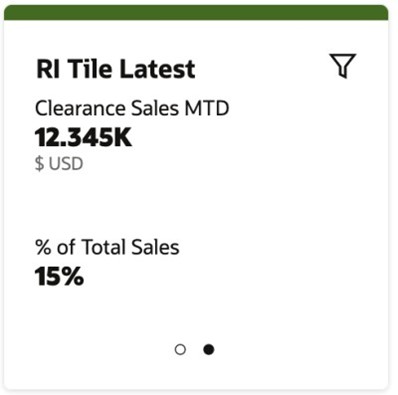
Each metric has a label, value, and optional description. In the above tile state example, the first metric's label is Daily Sales Retail, its value is 5,837K, and its description is USD.
The BI Two Metric Template has the following report parameter configuration: