9 Ask Oracle
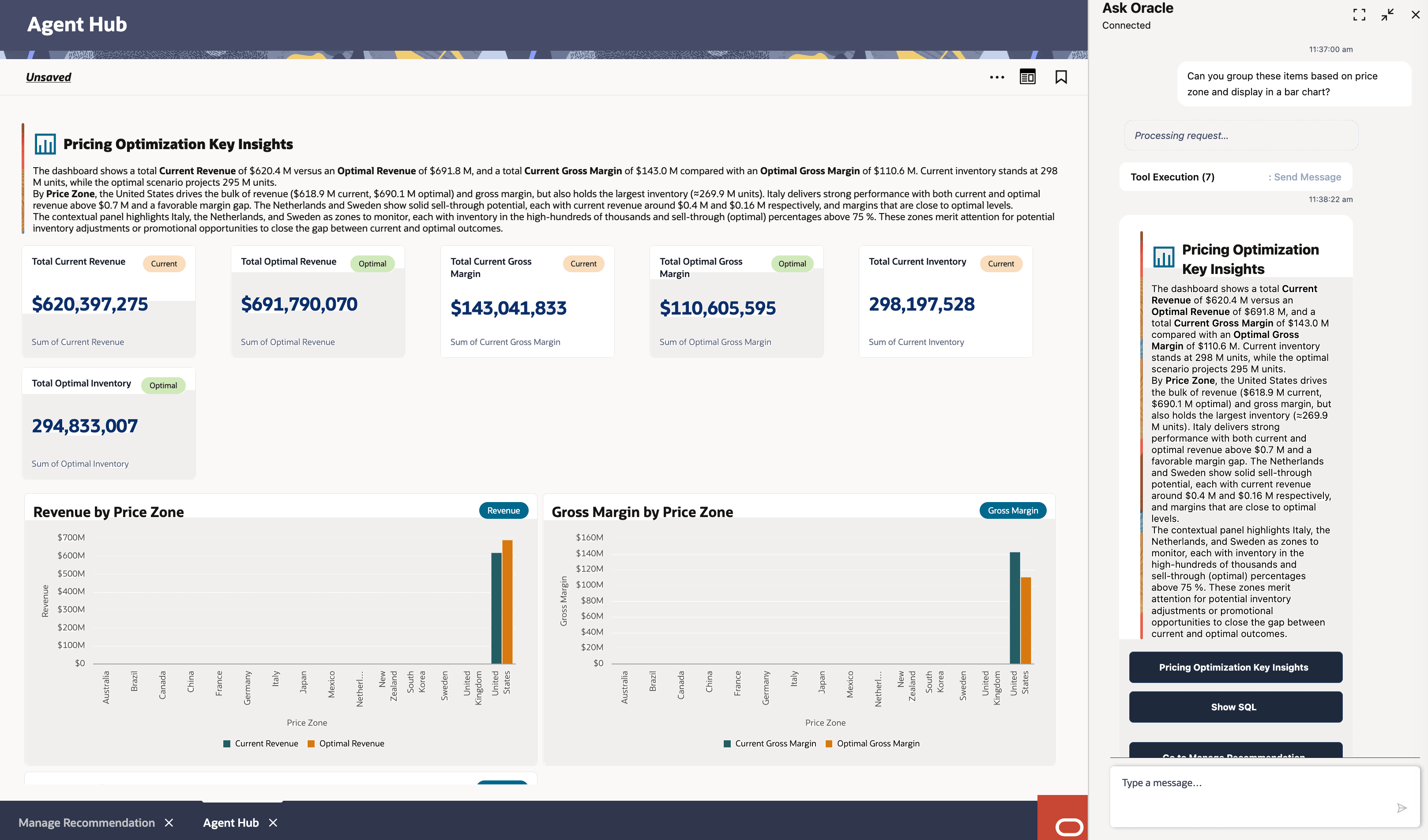
Ask Oracle is a natural-language assistant and intelligent search capability integrated into the Oracle Retail pricing application. It is powered by OCI Generative AI and allows you to interact with Regular Pricing data, analyze recommendations, manage Regular Pricing workflows, answer product questions, and build dashboards by typing questions or instructions in plain English. The surrounding navigation shell is referred to as the Oracle Home Experience, not Ask Oracle.
Important:
Always review responses for accuracy before acting on them. Do not enter sensitive business information, credentials, or personally identifiable information in the chat.Accessing Ask Oracle
You can access Ask Oracle from the configured Ask Oracle entry point in the application by hovering over the Oracle 'O' tag and clicking the Ask Oracle icon.
Figure 9-1 Ask Oracle Icon

Figure 9-2 Ask Oracle Chat Window

When the assistant initializes, it displays a capabilities overview. Type "Help LPO Agent" at any time to bring back this overview. If you share your role, such as pricing analyst or pricing manager, and the decision you are working on, the assistant will tailor its guidance to your workflow.
How the Agent Framework Works
Ask Oracle operates through specialized sub-agents. When you type a request, the framework automatically determines which agent, or combination of agents, is best suited to respond.
Table 9-1 Ask Oracle Agents
| Agent | Best For | Output Format |
|---|---|---|
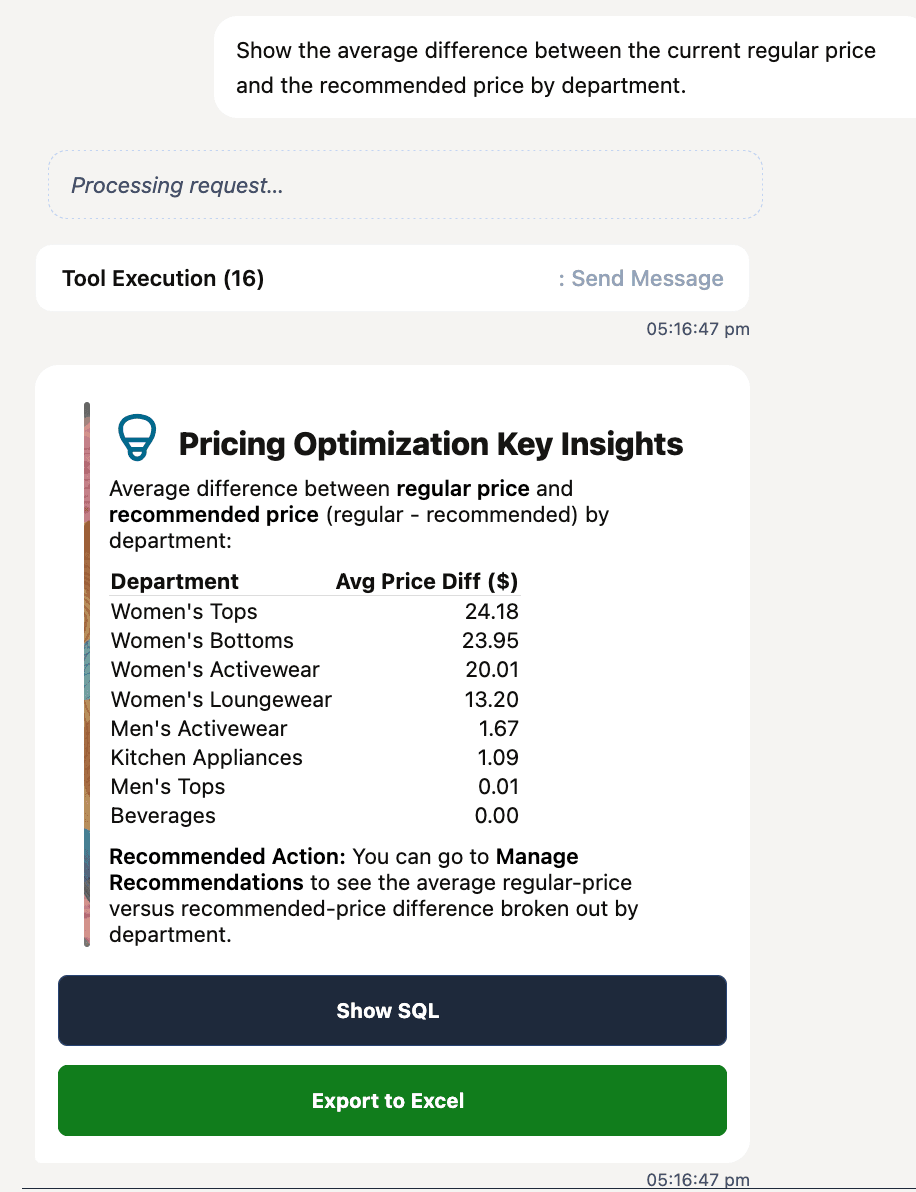
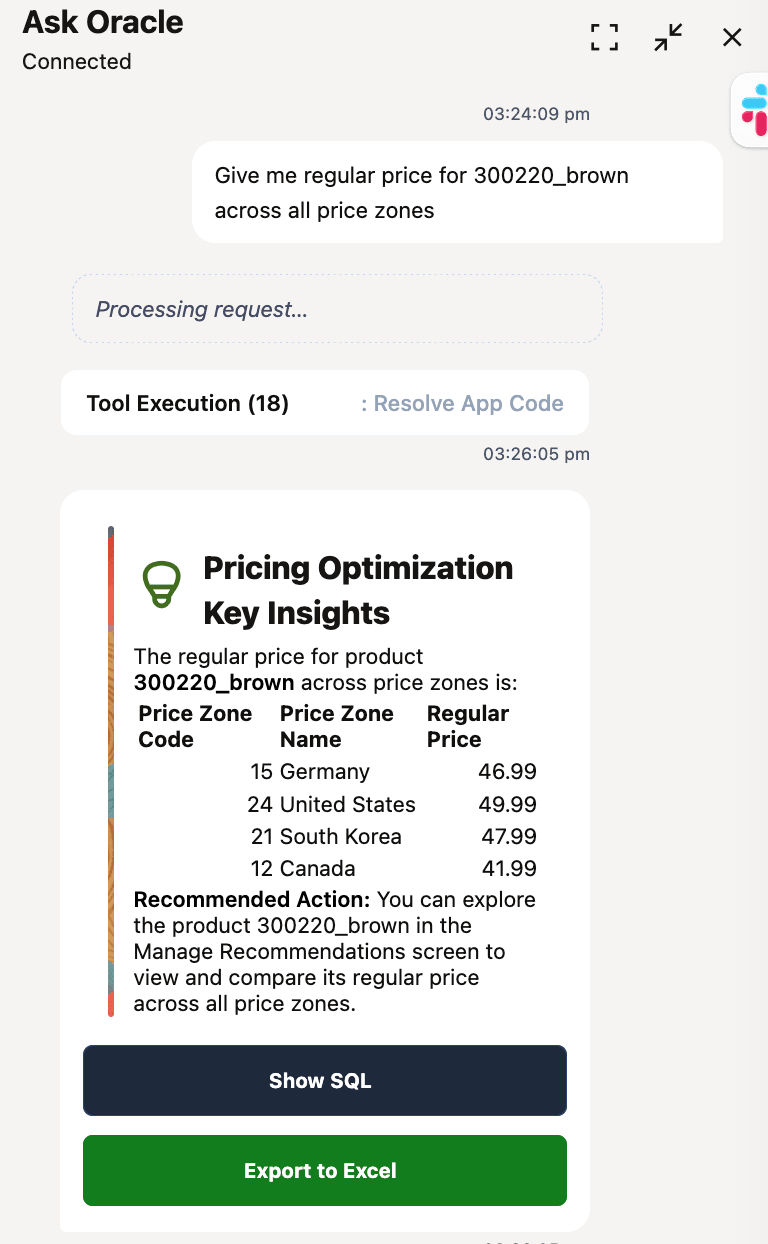
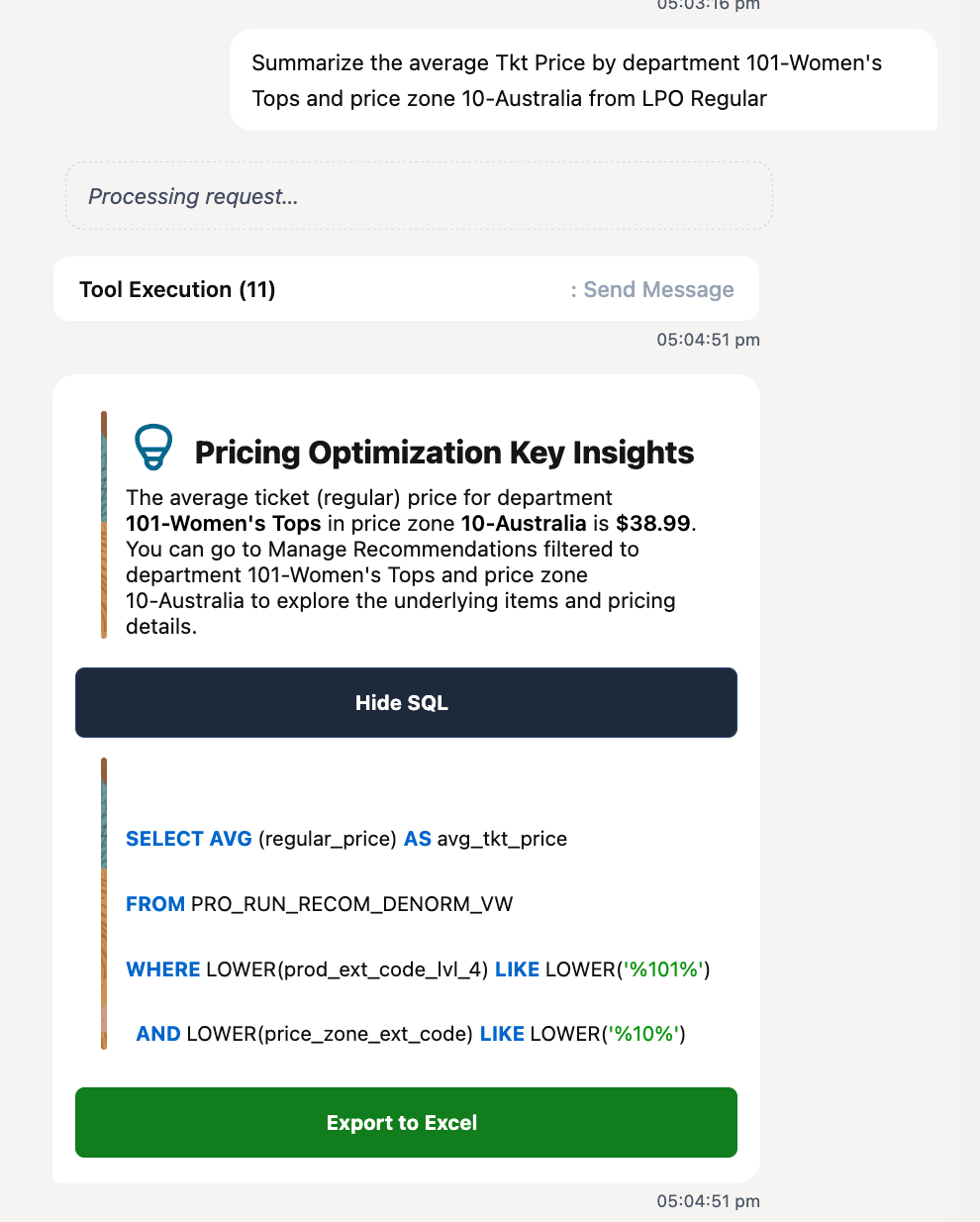
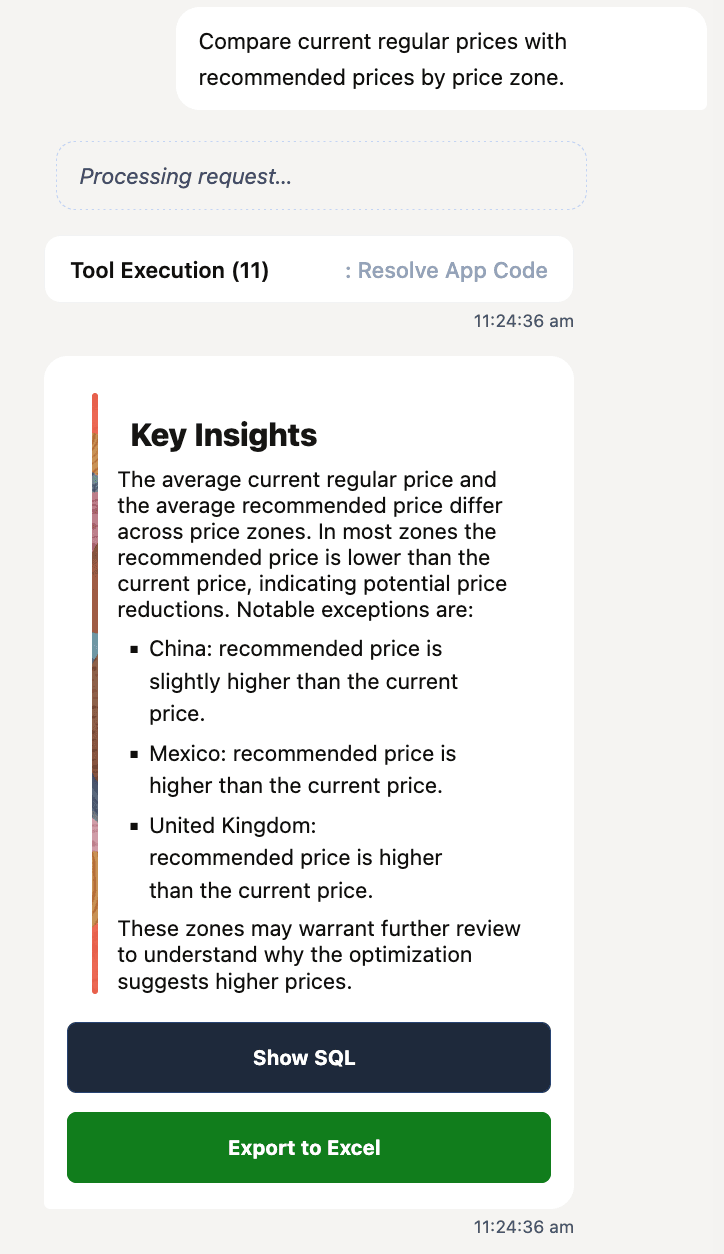
| Analytics Agent | Analyzing and summarizing pricing data on demand. | Charts, tables, or plain-text summaries generated from live data. |
| Workflow Agent | Acting on recommendations and navigating to specific screens. | Screen navigation, guided actions, and confirmation prompts. |
| Dashboard Agent | Building and saving dashboards that visualize Regular Pricing recommendations, rule compliance, and pricing trends. | Full-tab interactive dashboards with filterable charts. |
Note:
Each agent understands Regular Pricing terminology. Use hierarchy names precisely - department, class, subclass, style, item, price zone - and use exact rule codes, such as RPO_COMP_MATCH_LOWER_PCT, when asking about specific rule behavior.