Table View Toggle
In some tables you have the option to choose a view such as a card view, table view or list view. This is a way to toggle the display of the same information to align with your preferred viewing experience. The view toggle, if available on the table, will display on the right side of the table toolbar. The currently displayed view will be highlighted in blue.
Figure 2-4 Table View Toggle Button
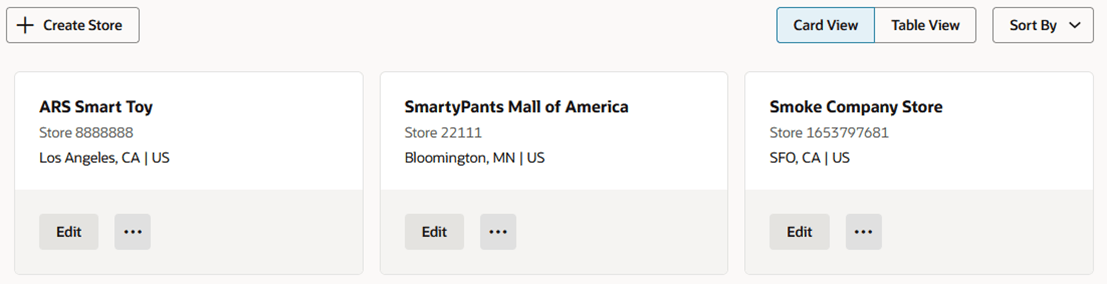
Figure 2-5 Table Displayed in the Card View