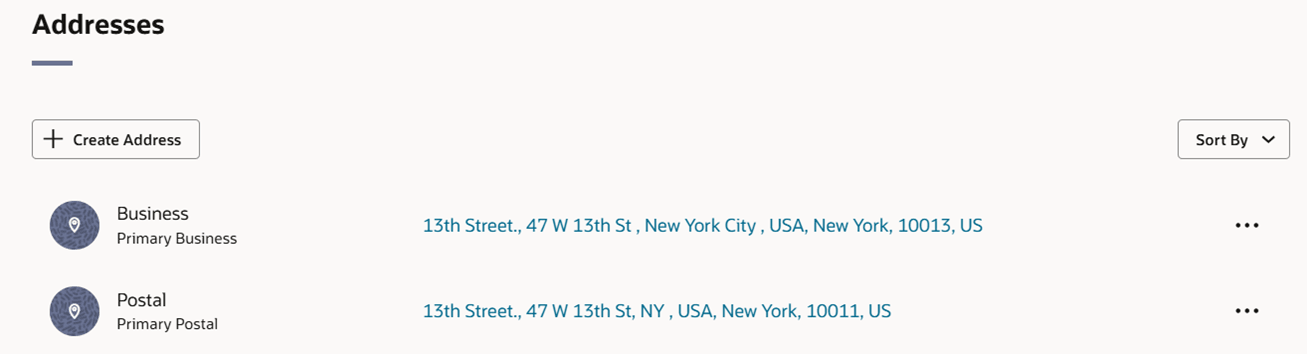
Manage Location Addresses
The Addresses page allows you to create, copy, edit, delete, or translate addresses and contact information for either stores, warehouses, suppliers, or partners. You can set up multiple types of addresses, and you can set up multiple addresses per address type. Each location, supplier, or partner that is created requires that at least one address is entered for all mandatory address types. Once you have entered a mandatory address, you cannot delete, but you can edit the mandatory address as needed.
To support global address formats, certain address fields can be configured according to each country's requirements. Using the country level address configuration, the city, the state, and the postal code fields may be omitted, renamed, or arranged in a different order. For example, some countries use "postal code," whereas other countries refers to this attribute as a "PIN code." Likewise, the state may be referred to as "county" or "province" in various regions.
Additionally, you can define up to two phone types and associated numbers for addresses to support custom phone types as applicable. The valid values for phone number types can be selected from a dropdown that is maintained under the code type PHTP. To modify the valid categories, you can update the descriptions or add new values by accessing the Codes and Descriptions foundation data loading template.
Figure 3-37 Addresses List