Adding Hours to a Store
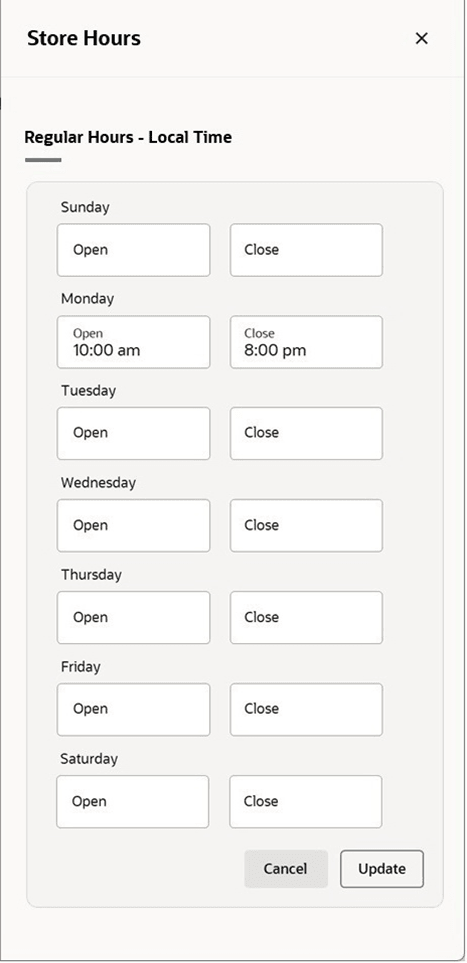
The Store Hours drawer allows you to view, capture and manage regular store hours of operation.
- In the Store page, click the Store Hours button under the Store Section. A the Store Hours drawer appears.
- Click the Add Store Hours button to add store hours.
- For a store with existing store hours, click the Edit button to modify the store hours.
- Enter the time at which the selected store opens and closes for each day. Times should be entered in the HH:MM AM/PM format. For example, 9:00 AM. If no time is entered for a day, the store is assumed to be closed.
- Click Update to save the updated store hours and return to the Store page.
Figure 3-35 Store Hours Drawer
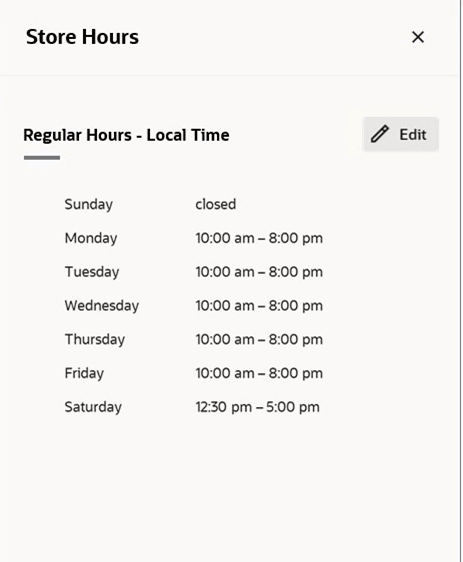
Figure 3-36 Edit Store Hours Drawer