Stores and Warehouses Search
The Stores and Warehouses page provides advanced searching capabilities to find a store or warehouse location. Warehouse location definitions can be viewed and maintained through the Organizational Hierarchy (Classic View). See the Manage Warehouses section for more information. Store location definitions can be maintained in the Locations Destination as well as the Organizational Hierarchy (Classic View).
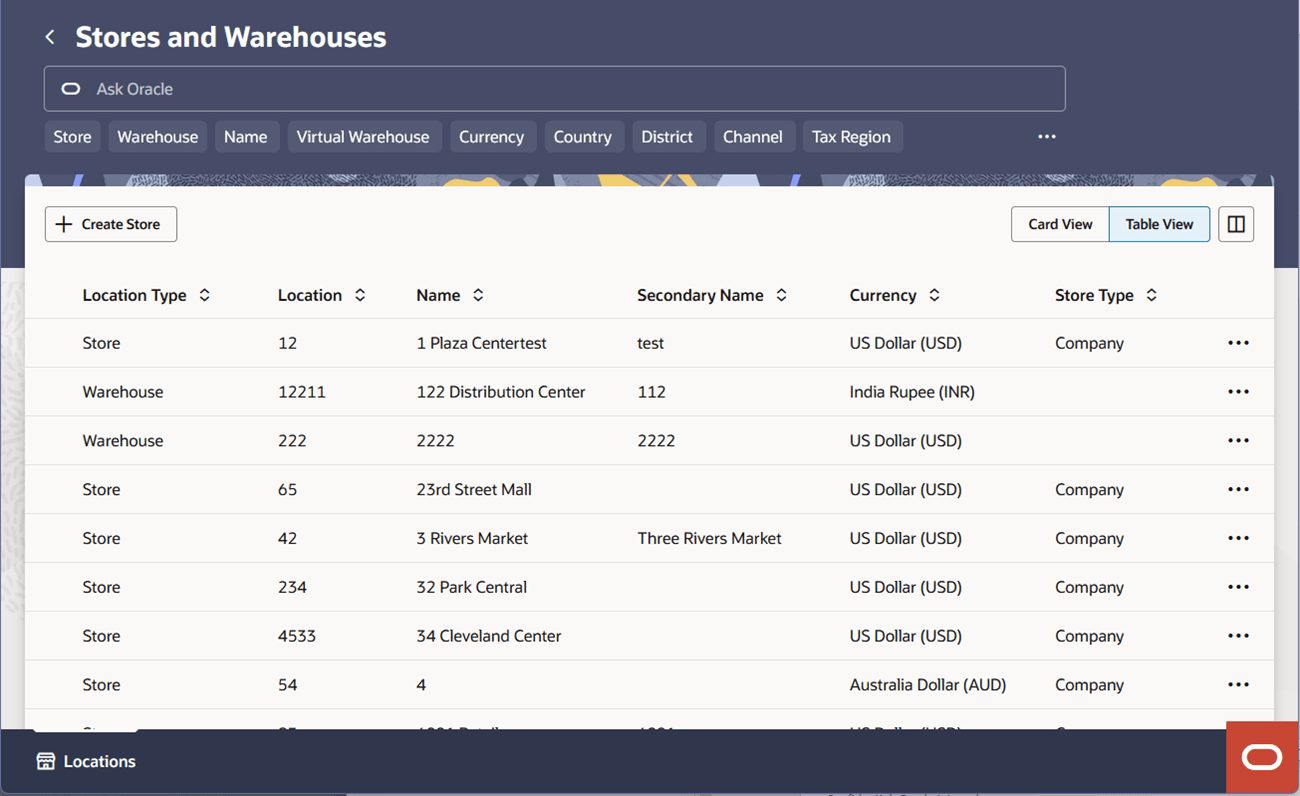
The Stores and Warehouses search page offers two choices of display for the list of stores and warehouses, a Card View and a Table View. The Card View provides a visual card display for each store or warehouse. While the Table View offers a traditional table display with locations listed in rows, with column customization and sorting capabilities. Both views support the same actions for each store locations, Edit, View, and Translate, along with a Create Store button at the top of the screen for quick access.
On the Locations Destination Landing page, click the Stores and Warehouses card, or, from the Home Experience, click Stores and Warehouses from the Product Map or Suggestions view. The Stores and Warehouses search page appears.
The main functionalities include smart search, intuitive filter chips, card and table views, and features for sorting and configuring the results display.
The Ask Oracle search bar is located at the top of the screen, along with a set of filter chips. Commonly used filters are visible, while additional filters are available from the overflow menu.
The list of stores and warehouses will be displayed in the main content section. There are Create Store and Create Warehouse actions giving quick access to create a store and warehouse. The details under this section can be displayed as Card view or Table view format.
Use the in-flow Back button or the Locations Destination tab to return to the Locations landing page.
Figure 3-17 Stores and Warehouses – Card View
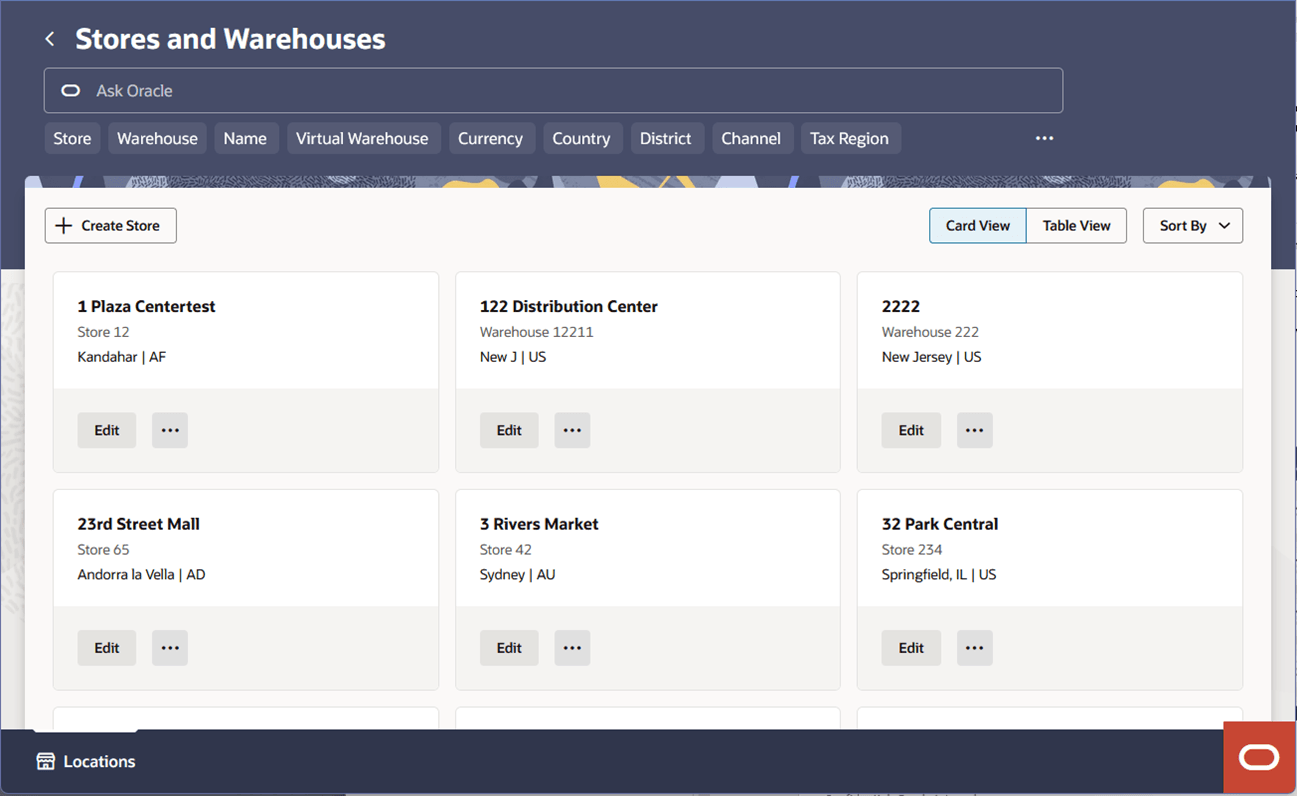
Figure 3-18 Stores and Warehouses – Table View