Adding New/Custom Activity Types
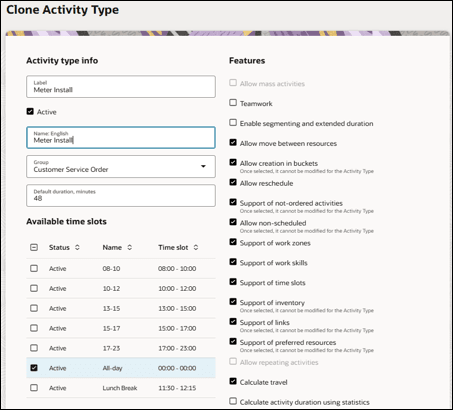
Oracle Fusion Field Service allows users to create/update or clone the activity types:
Creating an Activity Type
To create an activity type:
1. Navigate to Configuration > Resources, Activities, Inventories > Activity Types.
2. Click Add Activity Type.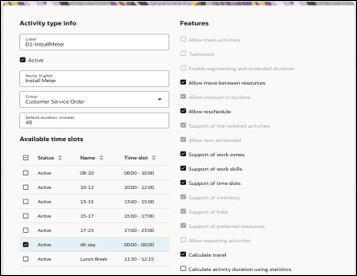
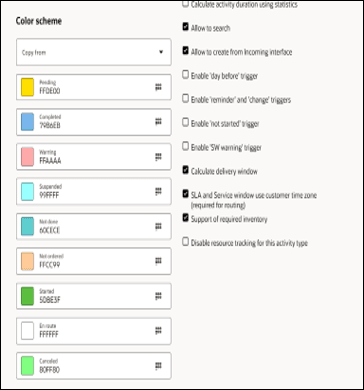
3. Enter the label and name for the activity type in the respective Label and Name fields. Select Group from the dropdown.
4. Select Activate to activate the activity type.
5. Select the necessary features. Click Add.
Cloning an Activity Type
To clone an activity type:
1. Navigate to Configuration > Resources, Activities, Inventories > Activity Types.
2. In the list of activity types, click the Clone icon for the activity type to be cloned. 
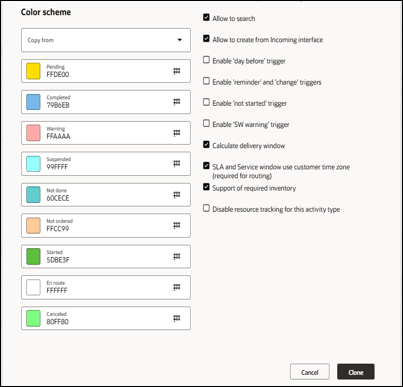
After the clone is complete, all features of the existing activity are applied to the new activity type.
After the clone is complete, all features of the existing activity are applied to the new activity type.
3. Enter a new activity label and name. Click Clone.