Energy Use Benchmark
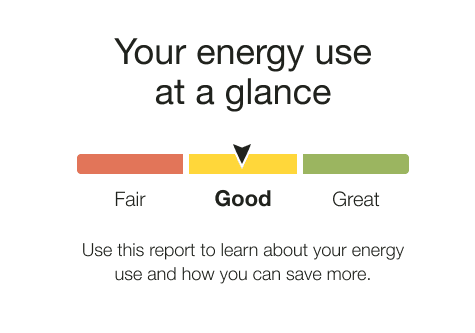
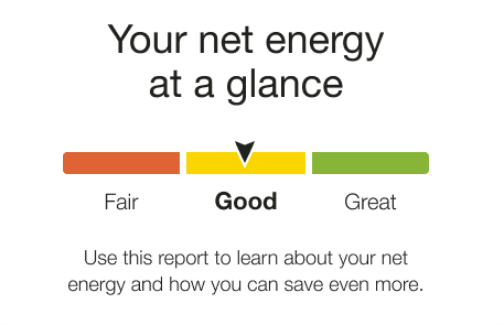
The Energy Use Benchmark module provides a dynamic and personalized, at-a-glance interpretation of the customer’s energy use. Energy use is categorized into one of the three sections or statuses: Fair, Good, and Great. The customer's status is determined by their performance relative to their Efficiency Zone or Neighbor Comparison modules.
Appears in: Progress Report, Limited Income Report, Time of Use Report, Solar Report
Energy Use Benchmark Examples
Energy Use Benchmark
The image below is an example of the Energy Use Benchmark module design for the Progress Report, Limited Income Report, and Time of Use Report
Configuration Options
For each element listed in the table, indicate the desired configuration in the Input Value column. If you do not provide an input for optional configurations, the default will be used.
| Configuration Option | Input Value |
|---|---|
|
Benchmark Header The heading notifies the customer that the benchmark gives them an at-a-glance view of their energy use. It also includes the customer's fuel type.
|
Optional Contact Your Delivery Team about configuring the benchmark header. |
|
Color Labels The benchmark has three potential states, and each corresponds to a color. The labels (Fair, Good, and Great) are configurable. However, the default labels and colors have been rigorously tested to maximize user comprehension and are strongly recommended. Progress Report, Limited Income Report, and Time of Use Report Default:
Solar Report Default:
|
Optional Choose one of the following:
|
|
Benchmark Copy The copy below the gauge tells the customer how they can leverage the report or recognizes a change in state. Default:
|
Optional Choose one of the following:
|
User Experience Variations
The user experience of the feature may vary for customers and utilities depending on their service types (gas, electricity, dual fuel, and so on), available data, costs, locale, and other factors. For more information, see the Energy Use Benchmark description in the Oracle Utilities Opower Energy Efficiency Cloud Service Product Overview and go to the User Experience Variations section.