Introduction Examples
This section describes the user experience for each report type.
Promotion Introduction
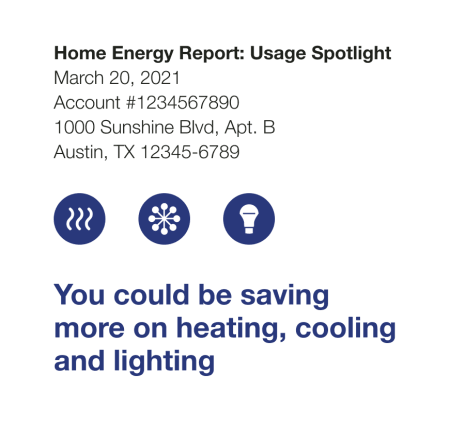
The Promotion Introduction module appears at the top of the Promotion Reportwithin the report Header. It provides the customer with a preview of three energy use categories where they could save money. The image below is an example of the Promotion Introduction module.
Announcement Introduction
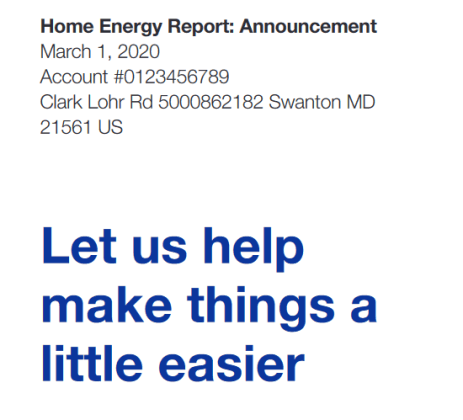
The Announcement Introduction module appears at the top of the Welcome and Announcement Reportwithin the Header module. The goal of this module is to identify the report type as part of the customer's Home Energy Report experience and prepare the customer for what they will see in the report. The image below is an example of a custom module design for an Announcement Report.
Welcome Introduction
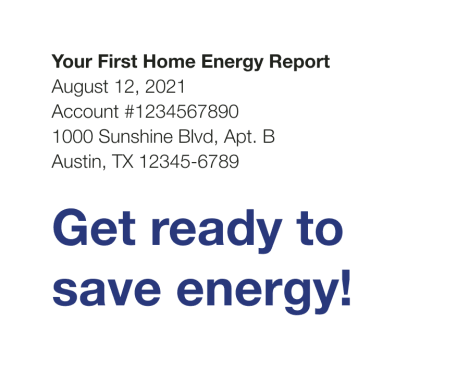
The Welcome Introduction module appears in the welcome version of the Welcome and Announcement Report, and the Limited Income Welcome Report. The image below is an example of the Welcome Introduction module.
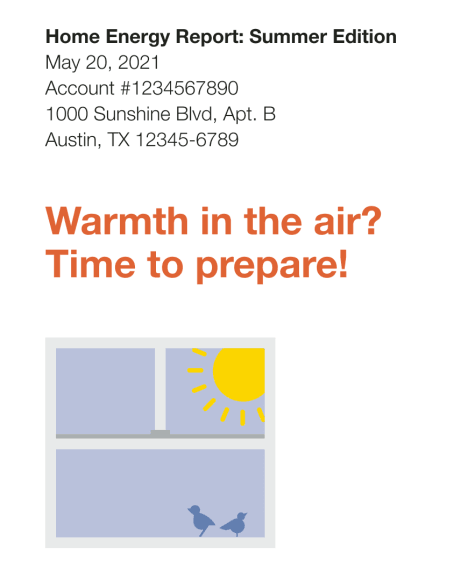
Seasonal Report Introduction
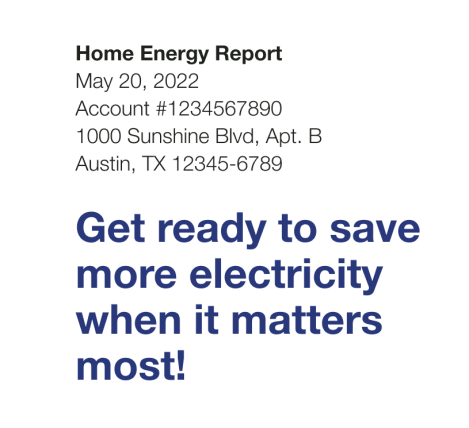
The Seasonal Introduction appears in the Seasonal Report, and provides customers with a preview of their seasonal focus. The image below is an example of the Summer Seasonal Introduction module.
Time of Use Introduction
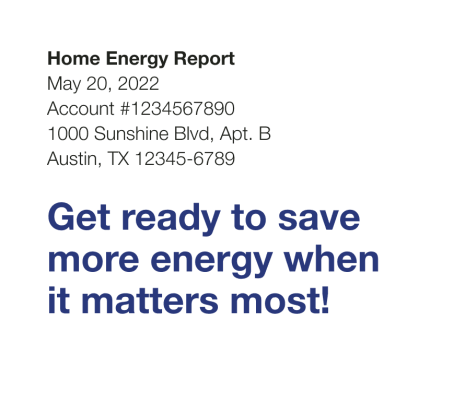
The Time of Use Introduction module appears within the header at the top of the Time of Use Welcome Report. The image below is an example of the Time of Use Introduction module.
Solar Introduction
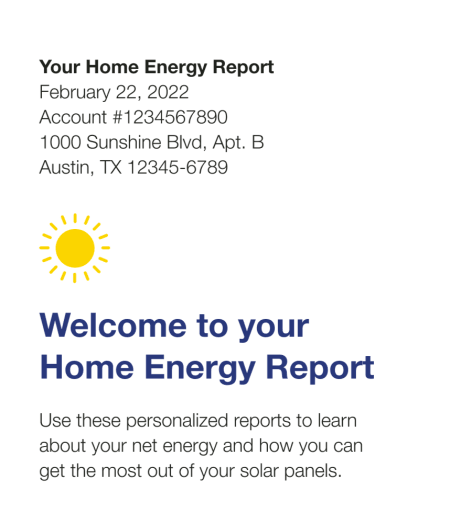
The Solar Introduction module appears in the Solar Welcome Report. This image is an example of the module's design for a Solar Welcome Report.
Electric Vehicle Introduction
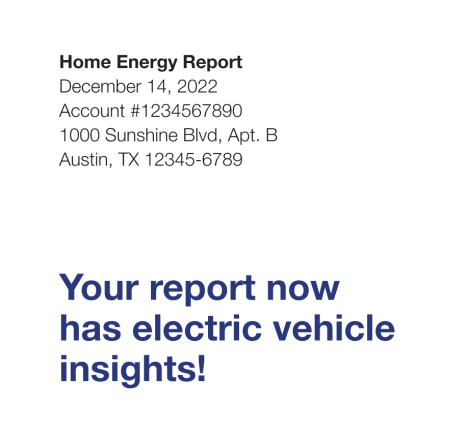
The Electric Vehicle Introduction module appears in the header of the . This image is an example of the module in an Electric Vehicle Progress Report for a legacy customer.
Peak Focused Introduction
The Peak Focused Introduction module appears in the header of the Peak Focused Welcome Report. This image is an example of the module in a Peak Focused Welcome Report for a legacy customer.