Welcome Quadrant
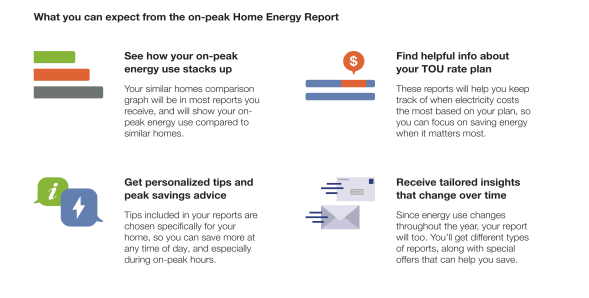
The Welcome Quadrant module can be included on the front or back of the report, and includes standardized copy designed to educate new and legacy customers on the key features and benefits of the report. The focus of the quadrant varies by report type.
Appears in: Welcome and Announcement Report, Limited Income Report, Time of Use Report , Solar Report, and Peak Focused Report
Welcome Quadrant Examples
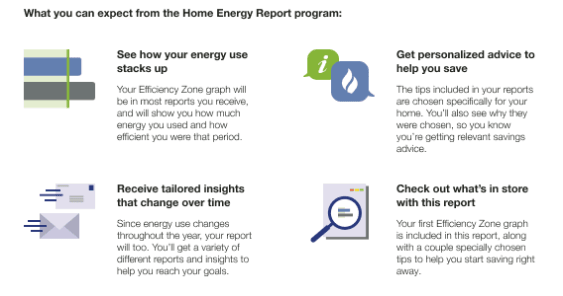
This image is an example of a Quadrant module included in the Welcome and Announcement Report
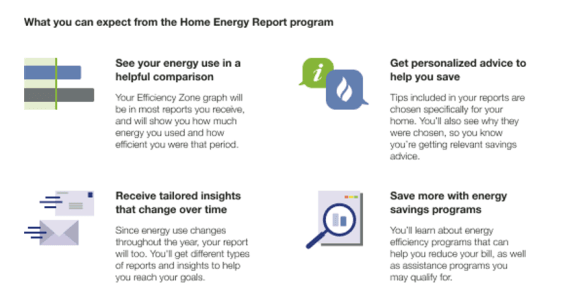
This image is an example of a Quadrant module included in the welcome version of the Limited Income Report.
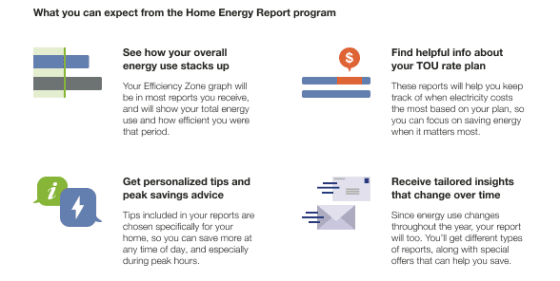
This image is an example of a welcome Quadrant module included in the Time of Use Welcome Report .
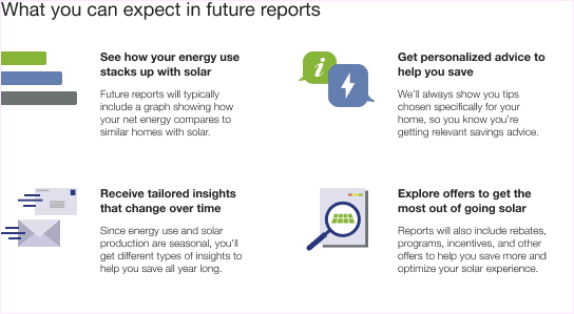
This image is an example of the module included in the Solar Welcome Report.
This image is an example of the module included in the Peak Focused Report.
Configuration Options
For each element listed in the table, indicate the desired configuration in the Input Value column. If you do not provide an input for optional configurations, the default will be used.
| Configuration Option | Input Value |
|---|---|
|
Welcome Quadrant The welcome report variation of the Quadrant module includes standardized copy that educates new customers on the key features and benefits of the report experience. Default: Use standardized welcome quadrant copy. |
Required Choose one of the following:
|
| Images
The module images must support the welcome or utility announcement message. |
Optional
|
|
Module Placement Default: The Quadrant module appears on the front of the report by default. It can be swapped with the normative comparison to appear on the back of the report. |
Optional Choose one of the following:
|
|
Blank Slot Utilities have the option of replacing the Quadrant module with a custom module created by the Client Design team. The custom module must fit the primary feature specifications. Default: Use standardized welcome quadrant copy. |
Optional
|
User Experience Variations
The user experience of the feature may vary for customers and utilities depending on their service types (gas, electricity, dual fuel, and so on), available data, costs, locale, and other factors. For more information, see the Welcome Quadrant description for Home Energy Reports v3 in the Oracle Utilities Opower Energy Efficiency Cloud Service Product Overview and go to the User Experience Variations section.