Personal Threshold Module
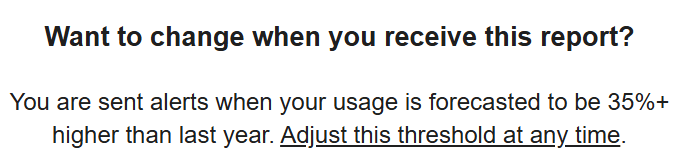
The Personal Threshold module explains the customers current personal threshold and how it impacts receiving High Bill Alerts. Along with this explanation, it enables customers to access and update their threshold.
Configuration Options
For each element listed in the table, indicate the desired configuration in the Input Value column. If you do not provide an input for optional configurations, the default will be used.
| Configuration Options | Input Value |
|---|---|
|
Utility-Wide Default Threshold Value If the utility-wide threshold is turned on, and a customer does not set a personalized threshold, they will only receive reports when their forecast exceeds the default threshold. Default: 30% |
Optional Choose one of these options:
|