User Feedback Module
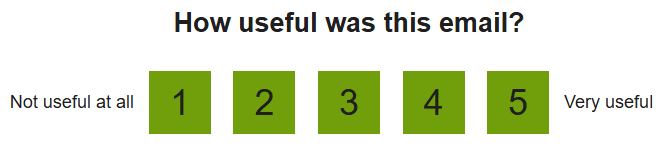
The User Feedback module can be included at the end of the High Bill Alert AMI email to solicit feedback on how useful this email is to customers. Customers can indicate their response on a scale from 1 to 5. After submitting their feedback, customers are directed to a confirmation page and thanked for their input.
Configuration Options
For each element listed in the table, indicate the desired configuration in the Input Value column. If you do not provide an input for optional configurations, the default will be used.
| Configuration Options | Input Value |
|---|---|
|
Question Type The perspective of the question can be set to one of three options, while the default usefulness question type is recommended. The other options include satisfaction, which asks users to rate how satisfied they are with the email, and interest, which asks users to rate how interested they are in viewing their next email. Default: Usefulness, which prompts users to rate how useful the message is. |
Optional Choose one of the following:
|