Annotating Components in a Flow
Annotations can be added for each component step to describe the purpose of each of the steps in an Oracle Utility Testing Accelerator test flow. This helps in understanding the functional aspects of the flow just by looking at the flow tree structure.
To add an annotation right-click a component step in the flow definition. Select Update Component Description and enter the description. The description replaces the default display of the component name in the flow step. The annotation can be removed or updated through the same process. Clearing the component description in the flow removes the annotation and displays the component name.
The following figure shows a flow without and with annotations:
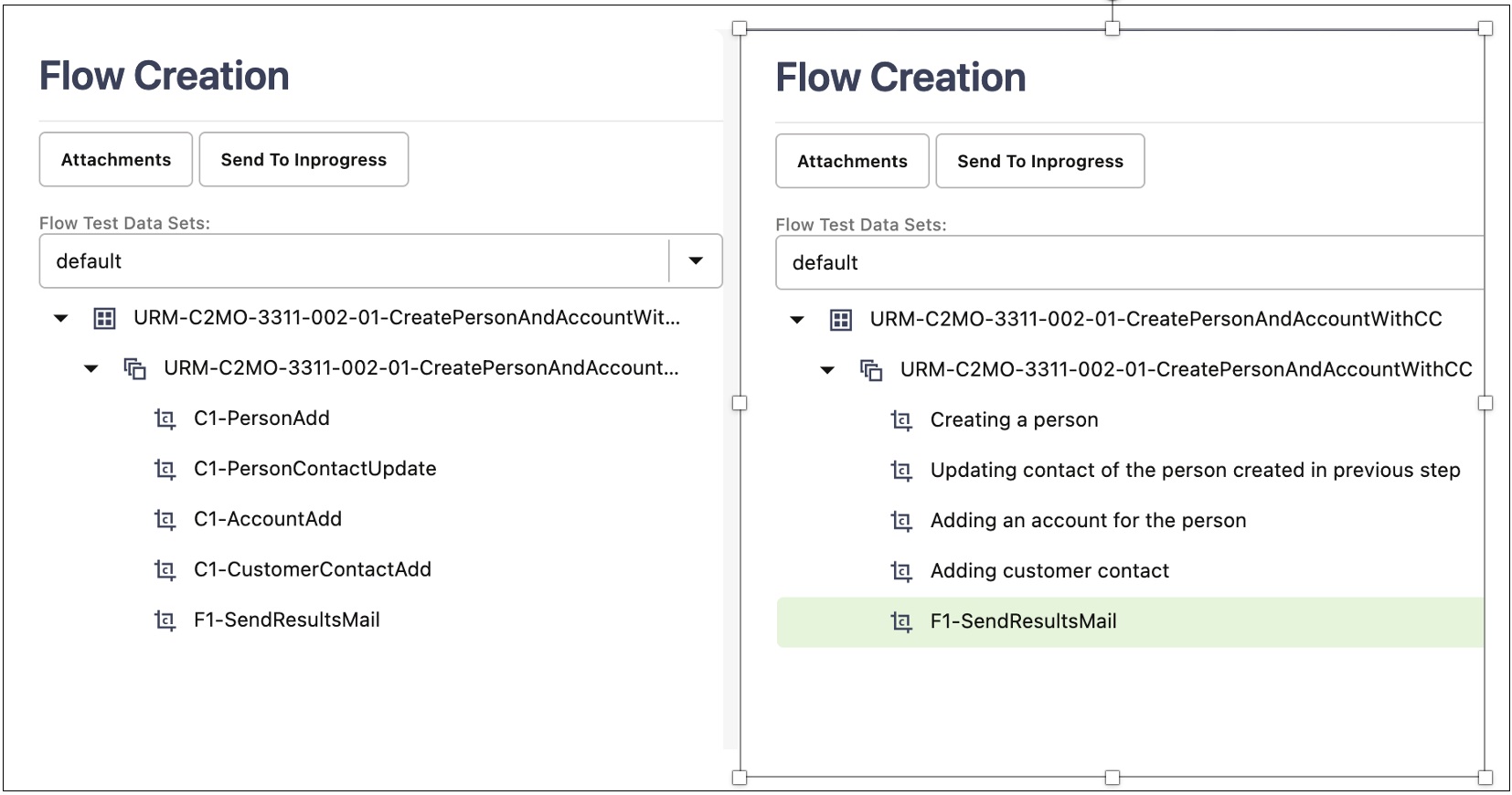
Figure 8-19 Flow Components Before and After Annotation