Creating a Component
To create a web service based component manually:
- Navigate to the component tree where the component has to be created.
- Right-click the feature (release/product/module) in the component tree.
Note:
Create a new feature folder if it is not found in the delivered tree structure.Figure 7-3 Create Component Menu Action
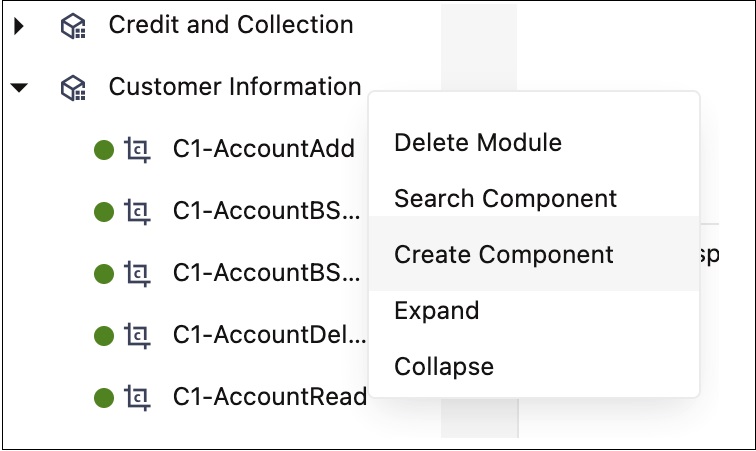
- Select Create Component.
Note:
The component name must be prefixed with ‘CM’ and the Tags field should have a CM tag for every component. The tagging enables porting the custom components to latest Oracle Utilities Testing Accelerator release. - Enter the component name in the Component field.
Note:
For information about extending components, refer to the Copying Components section. - Select Web Service in the ComponentType drop-down list.
- Enter a description in the Description field.
- Click Attach Code to add the metadata. The Component window is displayed.
- Create component definitions.
- Click Save & Unlock to save and create the component.