Entering Test Data for a Generic REST Component
To enter test data for a REST component:
- Navigate to the Flows menu.
- On the left pane, click the Edit icon next to the flow name.
- On the Flow Definition page, right-click the REST component and select Edit Test Data.
Figure 7-11 REST component test data
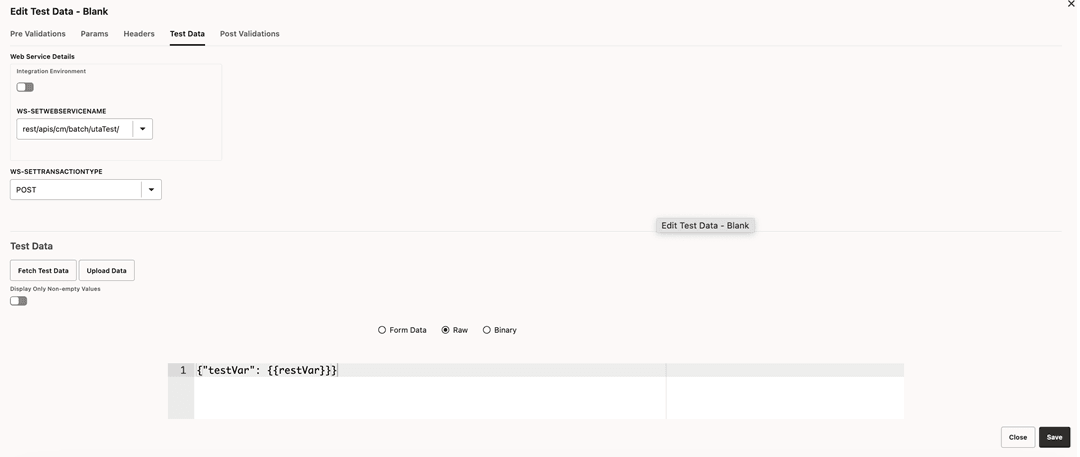
- Add any pre-validation and post-validation functions by specifying the library and function details in the Pre Validations and Post Validations tabs.
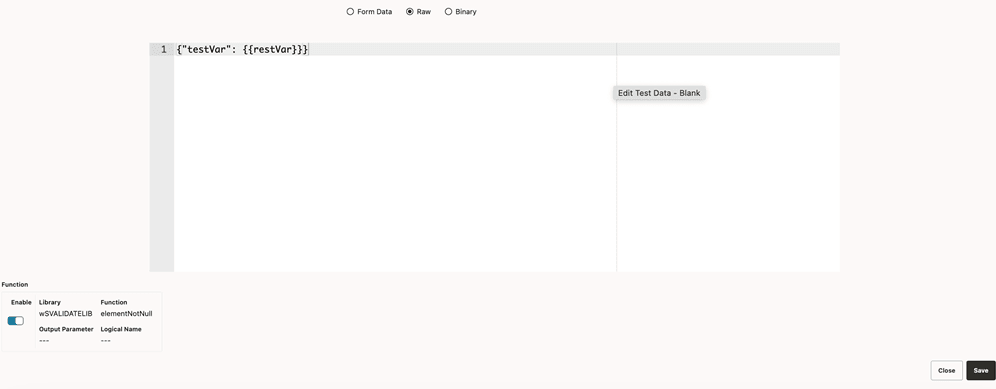
The REST request body can be any of the following:
- Form Data: Key pair values.
- RAW Data: Raw text that would be sent out as body.
- Binary: Attach a file that contains the request that would be sent as request to REST end point.
Figure 7-12 REST request body options