Providing Test Data
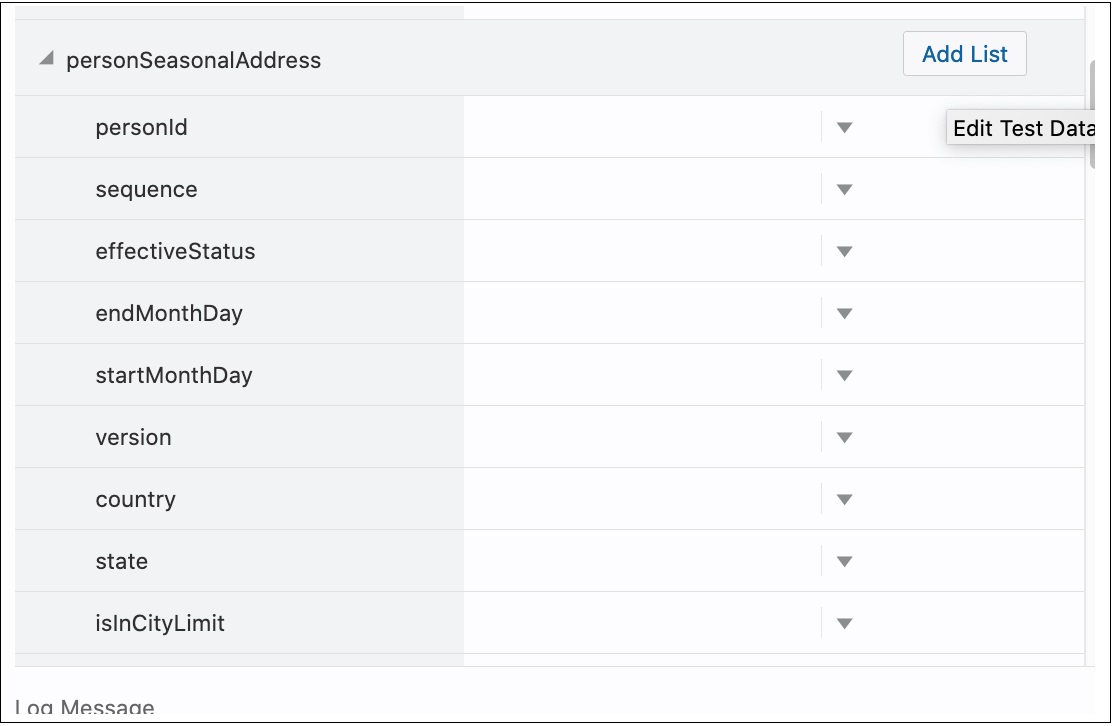
On the Test Data page, each of the list nodes (usageDetails, usagePeriods and serviceQty for example) has an Add List button next to them under the Action column and are expandable. Expand the list node to view the children of that particular node.
Example: Expand usageDetails to view usagePeriods, and expand usagePeriods to view serviceQty, startDateTime, standardStartDateTime, etc.
Initially only one instance exists for all the list nodes. To add more nodes, click Add List next to the desired element under the Action column.
Example: To have two instances of usagePeriods inside usageDetails, click Add List next to usagePeriods. There will be two usagePeriods nodes inside usageDetials, each of which will have the same content.
To view three serviceQty nodes in the first usagePeriods node and four in the second one:
- Expand the first usagePeriods and add three serviceQty nodes.
- Expand the second usagePeriods and add four serviceQty nodes.
Figure 7-7 Adding List Entries to Component Test Data